
Import System
Bulk Import (Multiple Content)
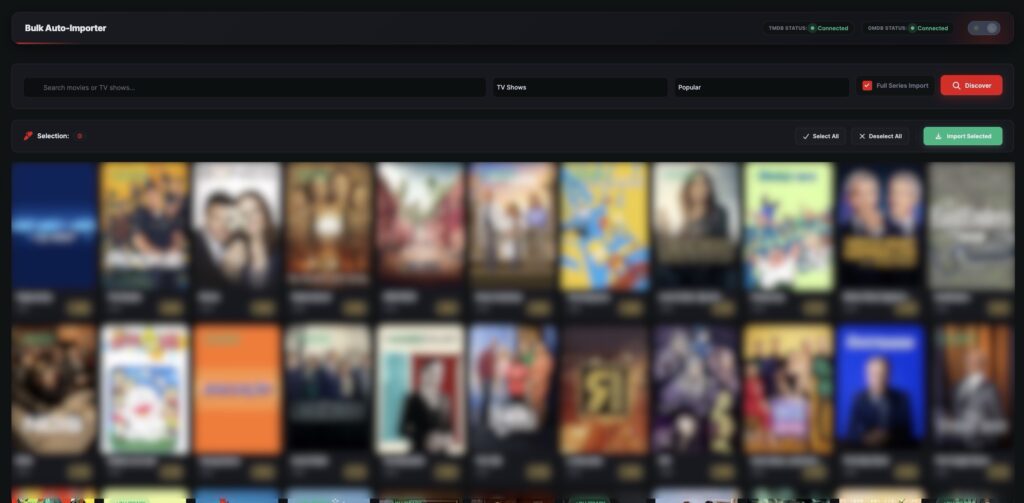
Bulk Import allows you to import multiple movies or TV series at once using TMDb data. This feature is designed to help you quickly build a large content library without adding items one by one.
Before using the import system, make sure you have completed the Requirements & TMDb API Setup
⚙️ How Bulk Import Works
Instead of importing content individually, you can provide multiple titles or TMDb IDs, and the system will automatically create content entries in bulk.
Each imported item will include:
- Title & description
- Poster & backdrop images
- Genres, country, language
- Cast & crew
- Metadata (release date, rating, etc.)
🧩 Steps to Use Bulk Import
- Go to Import System → Bulk Import
- Enter multiple:
- Movie/TV series names OR
- TMDb IDs (recommended for accuracy)
- Start the import process
- The system will automatically create content entries
- Review imported items from the Movies or TV Series list
⚠️ Important Notes
- Bulk import does not include video sources
- You must manually add streaming links after import
- Large imports may take time depending on server performance
- Avoid importing too many items at once on low-resource hosting
🚀 Best Practices
- Use TMDb IDs for accurate results
- Import in smaller batches (10–20 items at a time)
- Review content after import before publishing
- Combine bulk import with manual editing
