
Appearance & Layout
Pagination Settings
Pagination settings control how content is displayed across archive and search pages. It defines how many items are shown and how users navigate through content.
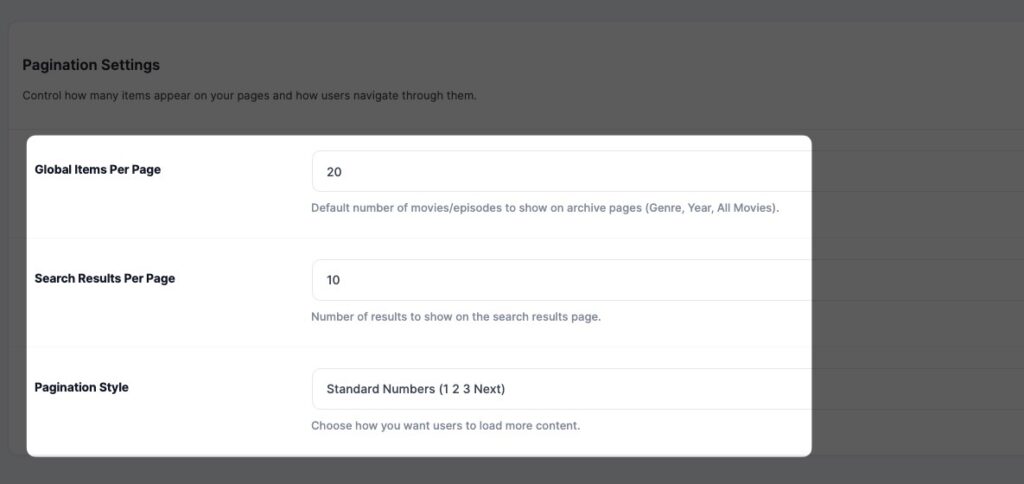
⚙️ Settings
🔢 Global Items Per Page
Number of items displayed on archive pages.
👉 Example:
- 20 items per page
🔍 Search Results Per Page
Number of items displayed on the search results page.
👉 Example:
- 10 results per page
🔄 Pagination Style
Choose how users navigate content:
- Standard Numbers → 1, 2, 3, Next
- (Optional future: Load More / Infinite Scroll)
💡 Best Practice
- Use 10–20 items per page for better performance
- Avoid too many items to prevent slow loading
