
Single Episode Layout
The Single Episode Layout controls how individual TV episode pages are displayed, including layout style, episode navigation, content visibility, and related sections. These settings ensure a smooth binge-watching experience and help users easily navigate between episodes.
🧱 Layout Style
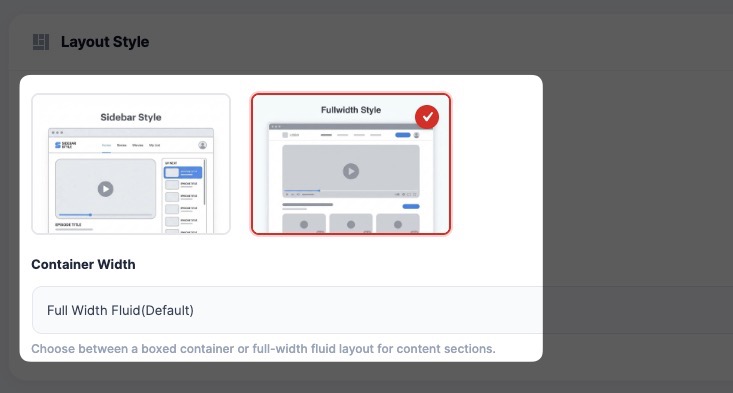
Choose how the episode page is structured:
- Sidebar Style → Player with episode list sidebar
- Fullwidth Style → Clean, distraction-free layout
📦 Container Width
- Full Width (default)
- Boxed layout
Controls how content is displayed across the screen.
👁 Content Visibility
Show Episode Title & Metadata
Displays:
- Episode title
- Season & episode number
- Duration and details
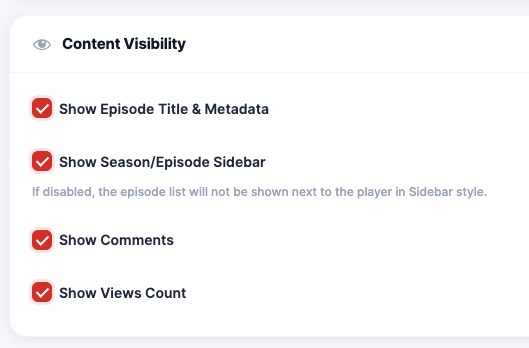
Show Season/Episode Sidebar
Displays episode list beside the player (for quick navigation).
Show Comments
Enable user comments for each episode.
Show Views Count
Displays total views for the episode.
📺 Seasons & Episodes Section
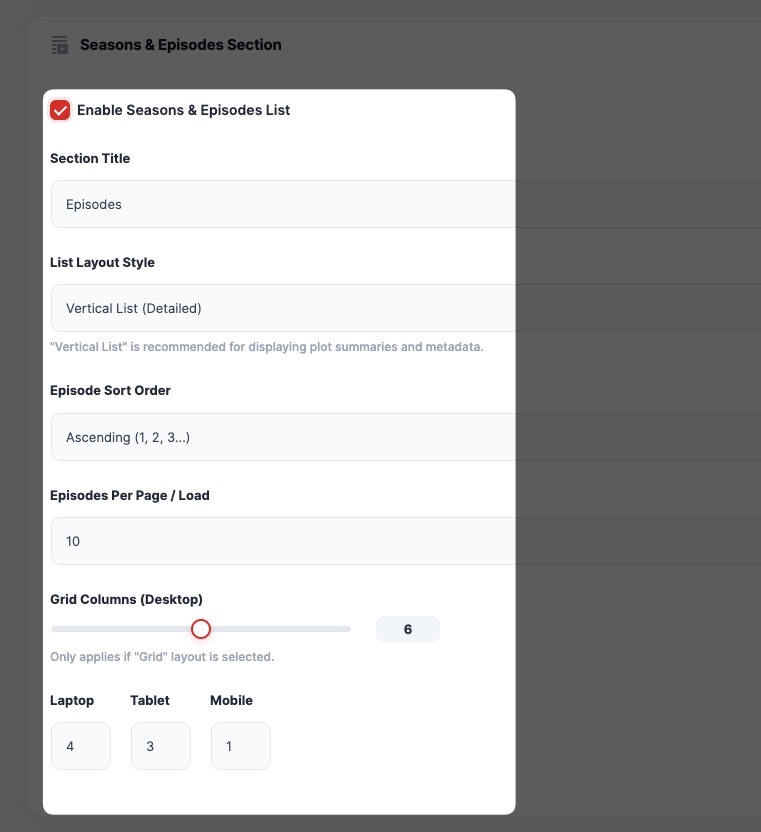
Enable Seasons & Episodes List
Shows a structured list of all episodes.
Section Title
Custom label (e.g., “Episodes”)
List Layout Style
- Vertical List (Detailed) → Shows episode summary + metadata
- (Optional) Grid layout
Episode Sort Order
- Ascending → Episode 1 → Episode N
- Descending → Latest first
Episodes Per Page / Load
Controls how many episodes are shown initially.
Grid Columns (Responsive)
- Desktop
- Laptop
- Tablet
- Mobile
🔥 Trending Episodes Section
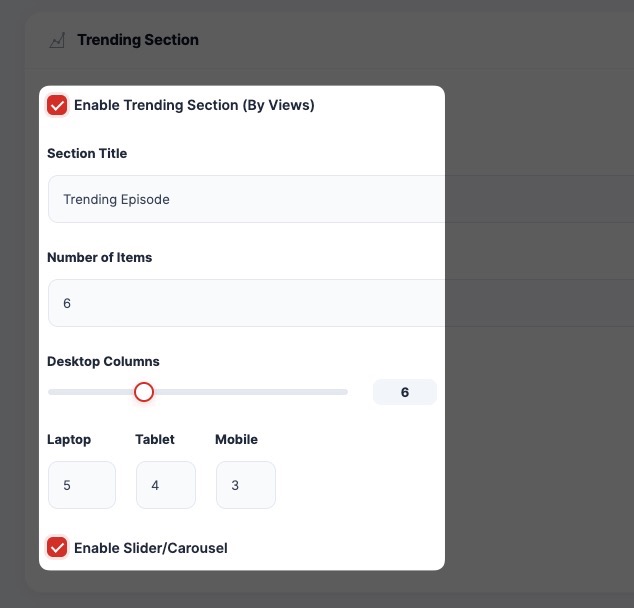
Displays popular episodes based on views.
Options:
- Enable/Disable section
- Custom section title
- Set number of items
- Configure columns
- Enable slider/carousel
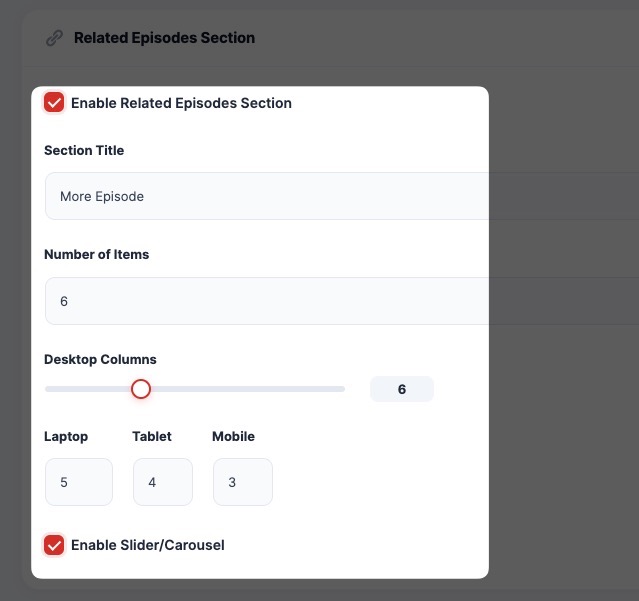
🔗 Related Episodes Section
Displays similar or related episodes.
Options:
- Enable section
- Custom title (e.g., “More Episodes”)
- Number of items
- Responsive columns
- Enable slider
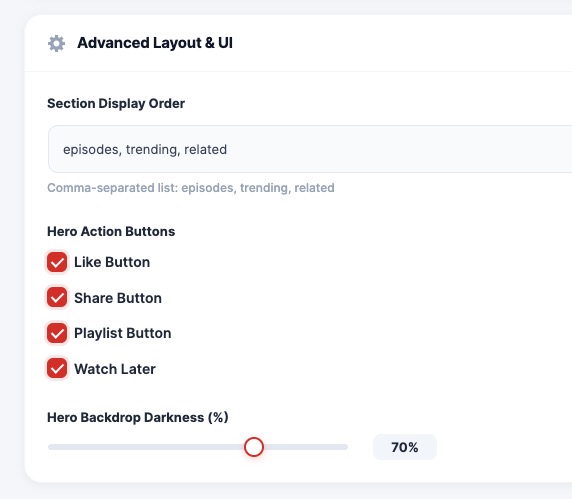
🎛 Advanced Layout & UI
Section Display Order
Define order of sections:
episodes, trending, relatedHero Action Buttons
Enable or disable:
- 👍 Like Button
- 🔗 Share Button
- 📂 Playlist Button
- ⏱ Watch Later
Hero Background Darkness
Adjust overlay darkness for better readability of text over background images.
💡 Best Practice
- Use Sidebar layout for series-heavy platforms
- Keep episodes sorted ascending for better binge experience
- Enable trending & related sections to increase watch time
