
Configuration
Settings Overview (Global Plugin Configuration)
The Settings panel is the central control hub of Movie Engine, where you can configure all core functionality of your OTT platform.
From this panel, you can control:
- Platform behavior
- Content display
- Video player configuration
- Monetization & payments
- User system
- API integrations
👉 All settings apply globally across your website.
🎯 Purpose of Settings
The Settings system allows you to:
- Customize your OTT platform without coding
- Control user experience
- Manage access (free, premium, PPV)
- Configure integrations like TMDb
🧭 Settings Structure
Movie Engine settings are organized into multiple sections for easy management:
🔧 General Settings
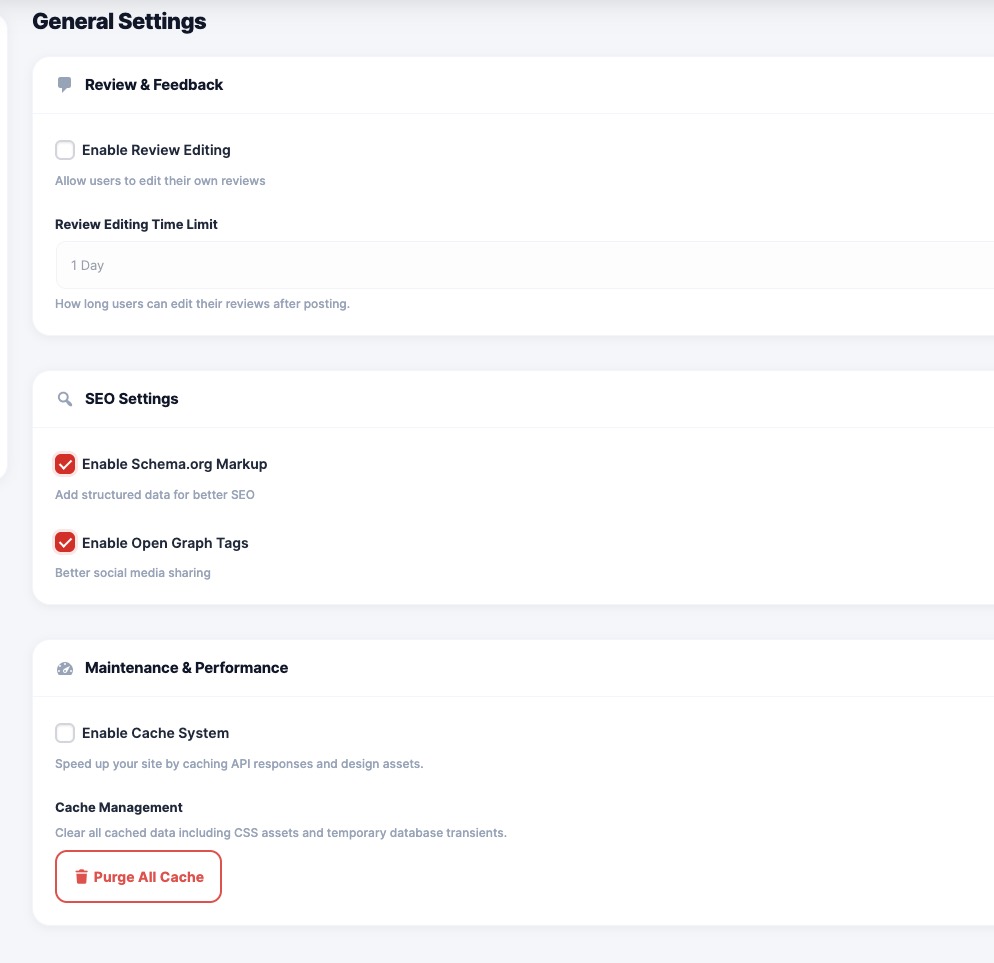
Controls the basic behavior of the plugin.
Includes:
- Default pages (Dashboard, Login, Register)
- URL & slug settings
- Enable/disable core features
- Basic configuration
🎬 Content Settings
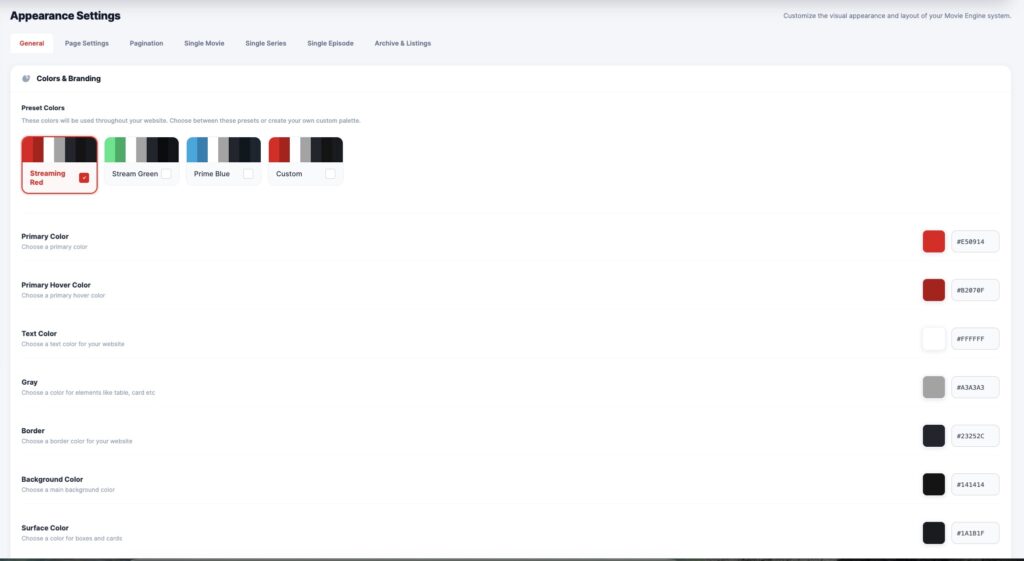
Manages how movies and TV series are displayed.
Includes:
- Archive layout (grid, columns)
- Items per page
- Default sorting (latest, trending)
- Metadata visibility (rating, year, quality)
▶️ Player Settings
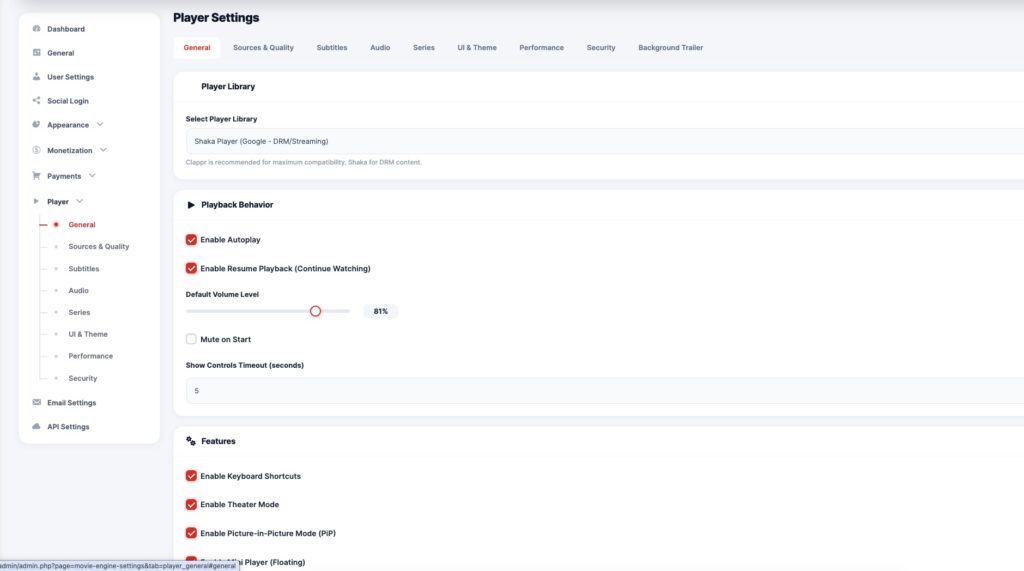
Controls the video player behavior and experience.
Includes:
- Default player selection
- Autoplay & playback options
- Subtitle configuration
- Player UI controls
💰 Monetization Settings
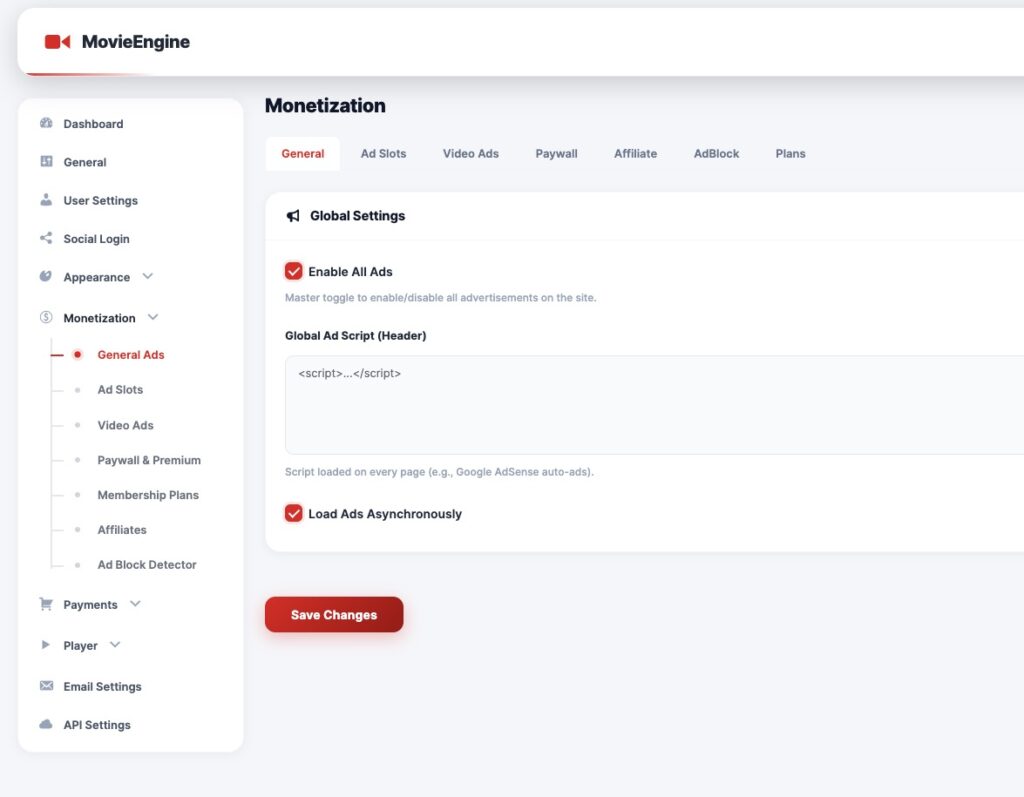
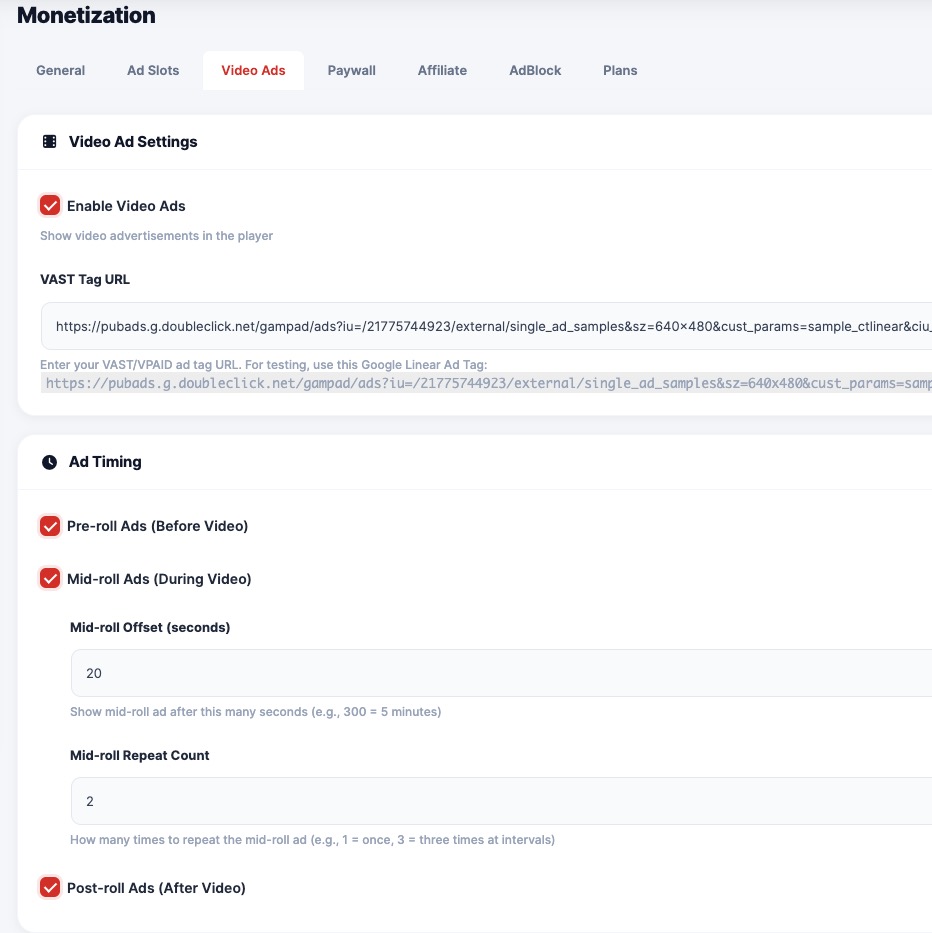
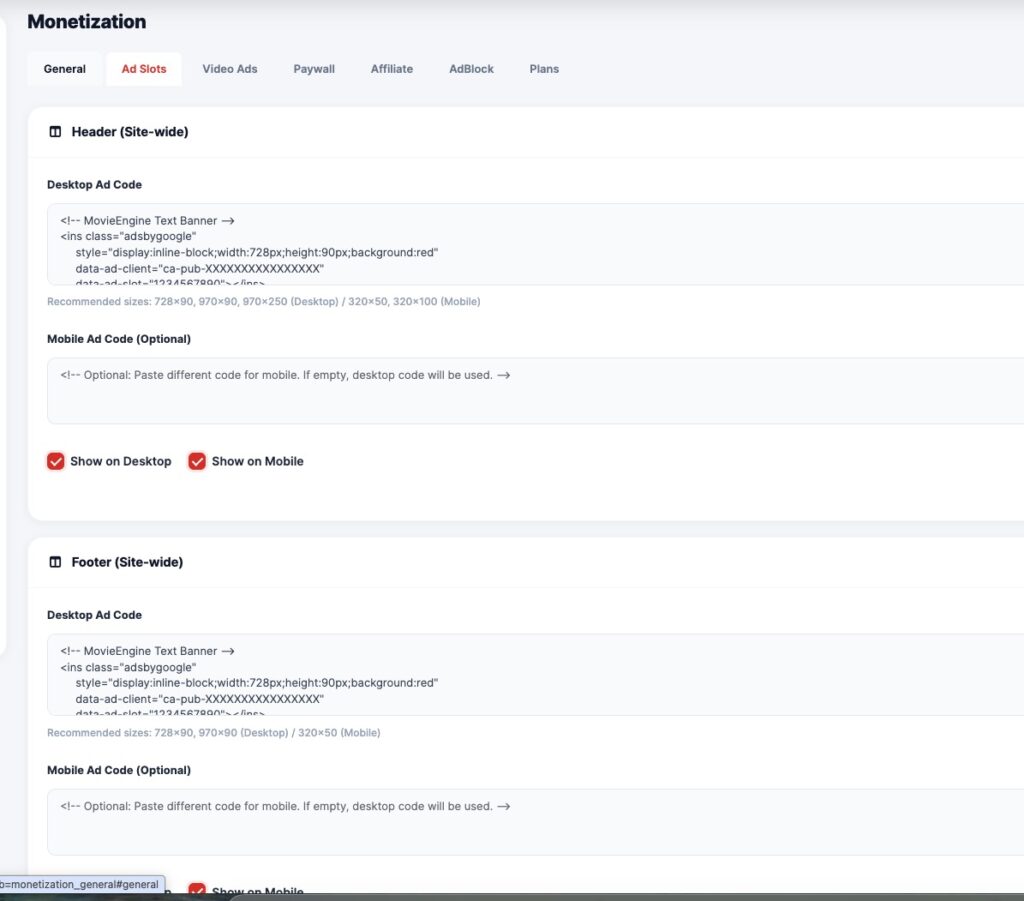
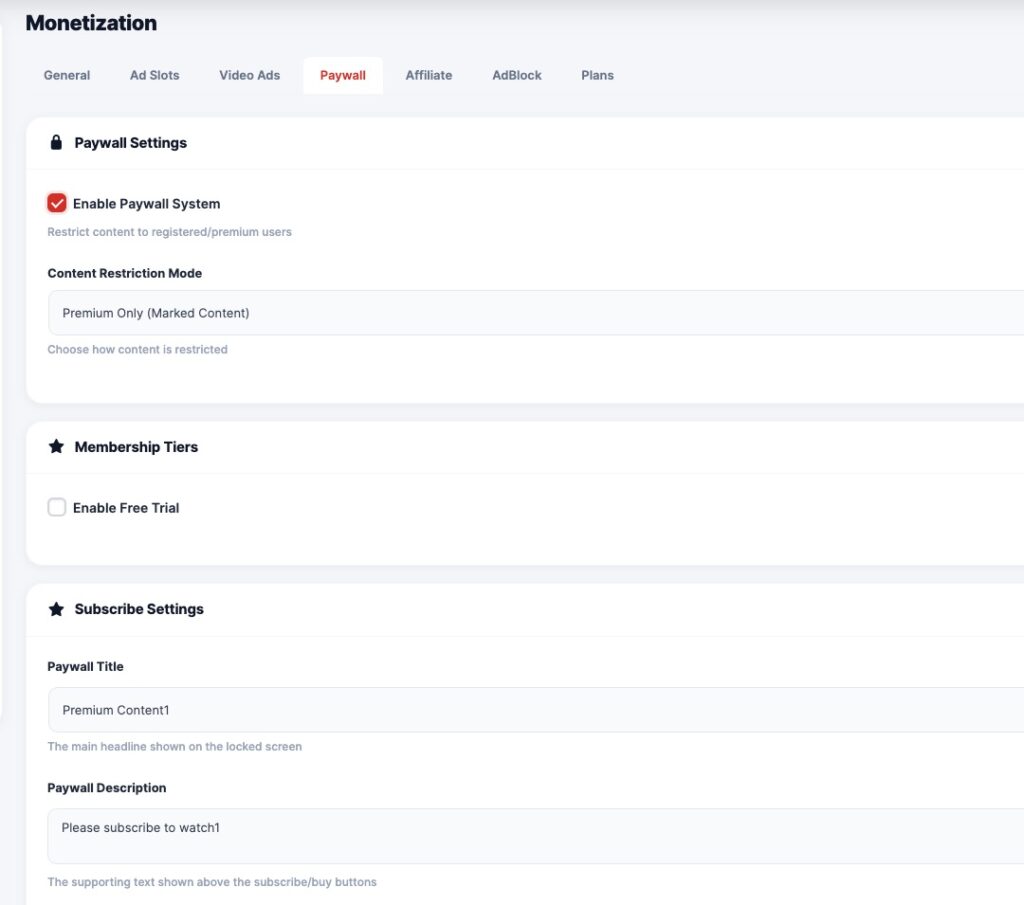
Handles all revenue-related features.
Includes:
- Membership plans
- Pay-per-view system
- Advertisement placement
- Coupons & discounts
- Referral & commission system
👤 User Settings
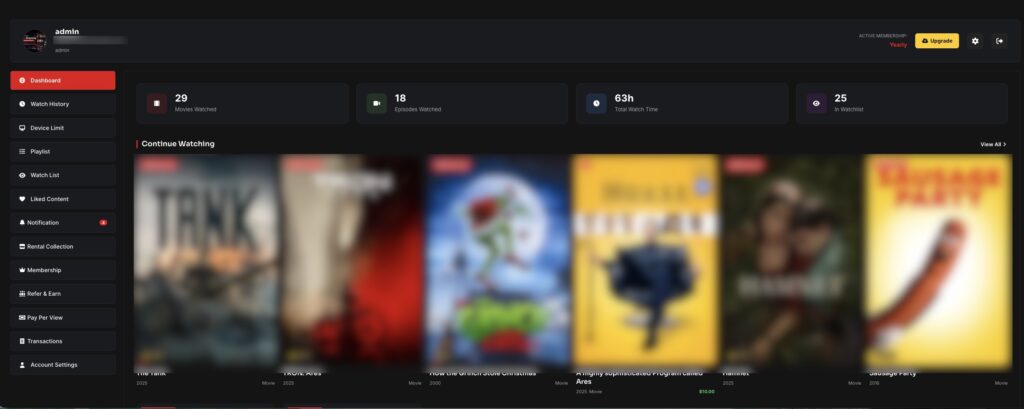
Controls user account and behavior.
Includes:
- Login & registration settings
- Dashboard configuration
- Watchlist & history
- Device limits
- Playlist system
🔌 API & Import Settings
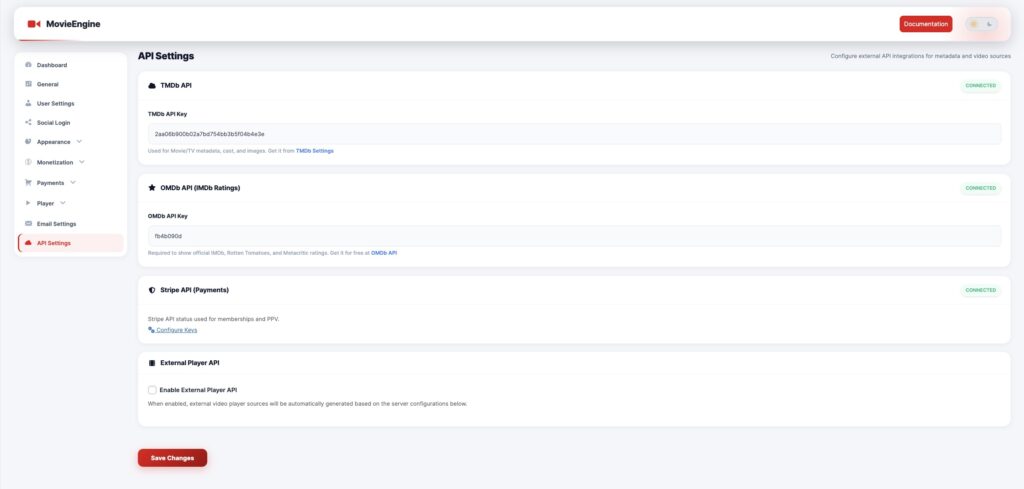
Handles external integrations and content import.
Includes:
- TMDb API key setup
- Auto-import configuration
- Metadata sync options
- Poster & image settings
🎨 Appearance Settings
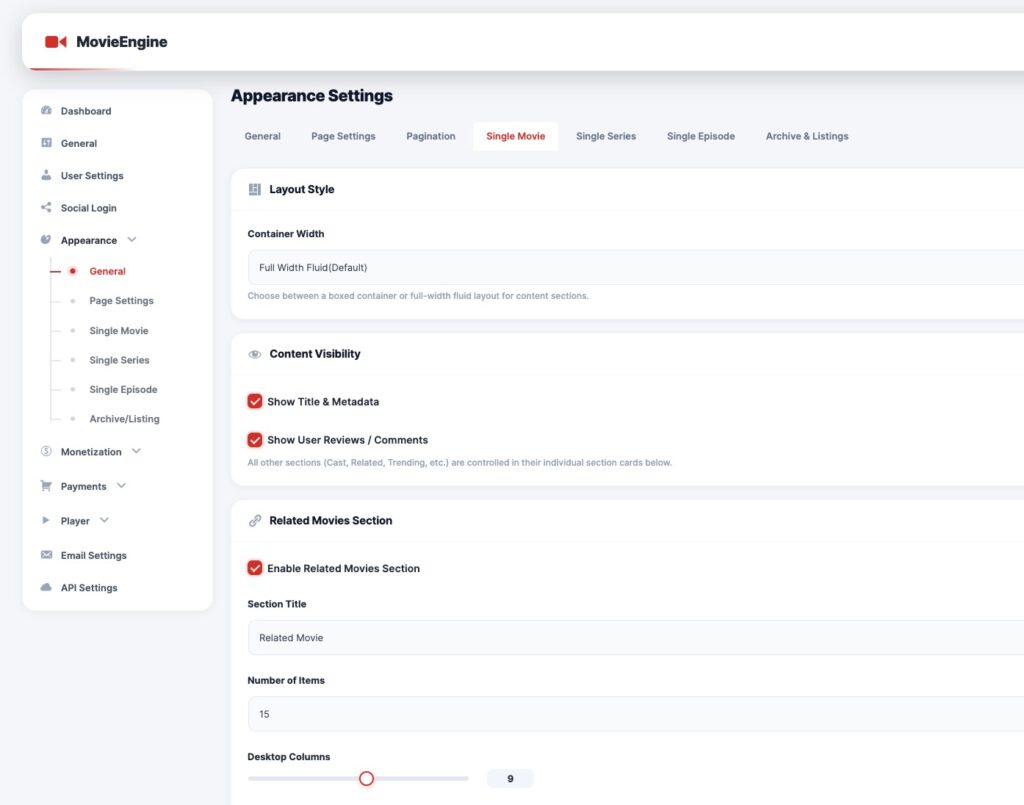
Controls frontend design and layout.
Includes:
- Layout options
- Colors & theme
- Typography
- UI customization
⚙️ How Settings Work
Admin updates settings
   ↓
Settings saved in database
   ↓
Applied globally across plugin
   ↓
Frontend updates automatically
🔄 Real-Time Effect
- Changes apply instantly
- No coding required
- Works across all pages and shortcodes
🧠 Best Practices
- Configure General settings first
- Set up API (TMDb) before importing content
- Configure Player before publishing content
- Set Monetization before launch
⚠️ Important Notes
- Some settings require selecting pages (Dashboard, Login, etc.)
- Incorrect configuration may affect the frontend display
- Always click Save Changes after updates
📌 Recommended Setup Order
- General Settings
- API (TMDb) Setup
- Player Settings
- Content Display Settings
- Monetization Setup
- User Settings
