
Getting Started
Installation & Setup
Follow these steps to install and configure Movie Engine on your WordPress site.
Step 1: Install the Plugin
- Go to your WordPress Dashboard
- Navigate to Plugins → Add New
- Click Upload Plugin
- Upload the Movie Engine ZIP file
- Click Install Now
- Click Activate
Step 2: Launch Setup Wizard
After activation, Movie Engine will automatically redirect you to the Setup Wizard.
If not, you can access it manually:
👉 Movie Engine → Setup Wizard
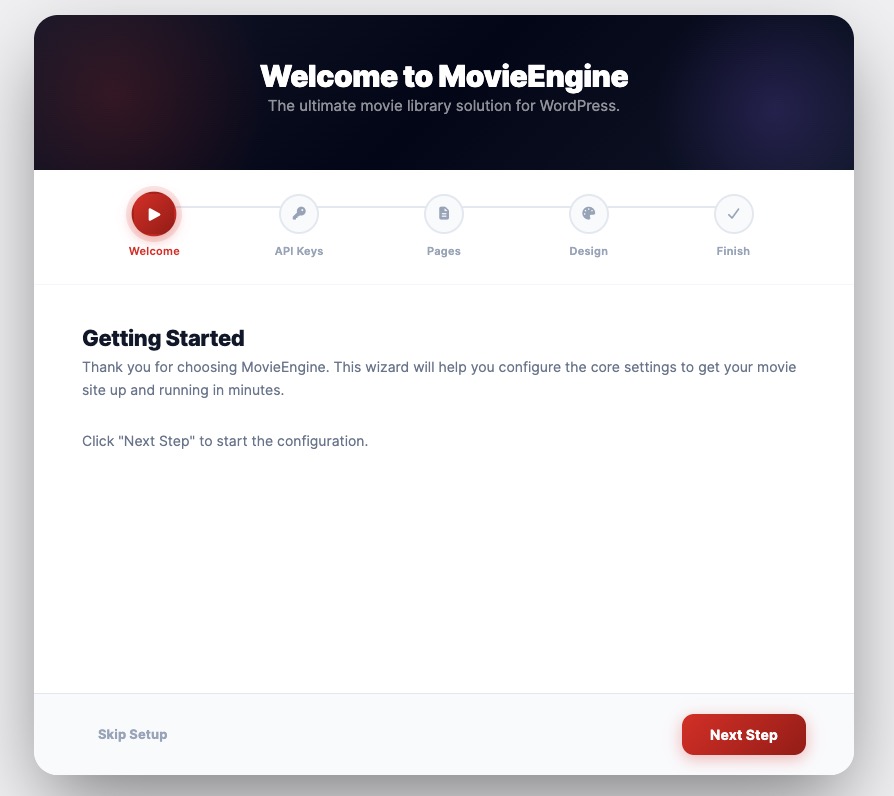
🧙 Setup Wizard Steps
The wizard helps you configure everything in minutes.
🔴 1. Welcome
- Introduction to Movie Engine
- Click Next Step to continue
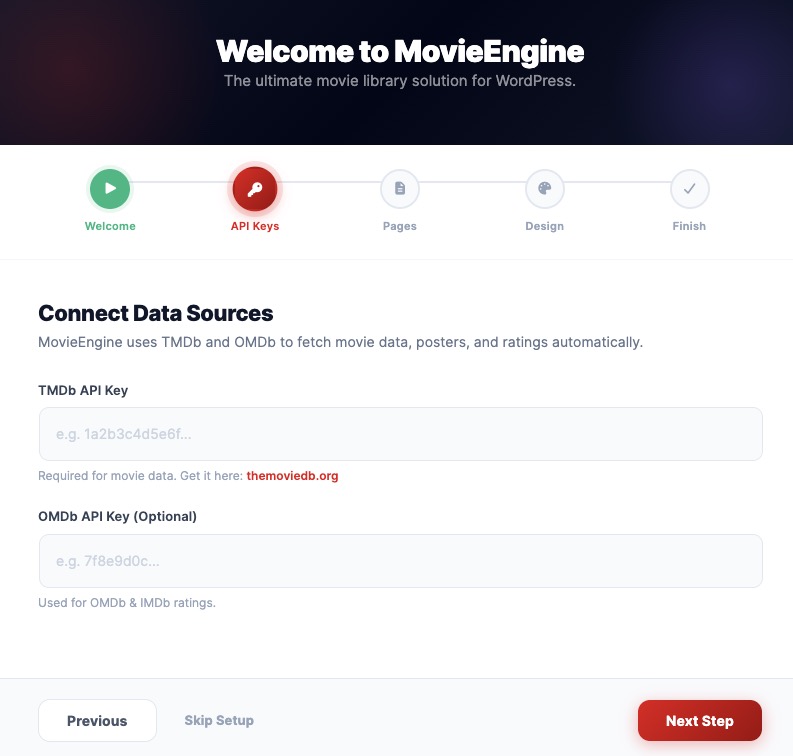
🔑 2. API Keys
- Enter your TMDb API Key
- Required for importing movies & TV series
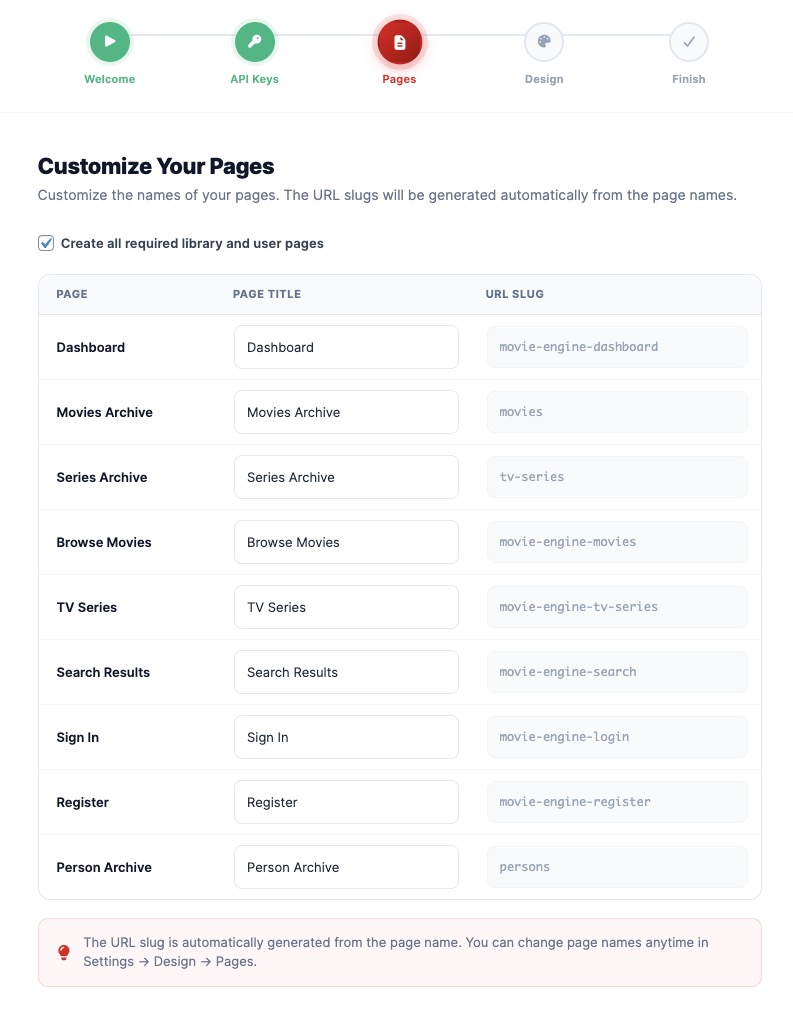
📄 3. Pages Setup
- Automatically create required pages:
- Movies page
- TV Series page
- User dashboard
- Ensures your site structure is ready
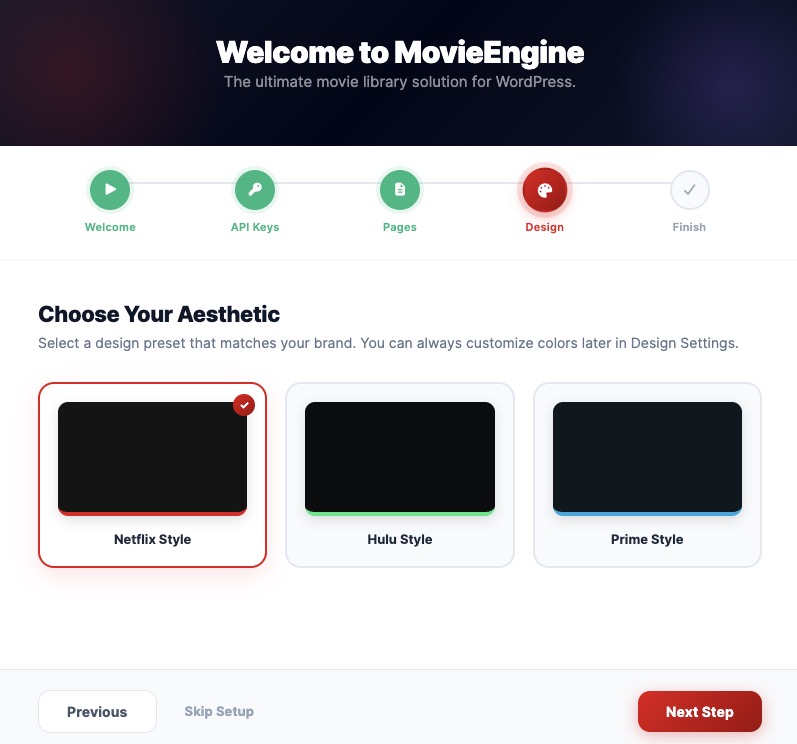
🎨 4. Design Settings
- Choose layout style:
- Full Width (Netflix style)
- Classic
- Modern
- Set basic UI preferences
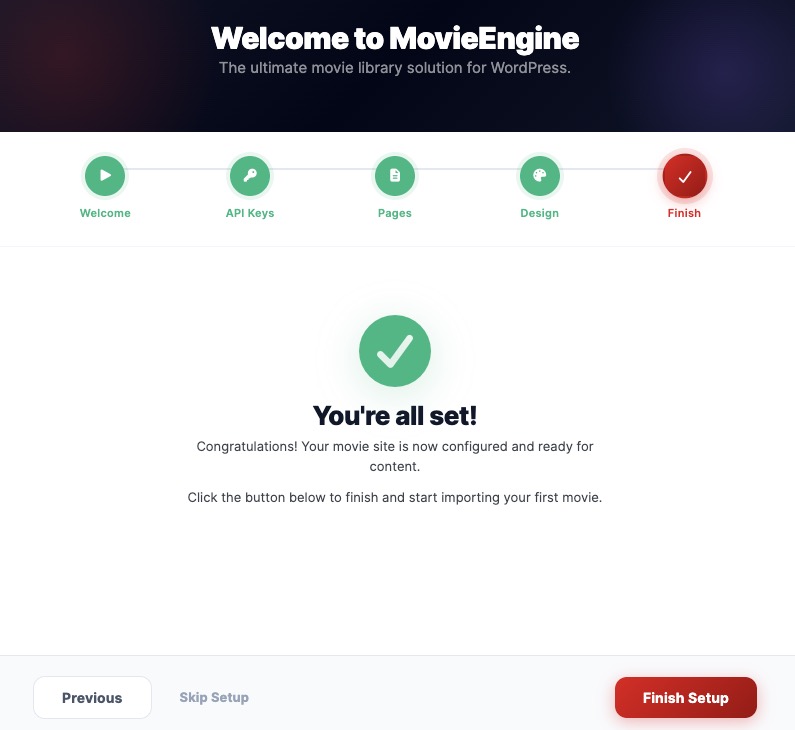
✅ 5. Finish Setup
- Review your settings
- Complete setup
- Your OTT platform is now ready
Step 3: After Setup
Once completed:
- Movies & TV Series menus will be available
- You can start importing content
- Your streaming platform is ready to customize
⚡ Quick Tip
You can skip the wizard, but it is highly recommended for beginners to complete setup quickly and correctly.
