
Getting Started
Requirements & TMDb API Setup
To ensure smooth performance, your server should meet:
- WordPress 5.8 or higher
- PHP 7.4 or higher
- MySQL 5.7+ or MariaDB
- HTTPS enabled (recommended)
- Minimum 512MB memory (recommended for large content)
🎬 TMDb API Setup
Movie Engine uses TMDb (The Movie Database) to import movies, TV series, and metadata.
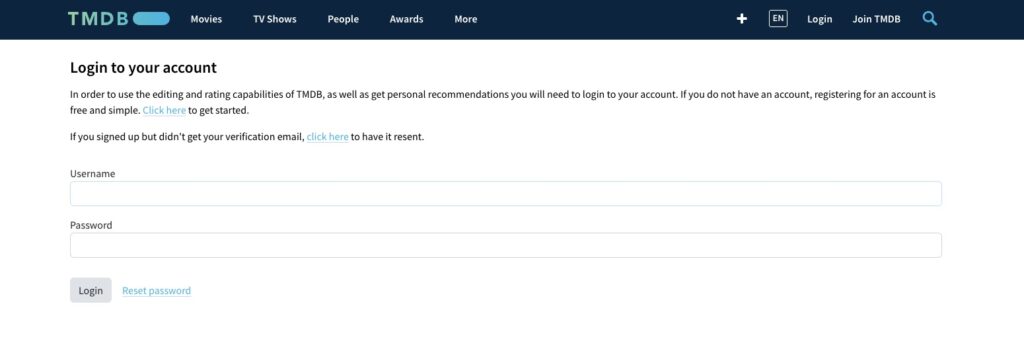
Step 1: Create TMDb Account
- Visit: https://www.themoviedb.org/
- Sign up or log in
- Go to Settings → API
- Request an API key
Step 2: Get API Key
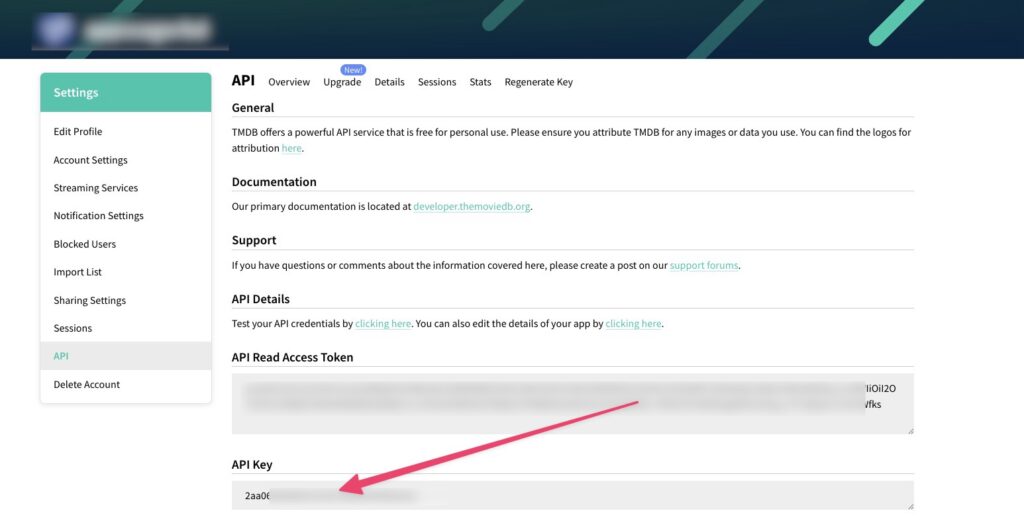
- Copy your API Key (v3 auth)
Step 3: Add API Key to Plugin
- Go to Movie Engine → Settings → API
- Paste your TMDb API key
- Click Save Changes
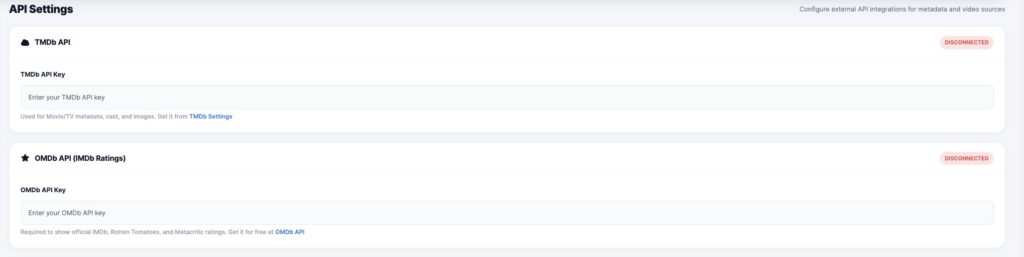
In the same way, you can generate Api key for the OMDb API Key, but it’s optional
https://www.omdbapi.com/
✅ Done!
You can now:
- Import movies & TV series
- Auto-fetch posters, cast, and metadata
- Build your streaming platform faster
