
Appearance & Layout
Single Serise
The Single Serise Layout controls how individual movie pages are displayed, including content sections, layout structure, and UI components.
⚙️ Layout Settings
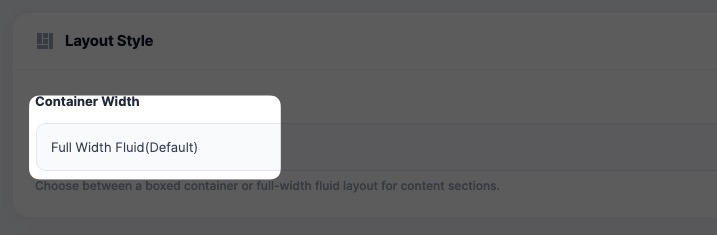
📦 Container Width
- Full Width (default)
- Boxed layout
Controls overall page structure.
👁 Content Visibility
Show Title & Metadata
Displays:
- Movie title
- Year
- Genre
- Duration
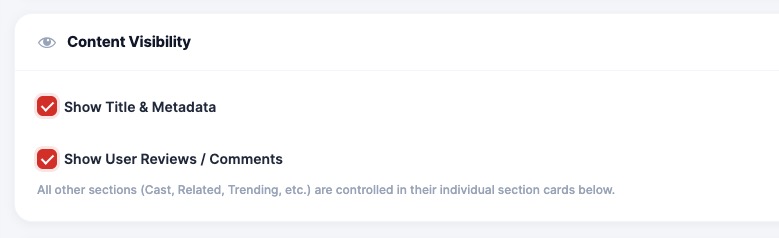
Show Reviews / Comments
Enable or disable user interaction and feedback.
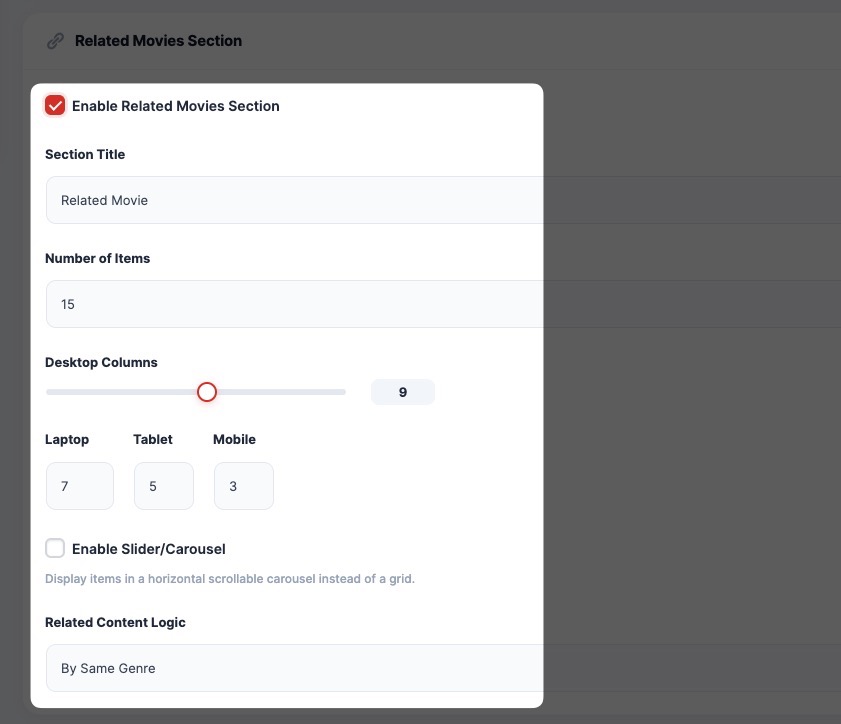
🎥 Related Movies Section
Enable Related Movies
Displays similar movies based on logic.
Section Title
Custom title (e.g., “Related Movies”)
Number of Items
Set how many movies to show.
Columns (Responsive)
- Desktop
- Tablet
- Mobile
Slider / Carousel
Enable horizontal scrolling instead of grid.
Content Logic
Example:
- By same genre
- By tags
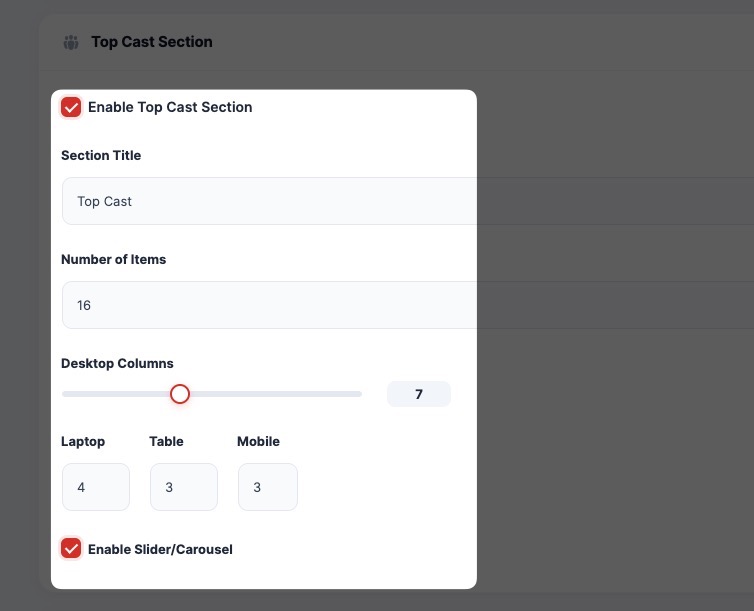
🌟 Top Cast Section
Displays featured cast members.
Options:
- Enable/Disable
- Set number of items
- Configure columns
- Enable slider
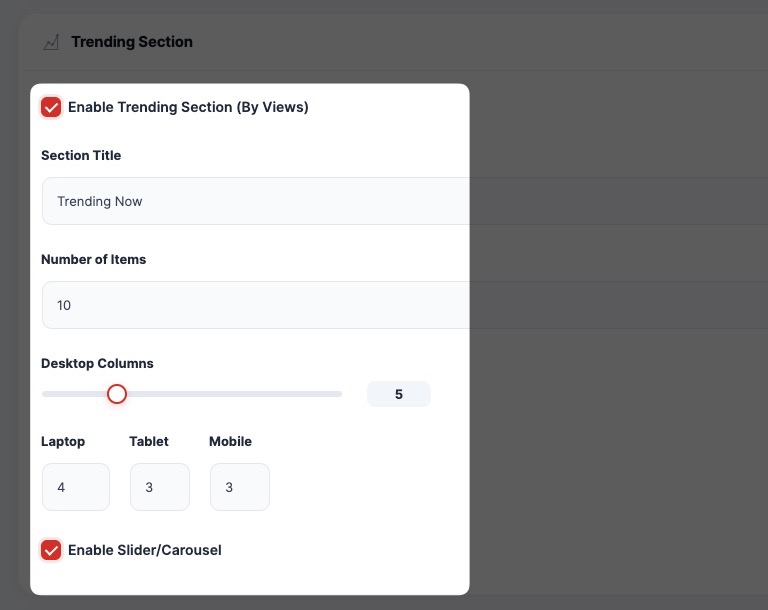
🔥 Trending Section
Displays popular content based on views.
Options:
- Enable the trending section
- Customize title
- Set number of items
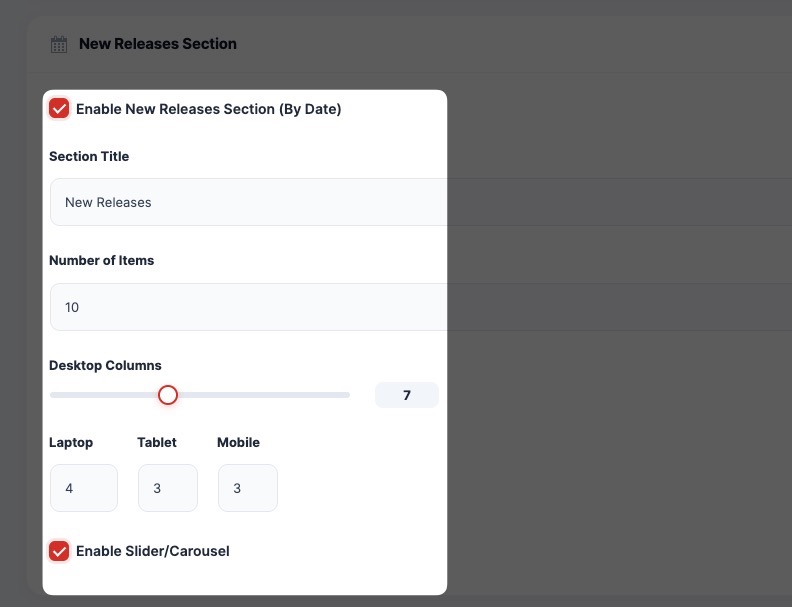
🆕 New Releases Section
Displays recently released movies.
Options:
- Enable section
- Sort by release date
- Configure layout
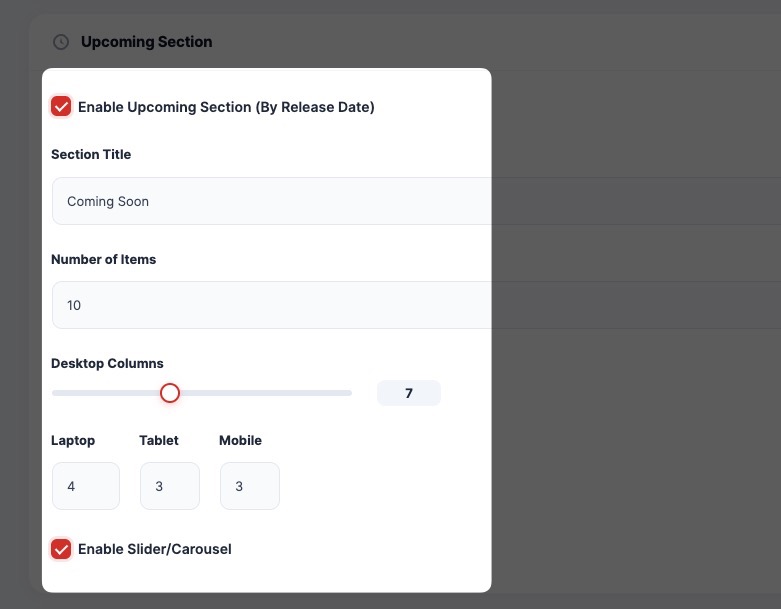
⏳ Upcoming Section
Displays upcoming movies.
Options:
- Enable section
- Based on release date
- Customize layout
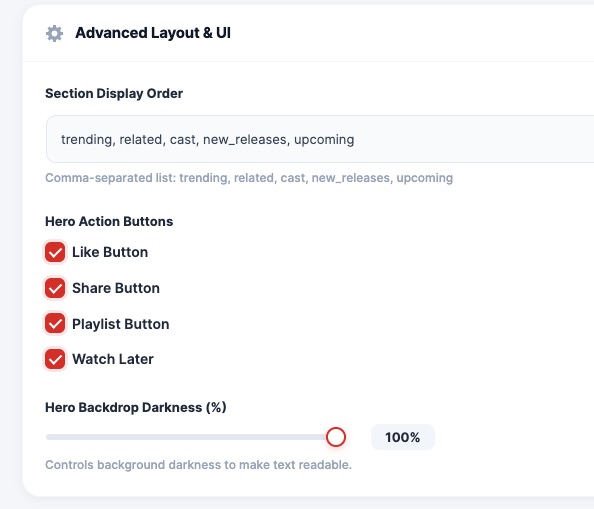
🎛 Advanced Layout & UI
Section Display Order
Define order of sections:
Example:
trending, related, cast, new_releases, upcomingHero Action Buttons
Enable/Disable:
- 👍 Like Button
- 🔗 Share Button
- 📂 Playlist Button
- ⏱ Watch Later
Background Overlay (Darkness)
Adjust hero background darkness for better readability.
💡 Best Practice
- Keep the layout clean and not overloaded
- Use sliders for better UX
- Highlight trending and related content
