
A movie database is more than a place to store titles. It is the structure…
Choosing a WordPress OTT Plugin
A streaming site starts with a choice that is easy to rush and hard to undo: which plugin carries the catalog, player, and accounts. The plugin sits underneath every page a viewer opens, so a weak choice shows up in slow playback, hard browsing, and settings nobody understands. Choosing a WordPress OTT plugin is therefore a planning decision first and a shopping decision second: the right plugin fits the site being built, the team that will maintain it, and the viewers it must serve.
This guide explains how to choose well: needs, player, catalog, import, monetization, support, and testing with real titles. No price is quoted and no competing tool is named with invented claims, because a WordPress OTT plugin decision is only useful when each test can be checked.
Quick answer
For a standard movie site, the safest way to choose a WordPress OTT plugin is to write down needs first, then test against them with real titles. A good WordPress OTT plugin covers five jobs together: a reliable player, a browsable catalog, clean import with consistent metadata, a monetization model that fits the audience, and maintenance a small team can sustain.
- Needs first: niche, catalog size, audience, and whether the site charges viewers.
- Player second: adaptive playback, subtitles, resume, and server switching where supported.
- Catalog third: titles, people, collections, search, and browsing that viewers can use.
- Monetization fourth: one model that fits the audience, tested before launch.
- Testing fifth: real titles on real devices, on slow and fast connections.
Follow that order, and choosing a WordPress OTT plugin stops being a list of names and becomes a checklist the site can be judged against.
1. Start with needs, not features
Every choosing mistake starts the same way: a feature list is read before the site’s needs are written down. A small free catalog, a subscriber site from launch, and a one-person team all need different strengths. Write the needs down first: title types, first-year catalog size, audience, and whether viewers pay, watch ads, or follow affiliate links.
A few dozen titles need no bulk import; a free ad-earning catalog needs no subscription system. A site that plans to charge viewers needs plans, payments, and access rules working together before launch. A WordPress OTT plugin that needs developers for routine work is a poor fit for a team without developers, however strong its feature list looks. A WordPress OTT plugin chosen on needs first, rather than on features first, is far more likely to still suit the site a year later.
2. Check the player first
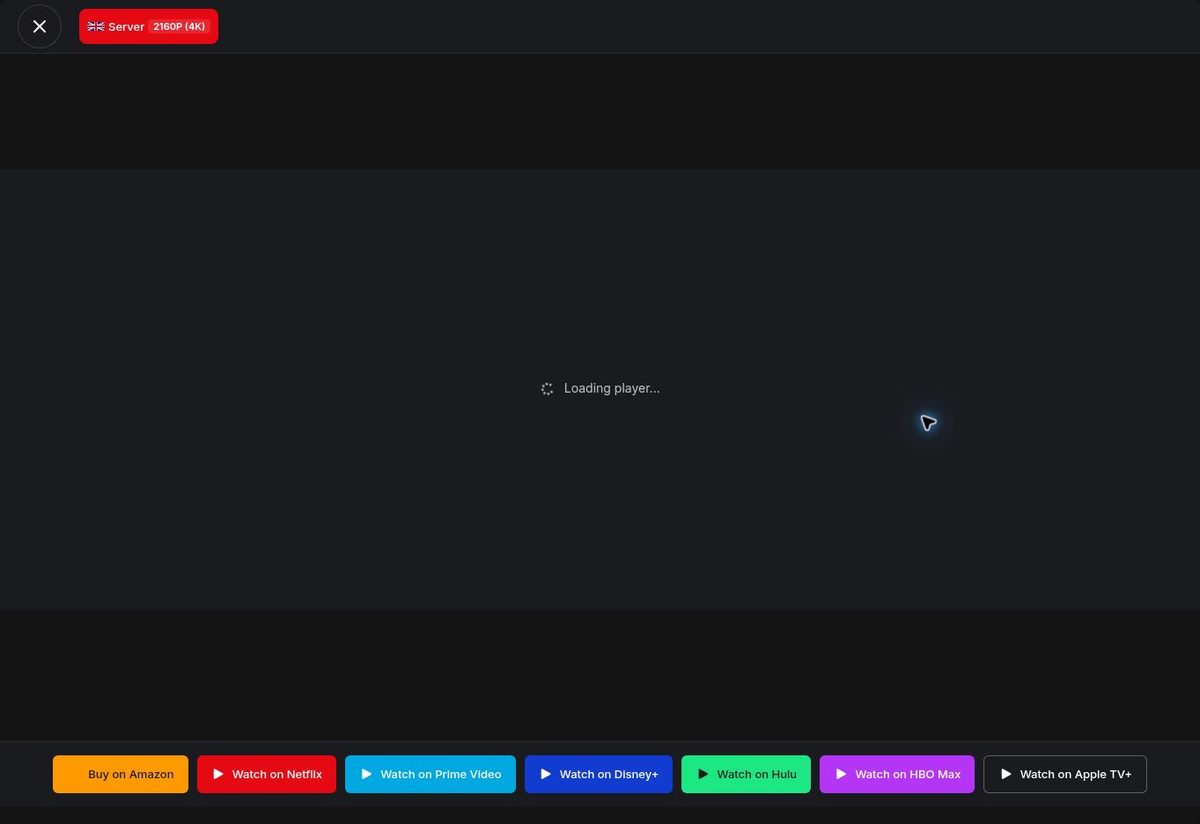
The player is where viewers spend their time, so it deserves the first technical check. A good player starts promptly, switches quality instead of freezing, shows subtitles, and resumes where the viewer stopped. Viewers judge a site by whether playback feels smooth, not by format names on a feature page.
Test the player the way viewers will meet it: on a phone and a larger screen, on fast and throttled connections, with subtitles on and off, after seeking and resuming. A WordPress OTT plugin that passes those checks with real titles has earned the next round of testing; one that stalls or loses position has failed the most important test, whatever else it offers.
3. Judge the catalog as a browsing system
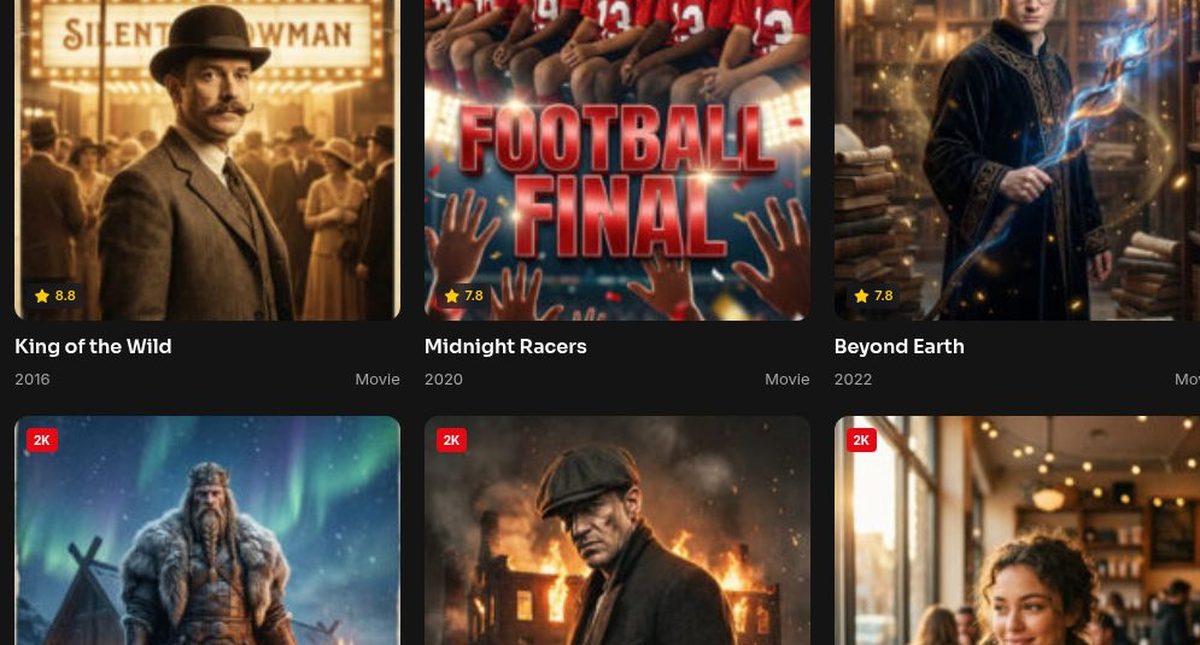
A catalog is not a folder of files. It is how viewers find something worth watching: title pages, people pages, collections, and search covering titles, people, and genres.
Taxonomies are the labels that make browsing work: genre, year, country, language, and network, applied consistently. Apply them consistently: a genre spelled two ways splits one browsing path. Check empty results too: does the page say plainly when nothing matches and offer a request form where enabled? A WordPress OTT plugin whose catalog passes those checks keeps viewers exploring; one that fails them loses viewers after a single visit.
4. Test import and metadata honestly
A catalog grows title by title, and import decides whether that growth stays manageable. Single-title import with duplicate detection keeps a library clean: the same film should not appear twice under slightly different spellings, and a series should not be imported twice with its seasons duplicated. Metadata should arrive consistently, so every title page looks complete.
Good import also handles updates and removals cleanly. Ask whether updates and removals leave orphaned pages behind, and whether deleting a series removes its seasons and episodes. Judge a WordPress OTT plugin on import behaviour first, because import that is quick but badly maintained costs more time than it saves.
5. Match monetization to the audience
Monetization should follow the audience, not lead it. A free catalog with steady traffic suits banner ads; a discovery site sending viewers elsewhere suits affiliate links. Paid subscriptions and pay-per-view suit a site that also offers video access and has viewers willing to pay for it. Do not choose a model because it sounds profitable; choose the one that fits the viewers the site actually has.
When judging a plugin, check which models it genuinely supports and which remain the site owner’s separate work. A plugin promising paid access should show how plans, payments, and access rules work together, from plan selection to access granted and removed. Start with one model, tested fully, before adding a second. A WordPress OTT plugin that cannot demonstrate its monetization end to end on a test site has not earned a place on a live site.
6. Weigh support, updates, and documentation
A plugin is a relationship, not a purchase. The site will depend on its updates, its documentation, and its support for as long as the catalog lives on it, so those three deserve the same attention as features. Read the documentation before committing: does it explain installation, import, player setup, and monetization in plain steps a small team can follow?
Check that the plugin is maintained for current WordPress versions. Documentation, a community channel, and guidance for common problems beat a long feature list with no help behind it. Also check how settings are organised: clear sections for player, catalog, and monetization save time, while settings buried several layers deep slow every routine task. A WordPress OTT plugin with honest documentation, steady updates, and a testable setup serves a small team better than a stronger-looking plugin whose problems have no documented answers.
7. Plugin-choosing checklist
The table below turns the points above into a checklist for a WordPress OTT plugin, using only points already explained here. Use it for launch and later reviews, skipping a row only where it genuinely does not apply.
| Part | Done when |
|---|---|
| Needs written | Niche, catalog size, audience, payment plan written down |
| Player reliable | Playback switches quality, shows subtitles, resumes |
| Catalog browsable | Titles, people, collections, search work as one site |
| Import clean | Single-title import, duplicate detection, consistent metadata |
| Monetization fits | One model matches the audience, tested fully |
| Support usable | Documentation explains setup plainly, updates steady |
| Performance tested | Playback checked on phones, screens, slow and fast connections |
| Rights current | Only titles the site has rights to are offered for playback |
8. A WordPress OTT plugin with MovieEngine
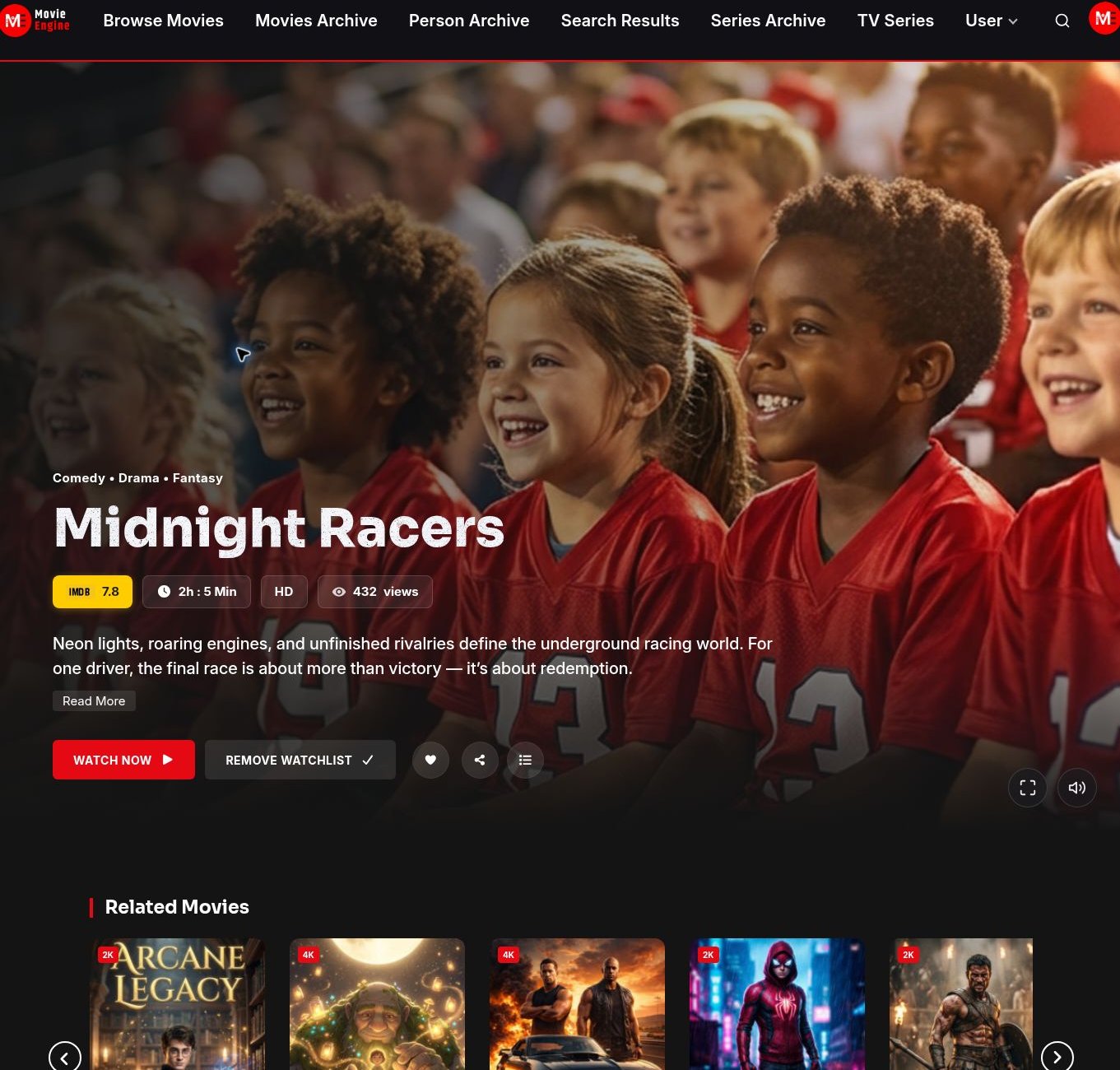
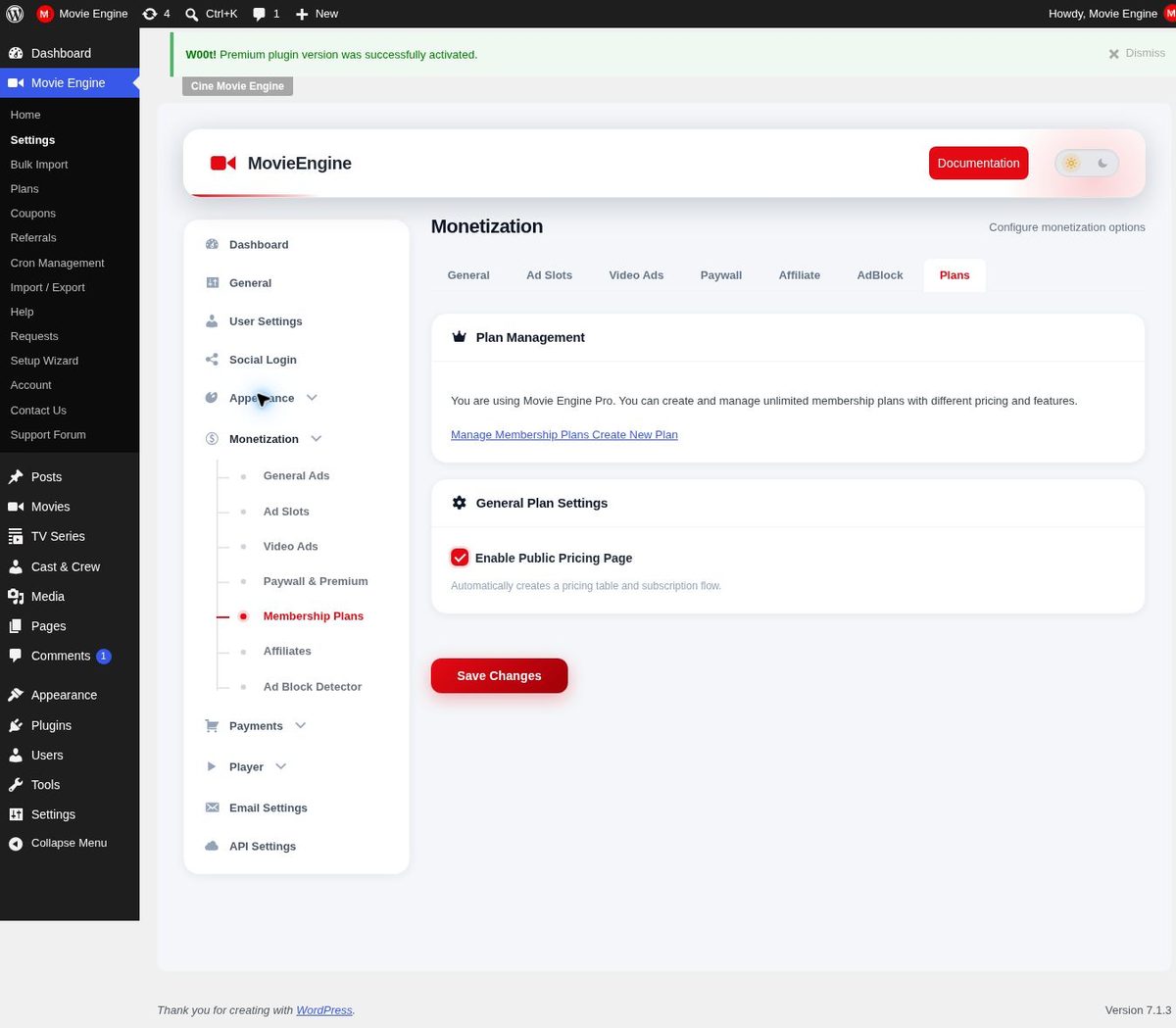
For a WordPress movie site, the WordPress OTT plugin choice sits inside a larger build: catalog, title pages, search, watchlist, and playback must work together. Movie Engine (Free 1.0.8 and Pro 1.0.8, by ThemePul) provides that library in Free: movies, series, seasons, episodes, and people, with genre, year, country, language, network, and tag taxonomies, cast and crew profiles, and cascade delete. Free also provides single-title TMDb import with duplicate detection, an HLS/MP4 player with switcher, subtitles, and resume, plus watchlist, Continue Watching, a dashboard, requests, banner ads, and affiliate buttons.
Pro adds, as Pro-only features: MPEG-DASH, Shaka Player, and ArtPlayer, dynamic watermarking, bulk scheduled TMDb import, paid access with subscriptions and pay-per-view, Stripe and PayPal integrations, promo codes and VIP vouchers, ISP paywall options, video ads, and referrals. Do not plan a site around DASH playback, watermarking, bulk import, or paid access unless Pro is part of the build. Read the documentation and the installation guide before you commit, and try the live demo to see the catalog, title pages, and player in action.
9. Choose, then test before you commit
Choosing well means testing honestly. Install the plugin on a test site, import a handful of real titles, build one collection, save a film to a watchlist, and play it on a phone and a larger screen. Ask the maintaining team whether those routines feel sustainable. Run the same checks after every plugin update, because an update can change playback or settings without warning, and a short retest catches problems before viewers meet them.
That test is how a WordPress OTT plugin should be chosen — tested, not assumed. The monetization overview in the documentation explains the available models, and current pricing for the plugin itself is separate from any prices you set for your own viewers. Keep the test site separate from the live site, so failed tests never touch real viewer data.
Frequently asked questions
Should a new site choose a free or a paid plugin first?
Start free unless the site already charges viewers from launch. A free version covering catalog, playback, and watchlist lets the team learn what viewers use before paying.
What is the single most important test before choosing?
Playback with real titles on real devices: if the player stalls or loses position, viewers leave before browsing. Test on a phone and a larger screen, on fast and throttled connections, before judging anything else about a WordPress OTT plugin.
How many titles should a test site hold?
A handful of real titles is enough, provided they include a series with several seasons, a title with a full cast list, and one title the team intends to remove later. That set tests data model, import, and removal together.
Does choosing a plugin change the rights a site needs?
No. Whichever plugin is chosen, the site owner must hold the rights to every title offered for playback, and expired titles must be removed or renewed cleanly. The plugin is a platform choice; the rights remain the site owner’s work.
Conclusion
A good choice is a sequence: needs, player, catalog, import, monetization, support, and testing with real titles. Follow that order, and the choice becomes evidence instead of opinion.
If your plan involves a WordPress OTT plugin on a movie site, start with the checklist, publish only titles you have rights to, and test playback the way viewers watch. Then read the documentation, try the live demo, and check current pricing before you commit.
Related Posts

Comments (0)