
A movie database is more than a place to store titles. It is the structure…

Movie Page SEO
A single film page is where a movie site is judged, one title at a time. A viewer who lands on one film should know at once which film it is, who is in it, what kind of film it is, and how to watch it or save it. A search engine reads the same page the same way. Movie page SEO is therefore the work of making one page complete, readable, and connected, before worrying about the rest of the catalog.
This guide covers that one page in order: its title and description, its cast and genre and year, its structured data, its links, its poster, and its performance. No ranking is promised and no price is quoted, because movie page SEO improves how one page is read; it does not guarantee a position.
Quick answer
For one film, movie title page SEO starts with five jobs done together: a clear title and description for that film, complete cast and genre and year information, structured data that names the page type, links to people and genres, and a poster with useful alternative text.
- Title first: name the film, its year, and its genre in the page title and description.
- Completeness second: cast, genres, year, description, and rating in one place.
- Structured data third: the page type labelled so a search engine can read it directly.
- Links fourth: the film linked to its cast, its genres, and its collections.
- Testing fifth: the finished page opened as a stranger would meet it, on a phone and a larger screen.
Follow that order, and movie page SEO stops being a list of settings and becomes a checklist one page can be judged against.
1. The title and description for one film
The title and description of a single film page do the first job: they say which film the page is about, without making the reader open it. A good page title names the film and adds its year and genre, so two films with similar names are easy to tell apart. A good description adds one plain sentence about the film, drawn from its overview, rather than a string of keywords or a copied tagline that says nothing about the story.
Templates help, because no small team writes every title by hand. A template fills placeholders from the film’s own data — the title, the year, the genre, the overview, and the site name — so every page follows the same pattern while still describing its own film. Check the filled result after import: for movie page SEO, the fix for a weak title is usually better metadata, not a longer title.

2. Cast, genre, and year completeness
After the title, the cast list is the next thing a film page must get right. Each cast member should appear as a linked person, not as plain text typed onto the page, so a viewer can follow an actor to their other films. Genres should use the site’s shared labels, spelled the same way on every page, because a genre spelled two ways splits one browsing path into two. Show the film’s own year consistently, and a rating only where imported data provides one.
A film page with no cast list, no genre, or no description reads as unfinished, and no template can cover that gap. Check each field after import: cast, genres, year, description, and rating. Movie page SEO depends on that routine, because a page whose visible content is thin gives a search engine little to describe, whatever its structured data claims.
3. Structured data for that one page
Structured data tells a search engine what a single page is, in a form it can read directly. A movie page carries structured data describing the film, its cast, and its genres, so the page can be presented accurately rather than guessed from its layout. The important rule is consistency: whatever the structured data says, the visible page should show. A page whose structured data claims a cast list the visible page does not show is inconsistent.
For movie page SEO, confirm the labelled information matches the visible cast and genres. Keep labelling current when a page changes, so page and structured data show the same facts.
4. Links from the page to the rest of the site
A film page should not stand isolated. It should link to its cast members, so each actor’s page lists this film among their work. It should link to its genres, so a viewer who likes this kind of film can find similar titles. It should link to collections where the film belongs, such as a themed row or a series of related titles, where the site uses them. Those links turn one page into a doorway to the catalog.
Check new people and genres after import, where spelling mistakes first appear. Movie page SEO includes that check: after importing a film, follow its links and confirm each one lands on a real page with the expected content. A broken or mislabelled link on a film page wastes the one chance that page has to keep a viewer browsing.

5. The poster and its alternative text
The poster should also load promptly and display well on a phone and a larger screen. A poster borrowed from a source the site has no right to use is not a shortcut, and a poster that belongs to a different film is a factual error, not a design choice. Movie page SEO treats the poster as content, not decoration: the right film, a clear image, and honest alternative text.
6. Performance for that one page
A film page should load promptly and play smoothly, because a slow page loses viewers before they read it. Test the page the way a viewer meets it: open it on a phone, play the title, seek forward, turn subtitles on, and save the film to a watchlist. Repeat the test on a larger screen and a slower connection. Check playback after every plugin update as well.
Movie page SEO performance checks belong in the same routine as content checks, repeated after updates. Movie page SEO performance work is simple and regular: open real film pages, play real titles, and fix what feels slow or broken before adding more titles to the catalog.
7. Movie page checklist
The table below turns the points above into a movie page SEO checklist for one film page, using only points already explained here. Use it for every new title, and again after any import or update that touches the page.
| Part | Done when |
| Title and description | Film, year, and genre named; description from the overview |
| Cast complete | Every cast member linked to a person page |
| Genres and year | Shared labels spelled alike; year shown consistently |
| Structured data | Page type labelled; labelled facts match the visible page |
| Links connected | Cast, genres, and collections linked and working |
| Poster described | Right poster, prompt loading, plain alternative text |
| Playback tested | Play, seek, subtitles, and save tested on phone and screen |
| Rights current | Only titles the site has rights to are offered for playback |
Work through the table in order: title, completeness, structured data, links, poster, then playback.
8. Movie Page SEO with MovieEngine
For a WordPress movie site, the single-page work sits inside a larger build: catalog, title pages, search, watchlist, and playback must work together. Movie Engine (Free 1.0.8 and Pro 1.0.8, by ThemePul) provides SEO title and description templates in Free, with placeholders for the title, the year, the genre, the overview, and the site name, plus JSON-LD schema and Open Graph controls.
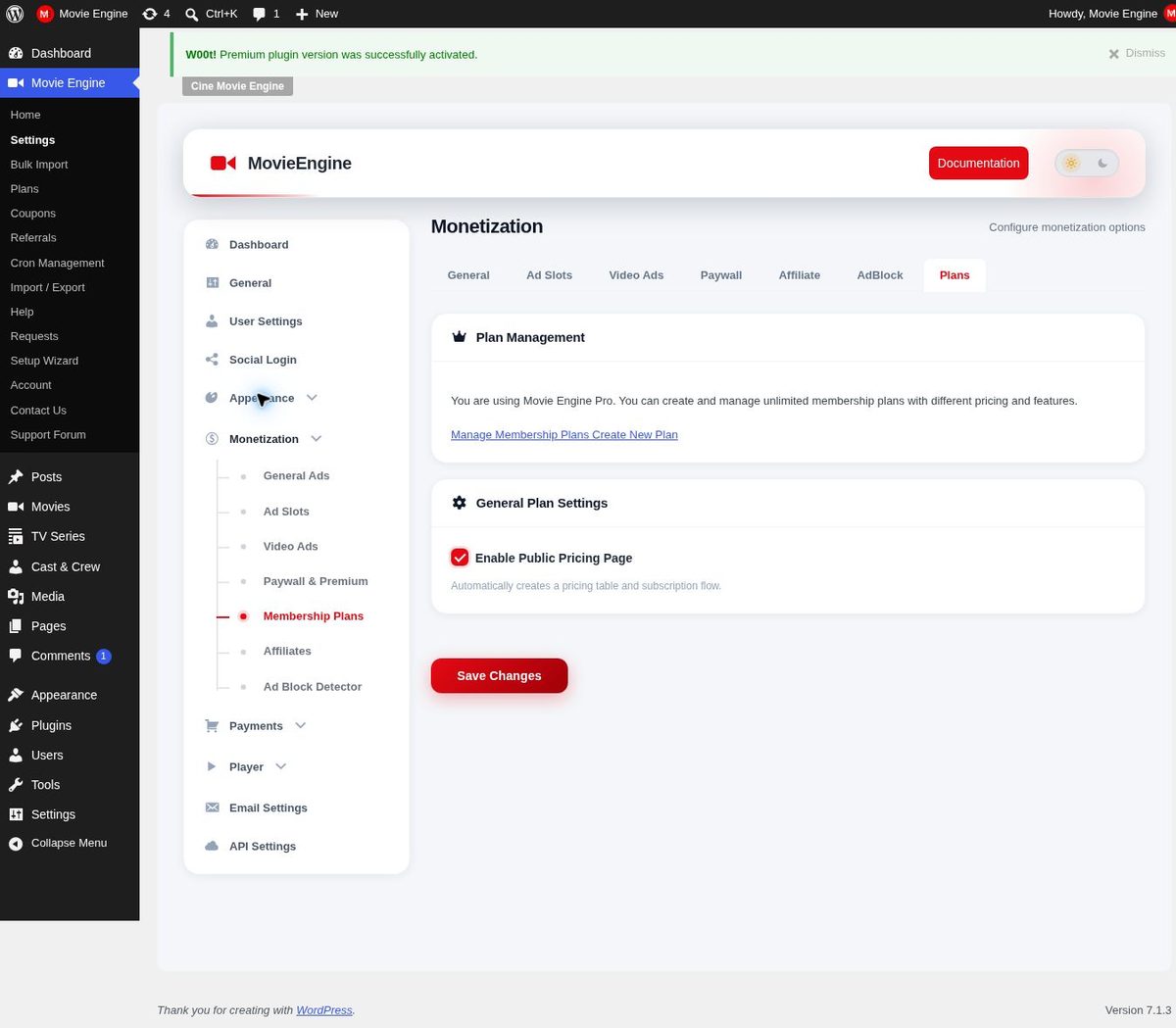
Free also provides the catalog behind the page, with taxonomies, cast profiles, single-title import, and an HLS and MP4 player. Paid access, where a site offers it, is a Pro area, with subscriptions and pay-per-view; do not plan a site around paid access unless Pro is part of the build. Read the documentation and the installation guide before you commit, and try the live demo to see a film page, its cast links, and its player in action.

9. Choose, then test before you commit
Choosing well means testing one page honestly before trusting the whole catalog to the same setup. On a test site, import a handful of real titles, open one film page, and run the full check: title, cast, genres, year, description, structured data, links, poster, and playback. Then open a second film page and confirm the same pattern holds.
That test is how movie page SEO should be judged for a film page: tested, not assumed. The monetization overview in the documentation explains the available models, and current pricing for the plugin itself is separate from any prices you set for your own viewers.
Frequently asked questions
What is the single most important check for one film page?
Open the page as a stranger would and ask whether it names the film, its year, and its genre, shows a complete cast list, and links to people and genres that work. If any part fails, fix it before adding more titles — that failure is exactly what movie page SEO checks for.
Does a template write the page for me?
No. A template fills the title and description pattern from the film’s own data, but the catalog work remains the site owner’s: complete metadata, consistent labels, and finished pages. Templates filled with half-finished metadata still produce half-finished pages, which is why movie page SEO starts with metadata, not templates.
Should every film page look the same?
The pattern should be the same, but the content should differ: each page names its own film, its own cast, and its own genres. A uniform pattern with film-specific facts is the goal, not identical pages.
Does page work change the rights a site needs?
No. Whichever tools are used, the site owner must hold the rights to every title offered for playback, and expired titles must be removed or renewed cleanly. The tools are a platform choice; the rights remain the site owner’s work.
Conclusion
Good movie page SEO work on one film page is a sequence: a clear title and description, complete cast and genre and year information, matching structured data, working links, a described poster, and tested playback. Follow that order for each new title, and the catalog becomes readable page by page.
If your plan involves movie page SEO on a movie site, start with the checklist, publish only titles you have rights to, and test the page the way viewers and search engines meet it. Then read the documentation, try the live demo, and check current pricing before you commit.
Related Posts


Comments (0)