
A movie database is more than a place to store titles. It is the structure…

Movie Website Core Web Vitals
A movie site is judged by how it feels, not only by how it looks. A catalog page slow to show its posters, a title page whose buttons respond slowly, or a player page whose layout jumps while it loads will lose viewers before they press play. Movie website Core Web Vitals is the work of checking those three feelings — loading, interactivity, and visual stability — on the pages viewers actually use, and fixing what feels slow or unsteady.
This guide covers that work in order: what the three signals mean for a movie site, loading for catalog pages, interactivity for player pages, visual stability for poster-heavy pages, poster loading, player-page checks, a checklist. No ranking is promised, and no speed figure is quoted, because movie website Core Web Vitals improves how a movie site feels to use; it does not guarantee a position or a score.
Quick answer
Core Web Vitals for movie sites starts with three checks done together: the main content of each page appears promptly, the page responds quickly when a viewer taps or clicks, and the layout stays steady while the page loads.
- Loading first: posters, titles, and the main content of a catalog or title page appear without a long wait.
- Interactivity second: play, save, search, and filter actions respond promptly on a phone and a larger screen.
- Stability third: nothing on the page jumps or shifts after it first appears, so a viewer never taps the wrong button.
- Testing fourth: real catalog, title, and player pages checked the way viewers meet them, not only on a fast connection.
- Maintenance fifth: the same checks repeated after every plugin update and every large catalog change.
Follow that order, and movie website Core Web Vitals stops being a list of settings and becomes a routine a movie site can be judged against.
1. What the three signals mean for a movie site
The three signals describe three different moments in a viewer’s visit. Loading asks how quickly the main content of a page becomes visible: on a catalog page, that means the rows of posters and titles; on a title page, the film’s poster, title, and watch action. Interactivity asks how quickly the page responds after a viewer acts: pressing play, saving a film, typing in search, or choosing a filter. Visual stability asks whether the page stays still while it loads: if a poster loads late and pushes the titles below it down the screen, a viewer may tap a different film than the one they meant.
Those three moments matter more on a movie site than on a plain text page, because a movie site is image-heavy by design. Movie website Core Web Vitals therefore starts with the pages that carry the most images and the most actions, not with the lightest pages on the site.
2. Loading for catalog and browse pages
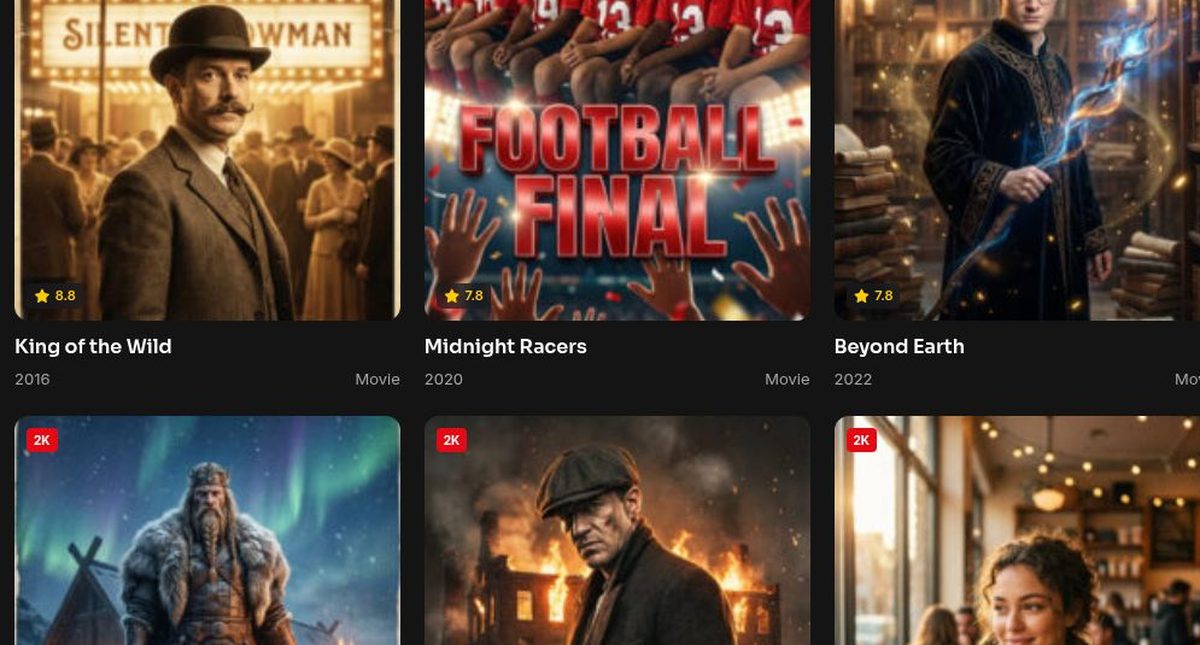
Catalog pages are where loading problems first show. A browse page with many rows of posters asks the browser to fetch many images at once, and a viewer on a slower connection may see empty frames before any poster appears. Check the page the way a viewer meets it: open the homepage on a phone, on a slower connection, and watch which rows appear first.
Keep the first screen useful first. The top rows, the search box, and navigation should appear promptly, so a viewer can start browsing while lower rows are still loading. For movie website Core Web Vitals, loading work means making the first screen usable quickly.
3. Interactivity for player and action pages
Interactivity is where a movie site earns or loses trust. A viewer who presses play expects playback to start without a long pause. A viewer who saves a film expects the save action to confirm promptly. A viewer who types in search expects results to narrow as they type, not after a long delay. When any of these actions feels slow, viewers press again, tap elsewhere, or leave —.
For movie website Core Web Vitals, test interactivity on the pages where viewers act most: the player page, the title page with its watch and save actions, the search page, and the watchlist. Open each one on a phone first, then repeat the same checks on a larger screen.
4. Visual stability for poster-heavy pages
Visual stability is the quietest of the three signals, and the easiest to overlook. It fails when content moves after it first appears: a poster loads late and pushes the row below it down, or a player frame changes size once playback starts.
The habit that prevents most shifts is giving images and frames their space before they load: a poster slot with its size reserved fills its own space instead of pushing other content aside. Movie website Core Web Vitals treats stability as a design habit, not a one-time fix: every new row, banner, or player element should arrive in space already set aside for it.
Check stability by watching pages load: open a catalog page and a title page on a phone and note anything that moves after it first appears. Movie website Core Web Vitals checks belong in the same routine as loading and interactivity checks, because a page that loads fast but jumps while loading still feels broken.
5. Poster and image loading
Posters are the heaviest single element on most movie pages, so poster loading deserves its own check. A poster far larger than the slot it fills wastes the viewer’s connection on detail no screen can show, and a page full of such posters loads slowly for no visible benefit. Use poster sizes that fit their slots.
Loading order matters as much as size. Posters on the first screen should load first; posters far below it can wait until the viewer scrolls toward them. For movie website Core Web Vitals, that order keeps the first screen prompt while the rest of the catalog still arrives in full.
A poster borrowed from a source the site has no right to use is not a shortcut. Keep rights current alongside performance: only titles the site has rights to should be offered for playback.
6. Player-page performance
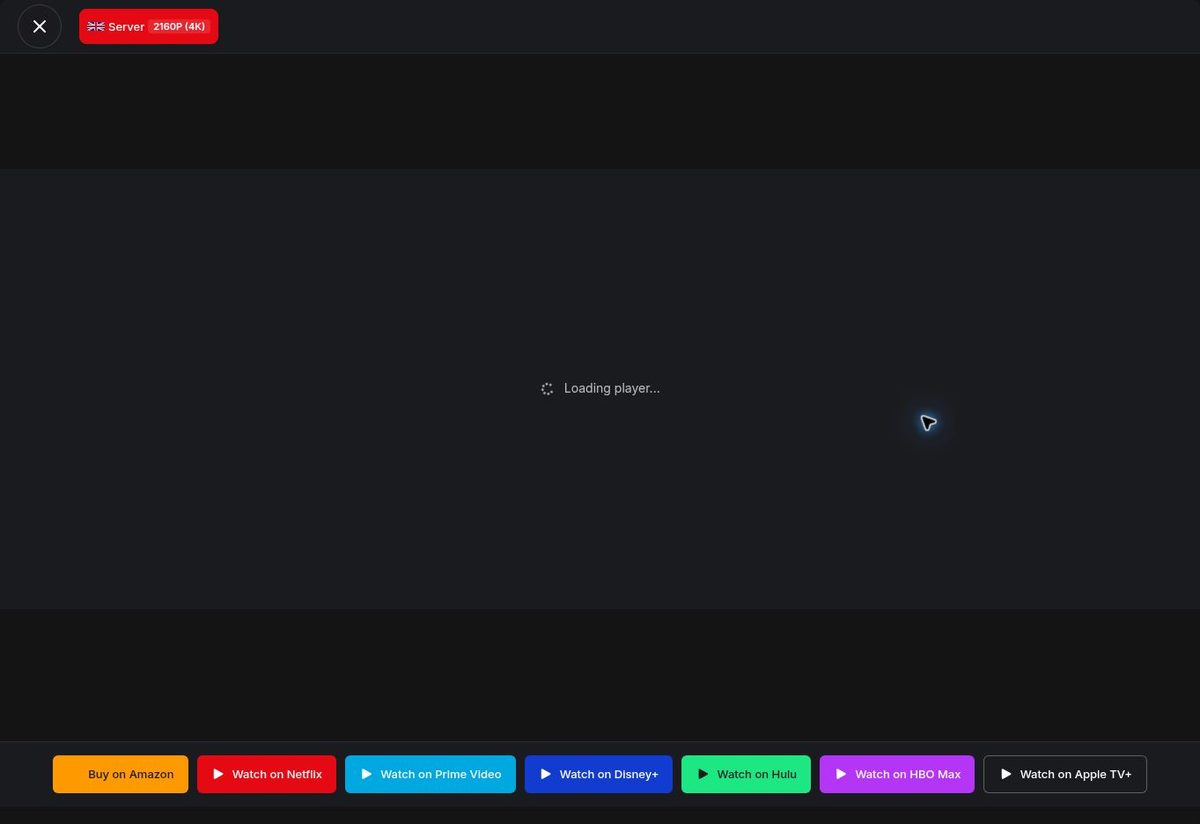
The player page is the page a movie site exists for, so it deserves the strictest test. Open a real title page on a phone, press play, seek forward, turn subtitles on, and save the film. Repeat the journey on a larger screen and on a slower connection. If playback starts promptly, switches quality instead of freezing when the connection weakens, and resumes where the viewer stopped, the player page is doing its job.
Player problems often look like loading problems but have a different cause: a title page may load quickly while its video source is slow, broken, or missing. For movie website Core Web Vitals, recheck video sources when they change, and retest playback after every player or plugin update.
7. Movie website Core Web Vitals checklist
The table below turns the points above into a checklist. Use it for launch and later reviews.
| Part | Done when |
| First screen prompt | Top rows, search, and navigation usable quickly |
| Loading order set | First-screen posters load before lower rows |
| Poster sizes fit | Posters sized for the slots they fill |
| Actions responsive | Play, save, search, and filter respond promptly |
| Layout steady | Nothing moves after it first appears |
| Player tested | Play, seek, subtitles, and save tested on phone and screen |
| Sources rechecked | Video sources verified when they change |
| Rights current | Only titles the site has rights to are offered for playback |
Work through the table in order: loading, interactivity, stability, poster loading, then player testing.
8. Movie website Core Web Vitals with MovieEngine
For a WordPress movie site, the performance work sits inside a larger build: catalog, title pages, search, watchlist, and playback must work together. Movie Engine (Free 1.0.8 and Pro 1.0.8, by ThemePul) provides the catalog behind the pages, with taxonomies, cast and crew profiles, single-title TMDb import with duplicate detection, and an HLS and MP4 player with a source switcher, subtitles, and resume, Free also provides SEO title and description templates, plus JSON-LD schema for movie, TV series, season, episode, and person pages.
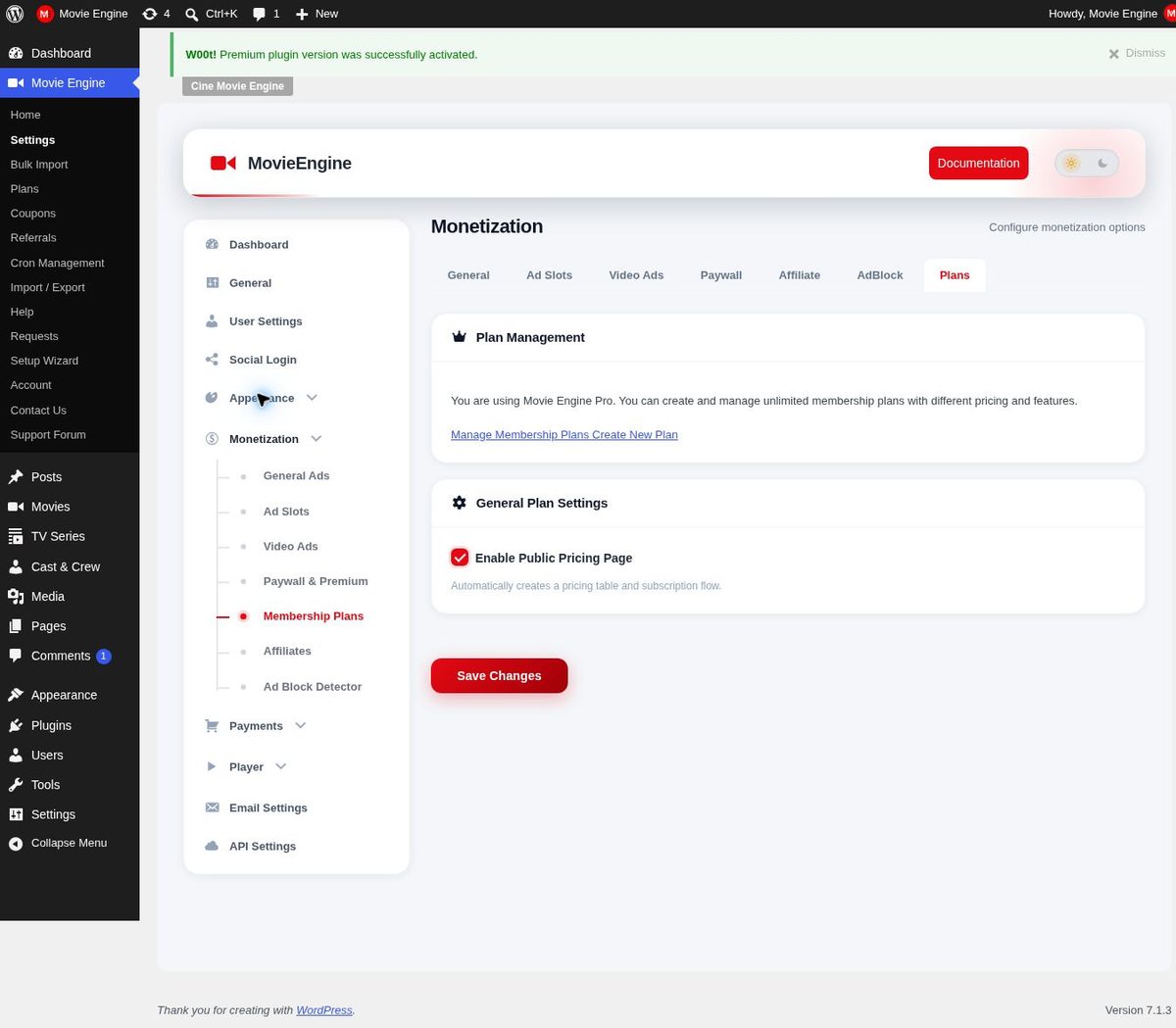
Paid access, where a site offers it, is a Pro area, with subscriptions and pay-per-view; do not plan a site around paid access unless Pro is part of the build. Read the documentation and the installation guide before you commit, and try the live demo to see a catalog page, a title page, and a player page in action.

9. Choose, then test before you commit
Choosing well means testing honestly. On a test site, import a handful of real titles and run the full viewer journey: homepage to title page to playback and back to the dashboard. Then repeat the journey on a phone and on a slower connection.
That test is how movie website Core Web Vitals should be judged: tested, not assumed. The monetization overview in the documentation explains the available models, and current pricing for the plugin itself is separate from any prices you set for your own viewers.
Frequently asked questions
Which page should I check first?
Start with the homepage and one title page, the pages most viewers meet first. For movie website Core Web Vitals, a site whose homepage feels slow rarely feels fast deeper inside.
Does a faster page change the rights a site needs?
No. Whichever tools are used, the site owner must hold the rights to every title offered for playback, and expired titles must be removed or renewed.
Should I test only on a fast connection?
No. Test on a phone and on a slower connection as well,. For movie website Core Web Vitals, a page that feels prompt on a fast connection but stalls on a slower one still loses the viewers who meet it slowly.
Does one fix cover the whole site?
No. Catalog pages, title pages, and player pages fail in different ways: catalog pages on poster loading, title pages on late content, and player pages on sources and playback. For movie website Core Web Vitals, check each page type on its own.
Conclusion
Good performance work on a movie site is a sequence: a prompt first screen, responsive actions, a steady layout, well-sized posters, and a tested player page.
If your plan involves movie website Core Web Vitals on a movie site, start with the checklist, publish only titles you have rights to, and test real pages the way viewers meet them. Then read the documentation, try the live demo, and check current pricing before you commit.
Related Posts

Comments (0)