
A movie database is more than a place to store titles. It is the structure…

Free vs Paid Movie Plugins
A movie site owner soon faces a simple-looking choice: use a free plugin, or pay for a paid one. The free version costs nothing to install, while the paid version promises more features, and the gap between the two is not always clear from a feature list. Free vs paid movie plugins is therefore a value decision first and a price decision second: the right choice fits the site being built, the team that will maintain it, and the viewers it must serve.
This guide compares the two options in general terms: what free usually covers, what paid usually adds, when paid is worth it, and how to test before paying. No price is quoted and no competing tool is named with invented claims, because a free vs paid movie plugins decision is only useful when each side can be checked.
Quick answer
For a standard movie library, the free vs paid movie plugins choice usually favours starting free, because a good free plugin already covers the catalog, title pages, search, watchlist, and playback that a small site needs. Paid features earn their place only when the site has a specific need they cover, such as paid access, advanced players, or bulk import at scale.
- Start free: build the catalog, test playback, and learn what viewers actually use.
- Add paid only for a named need: paid access, an advanced player, or automation the site genuinely requires.
- Test before paying: run the free version with real titles on a test site first.
- Keep the rights rule: publish only titles you have rights to, whichever version is used.
Follow that order, and free vs paid movie plugins stops being a guess about value and becomes a checklist the site can be judged against.
1. What free usually covers
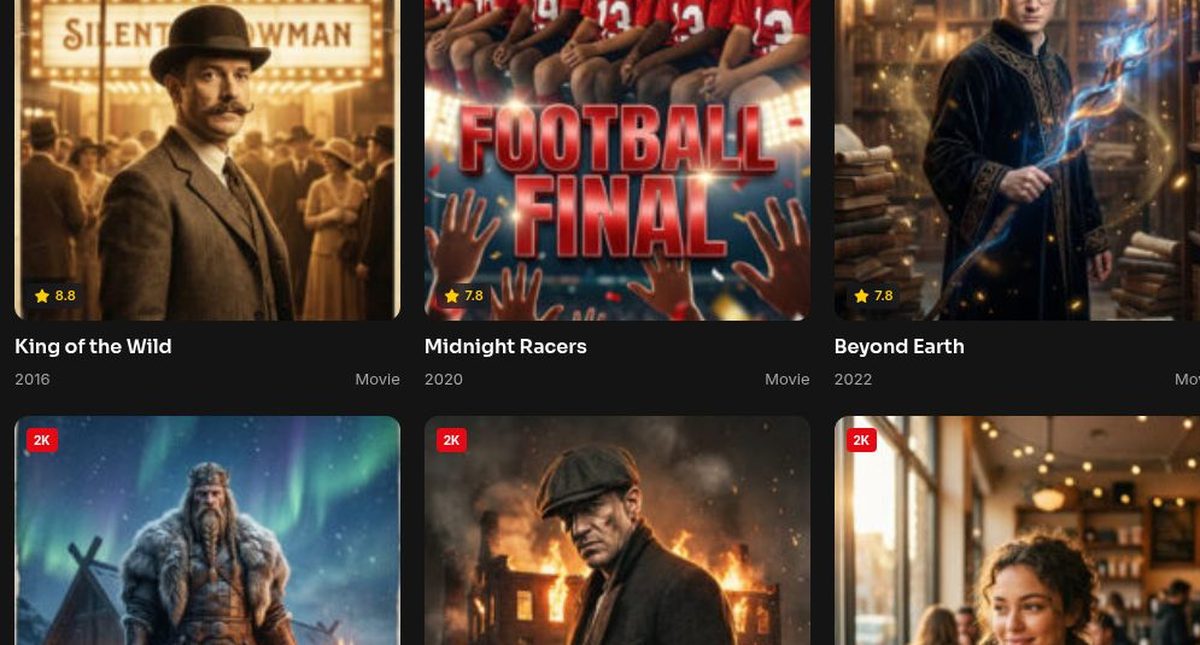
A free movie plugin usually covers the core of a movie site: a library of movies, series, seasons, episodes, and people, with taxonomies for genre, year, country, language, and network, plus cast and crew profiles. Title, series, and people pages each stand alone for browsing.
That core is why free vs paid movie plugins comparisons should start with the free feature list, not the paid one.
Import in a free plugin is usually single-title import with duplicate detection, so the same film does not appear twice, and metadata such as posters, cast, ratings, genres, and descriptions arrives consistently.
The player in a free plugin usually handles the common formats, with subtitles, resume playback, and a quality selector where supported. Viewers usually get a watchlist, Continue Watching, Recently Watched, and a user dashboard, plus a request form for missing titles.
2. What paid usually adds
Paid versions usually add the features that a larger or commercial site needs. The most common paid additions are paid access itself: subscriptions and pay-per-view, with payment integrations, transaction records, and access rules that decide who can watch what.
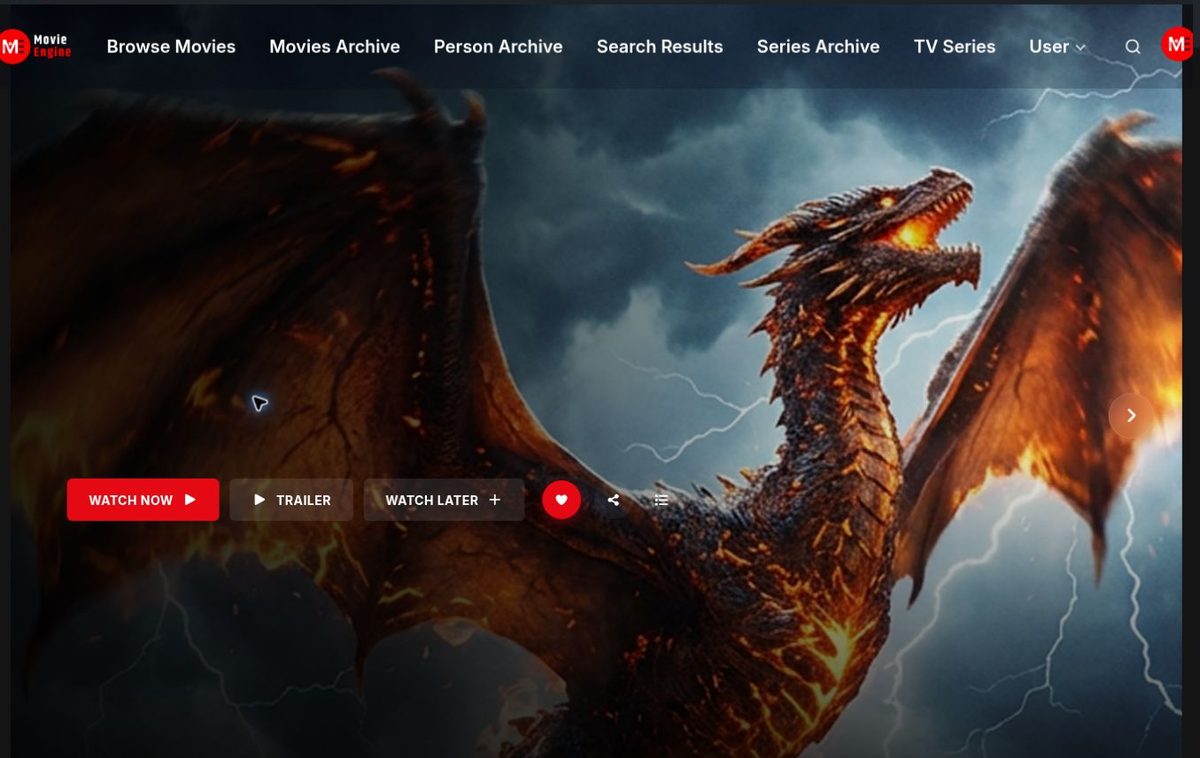
Advanced players are another common paid area, including additional formats, advanced player options, and watermarking where a site needs stronger control over playback.
Automation is a third common paid area: bulk import with scheduled runs, filters for trending or popular titles, and tools for managing many sources at once. None of these is needed by every site: judge paid features one by one, against a real need, not as a bundle. That one-by-one test is the honest way to judge free vs paid movie plugins, because bundles hide unused features.
3. When paid is worth it
Paid is worth it when a specific paid feature removes a real limit on the site. If the site plans to charge viewers, paid access is not optional decoration; it is the core of the business, and the payment system, plans, and access rules must work together before the first paying viewer arrives. If the site publishes many titles every week, bulk import with scheduling may save enough editorial time to matter.
Paid is not worth it when it is bought for features the site will not use. A small library does not need bulk import, and a free catalog earning from banner ads does not need a subscription system. The test is simple: name the feature, name the viewer or editorial problem it solves, and check that the problem is real today, not imagined for a future catalog.
Free vs paid movie plugins should be judged on that present need, because paying early for a future need ties the site to costs before it has the audience to support them.
4. Testing before you pay
Testing before paying is the cheapest protection a site owner has. Install the free version on a test site, import a handful of real titles, build one collection, save a film to a watchlist, and play it on a phone and a larger screen. That test shows whether the free version already covers the site’s real needs.
Only then should free vs paid movie plugins be tested further, one paid feature at a time, against the same checklist. If paid access is the reason for paying, test a full purchase journey on the test site: plan selection, payment, access granted, access removed when it should end, and playback after purchase. If bulk import is the reason, test a scheduled run with real filters and check the imported titles for duplicates and half-finished metadata.
Write down what each test showed: a test record makes the decision revisitable with evidence, not opinion. Keep the test site separate from the live site, so a failed payment test or a bulk import trial never touches real viewer data or the live catalog.
5. Free versus paid: comparison table
The table below turns the points above into a comparison. Use it to score each option against the site’s real needs, not a wishlist.
| Part | Free version | Paid version |
|---|---|---|
| Included at launch | Catalog, title pages, search, watchlist, player | Everything in free, plus paid-only features |
| Import | Single-title import with duplicate detection | Adds bulk import with scheduled runs |
| Player | Common formats, subtitles, resume | Adds advanced formats and watermarking |
| Monetization | Banner ads and affiliate links | Adds subscriptions, pay-per-view, vouchers |
| Team needed | Small team for content and settings | Same team, plus payment and access checks |
| Maintenance risk | Plugin updates from the vendor | Same, plus paid features to keep tested |
| Best for | Standard movie libraries starting out | Sites with a specific paid need |
Score each row against the site’s real catalog and team, not a future catalog. Free vs paid movie plugin worth it judged this way stay honest, because every row asks what the site does today.
6. Free vs paid movie plugins with MovieEngine
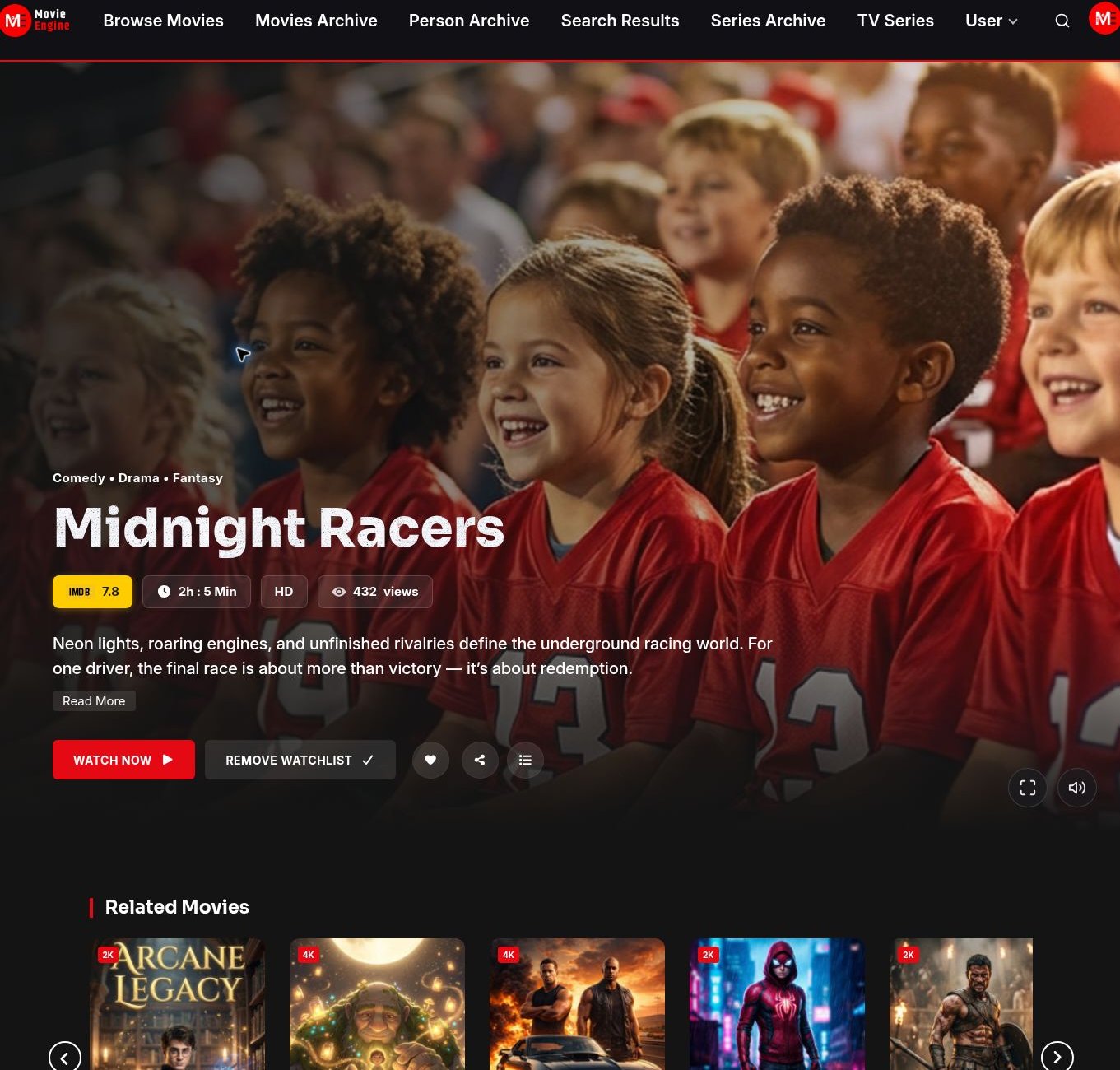
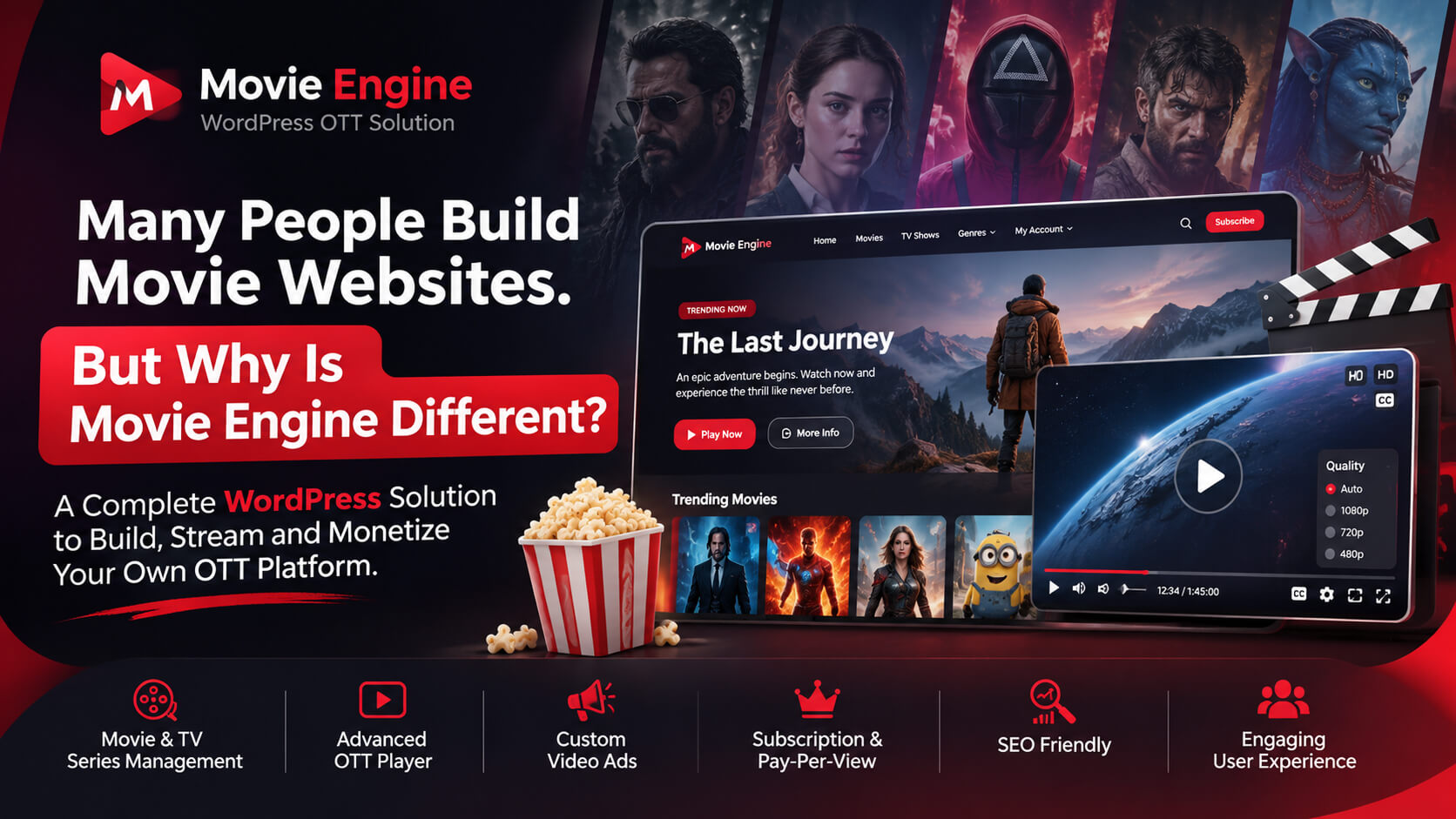
For a WordPress movie site, the choice sits inside a larger build: catalog, title pages, search, watchlist, and playback must work together. Movie Engine (Free 1.0.8 and Pro 1.0.8, by ThemePul) provides a library of movies, TV series, seasons, episodes, and people in Free, with genre, year, country, language, network, and tag taxonomies, plus cast and crew profiles and cascade delete. Free also provides single-title TMDb import with duplicate detection, a native HLS and MP4 player with switcher, subtitles, and resume, plus watchlist, Continue Watching, a dashboard, a request form, banner ads, and affiliate buttons.
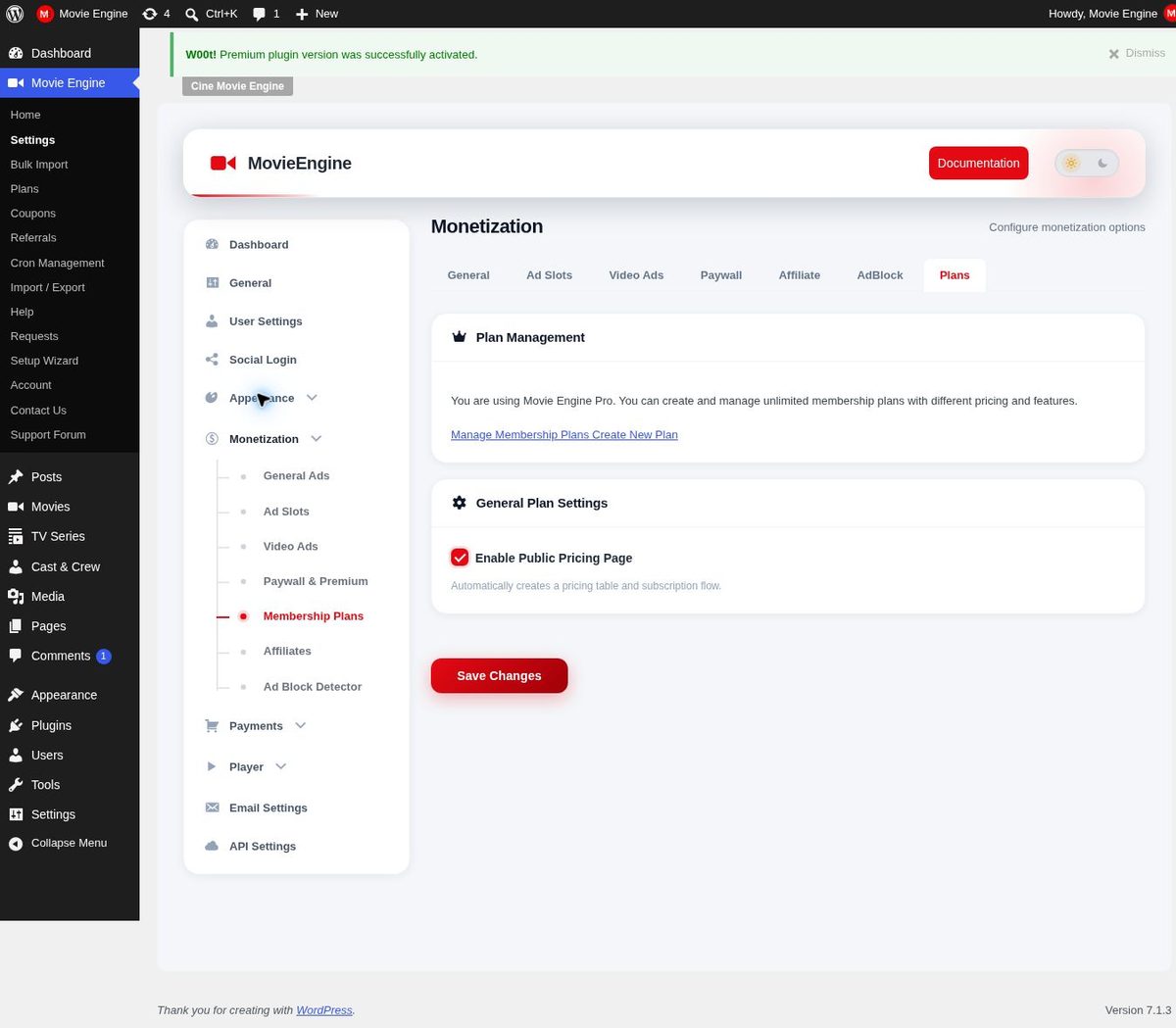
Pro adds separate features, and those are Pro features, not Free ones: MPEG-DASH, Shaka Player, and ArtPlayer, dynamic watermarking, bulk scheduled TMDb import, paid access with subscriptions and pay-per-view, Stripe and PayPal integrations, promo codes and VIP vouchers, ISP paywall options, video ads, and referrals. Do not plan a site around DASH playback, watermarking, bulk import, or paid access unless Pro is part of the build. Read the documentation and the installation guide before you commit, and try the live demo to see the catalog, title pages, and player in action.
7. Choose, then test before you commit
Choosing well means testing honestly and writing down what the test showed before committing a catalog to either option. Start free on a test site, run the full viewer journey, and note every gap against free vs paid movie plugins. If a gap matches a paid feature exactly, test that paid feature on the same journey before paying. If no gap matches a paid feature, stay free and revisit the choice when the catalog or audience grows.
That test is how free vs paid movie plugins should be chosen: tested, not assumed. The monetization overview in the documentation explains the available models, and current pricing for the plugin itself is separate from any prices you set for your own viewers.
Frequently asked questions
Should a new movie site start free or paid?
Start free, unless the site already has a named paid need such as charging viewers from launch. A free version that covers catalog, playback, and watchlist lets the team learn what viewers use before paying — the usual free vs paid movie plugins starting point.
What is the most common reason to pay?
Paid access is the most common reason: a site that charges viewers needs subscriptions or pay-per-view, payment integrations, and access rules working together. Without a plan to charge viewers, that whole system adds cost without a viewer benefit — the clearest free vs paid movie plugins signal to stay free.
Can a site move from free to paid later?
Yes. A site can start free and add paid features when a real need appears, such as paid access or bulk import at scale — the normal free vs paid movie plugins upgrade path. Keep titles, metadata, and viewer data exportable, and test the paid features on a test site before switching the live site.
Does free or paid change the rights a site needs?
No. Whichever option is chosen, the site owner must hold the rights to every title offered for playback, and expired titles must be removed or renewed cleanly. In any free vs paid movie plugins build, the version is a platform choice; the rights remain the site owner’s work.
Conclusion
A good choice is a sequence: start free, test with real titles, name the paid need precisely, and pay only for the feature that removes a real limit. A standard movie library usually fits the free version at launch, because catalog, playback, and accounts already exist, so team time goes into titles and testing. A site with a genuine paid need may justify paying, but only for that need, tested first — the closing rule for free vs paid movie plugins.
If your plan involves free vs paid movie plugins on a movie site, start with the comparison table, publish only titles you have rights to, and choose the option your team can maintain. Then read the documentation, try the live demo, and check current pricing before you commit.
Related Posts

Comments (0)