
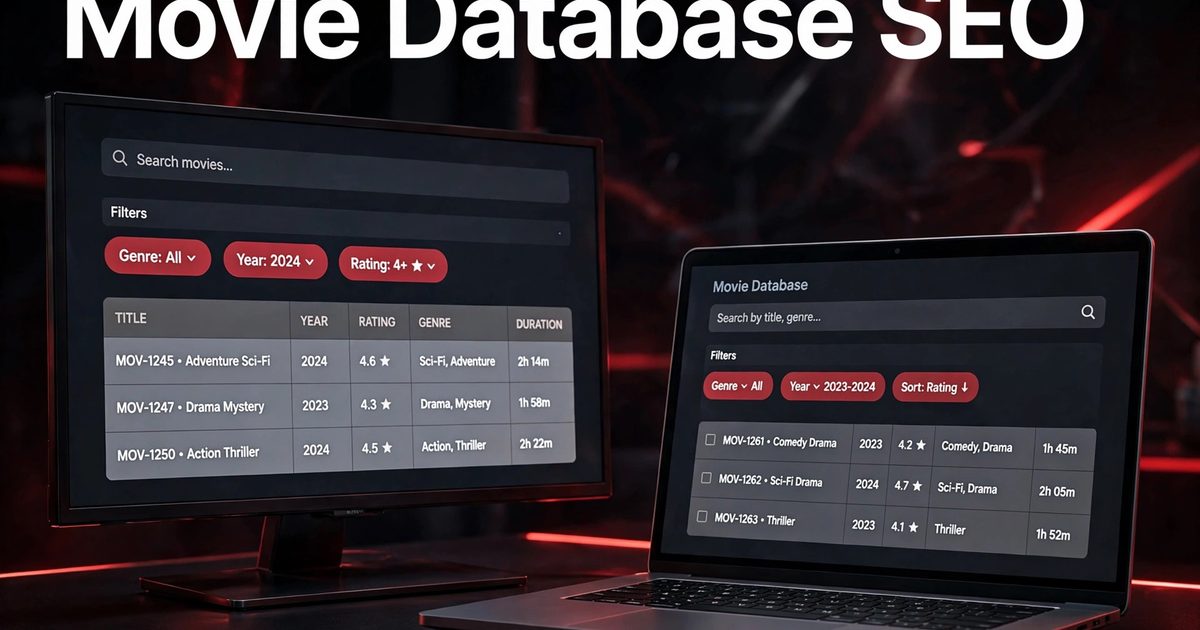
A movie database is more than a place to store titles. It is the structure…

Best WordPress Video Plugins
A WordPress site that shows video needs more than a place to paste a link. The plugin behind the player decides how titles are organised, how viewers find them, how playback behaves on a weak connection, and whether the site can earn from its catalog. Choosing a WordPress video plugin is therefore a site decision, not a feature hunt: the right plugin fits the kind of site being built, the team that will maintain it, and the viewers it must serve.
This guide explains what to look for, how to compare options honestly, and why a movie-specific plugin differs from a generic video tool. No competing plugin is named with invented claims, and no price is quoted.
Quick answer
The best WordPress video plugins for a movie site are the ones that cover five jobs together: a reliable player, a browsable catalog, honest import and metadata, a monetization model that fits the audience, and maintenance a small team can sustain. A plugin that only plays one video well is not enough for a library, and a plugin with a long feature list that nobody maintains is not better than a simpler one the team understands.
- Player first: adaptive playback, subtitles, resume, and server switching where supported.
- Catalog second: titles, people, collections, search, and browsing that viewers can use.
- Import third: metadata handled consistently, without duplicate or half-finished titles.
- Monetization fourth: one model that fits the audience, tested before launch.
- Testing fifth: real titles on real devices, on slow and fast connections.
Follow that order, and WordPress video plugins stop being a list of names and become a checklist the site can be judged against.
1. What a video plugin must do
A video plugin on WordPress has one job above all: turn uploaded or linked video into a viewing experience a stranger can use without instructions. That means the viewer can find a title, press play, understand the controls, and return later to where they stopped.
WordPress video plugins should therefore be judged as a whole, not by a single showcase feature. A beautiful player attached to a catalog nobody can browse is a dead end, and a large catalog with a player that stalls loses viewers just as surely. The sections below break the whole into parts a buyer can check one by one before committing a catalog to any tool.
2. Start with the player
The player is where viewers spend their time. A good player starts playback promptly, switches quality instead of freezing when the connection weakens, shows subtitles when selected, and remembers where a viewer stopped.
Test the player the way viewers will meet it: on a phone and a larger screen, on a fast connection and a throttled one, with subtitles on and off, and after seeking and resuming. The best WordPress video plugins earn trust here first, because every other feature depends on playback working.

3. A catalog is not a playlist
A generic video tool often treats video as a list of files. A movie site needs more: title pages with cast, genre, year, and description; people pages that link an actor to their other films; collections that group titles by theme; and search that covers titles, people, and genres. Without those paths, viewers cannot browse, and browsing is how a library earns return visits.
WordPress video plugins built for movies therefore differ in structure, not only in looks. Taxonomies for genre, year, country, and language let viewers narrow a large catalog predictably. Consistent labels matter, since a genre spelled two ways splits one browsing path. That shared structure is what separates serious WordPress video plugins from a simple embed tool.
4. Import and metadata, handled honestly
A catalog grows title by title, and import decides whether that growth stays manageable. Single-title import with duplicate detection keeps a library clean: the same film should not appear twice under slightly different spellings. Metadata — posters, cast, ratings, genres, descriptions — should arrive consistently, so every title page looks complete rather than half-finished.
Good WordPress video plugins also handle updates and removals cleanly. Ask what happens when a title is updated or removed: does the catalog update cleanly, or leave orphaned pages behind? Does deleting a series remove its seasons and episodes, or leave them stranded? WordPress video plugins that import quickly but maintain badly cost more time than they save.
5. Monetization that fits the audience
Monetization should follow the audience, not lead it. A free catalog with steady browsing traffic suits banner ads in sensible slots, while a discovery site that sends viewers elsewhere suits affiliate viewing links. Paid subscriptions and pay-per-view suit a site that also offers video access.
When judging WordPress video plugins, check which models the plugin genuinely supports and which remain the site owner’s separate work. A plugin promising paid access should show how plans, payments, and access rules work together. Start with one model, test it fully, and add a second only when the first works — a rule that protects both revenue and viewer trust.
6. Performance, maintenance, and support
A video site lives or dies on maintenance. New titles must be prepared in every quality version, sources rechecked when they change, and playback retested when players update. WordPress video plugins that make those routines easy — clear settings, verified sources, a testable player — serve a small team better than ones whose settings hide behind several layers of options.
Performance checks belong in the same routine: playback on slow, fast, and changing connections, on phones and larger screens, with real titles rather than short samples. Check documentation before committing: does it explain installation, import, player setup, and monetization in plain steps?

7. Movie-specific versus generic video tools
A generic video plugin answers one question: how do I show this video? A movie-specific plugin answers a longer list: how do viewers discover titles, follow an actor, save a film for later, resume where they stopped, and request a title that is missing?
Generic tools can suit a site with a handful of videos embedded in articles, but they strain when the site becomes a library, because catalog, people, collections, watchlist, and requests must then be built separately and kept in step. WordPress video plugins built for movies keep those parts together, so a title page, a people page, and a watchlist all draw on the same catalog. When the site’s ambition is a library rather than a page with videos, that shared structure — the hallmark of purpose-built WordPress video plugins — is the deciding difference.
8. Plugin-choice checklist
The table below turns the points above into a checklist for WordPress video plugins, using only points already explained here. Use it for launch and later reviews, skipping a row only where it genuinely does not apply.
| Part | Done when |
|---|---|
| Player reliable | Playback switches quality, shows subtitles, resumes correctly |
| Catalog browsable | Titles, people, collections, search all work as one site |
| Import clean | Single-title import with duplicate detection, consistent metadata |
| Monetization fits | One model matches the audience and is tested fully |
| Sources verified | Every listed server delivers what it promises |
| Performance tested | Playback checked on phones, larger screens, slow and fast connections |
| Maintenance realistic | New titles, sources, and players retested on a routine |
| Rights current | Only titles the site has rights to are offered for playback |
Work through the table in order: player, catalog, import, monetization, then maintenance.
9. WordPress video plugins on a site with MovieEngine
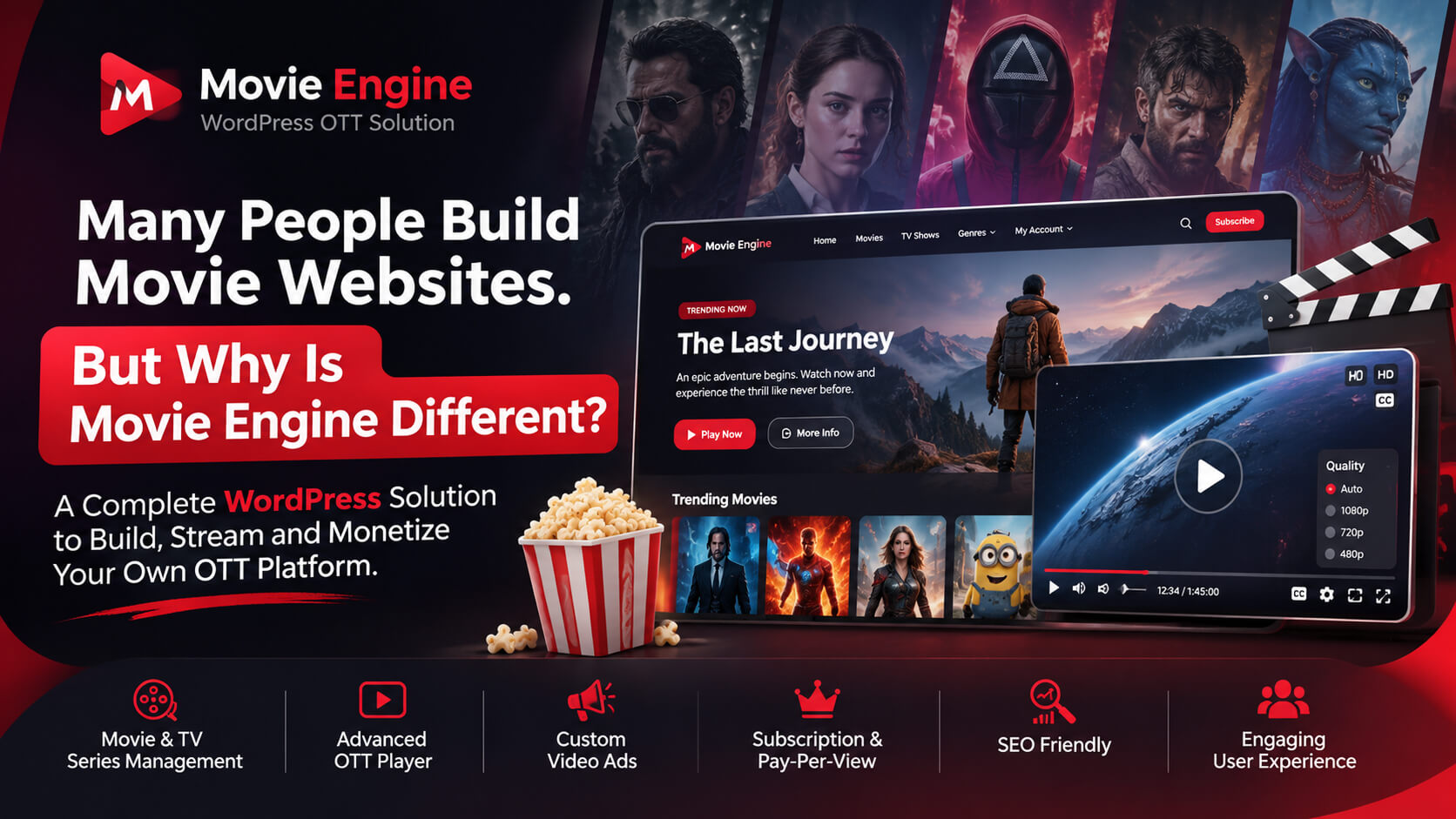
For a WordPress movie site, the plugin choice sits inside a larger build: catalog, title pages, search, watchlist, and playback must work together. Movie Engine (Free 1.0.8 and Pro 1.0.8, by ThemePul) provides a native HLS and MP4 player in Free, with a multi-server switcher, WebVTT subtitles, resume playback, and a quality selector where supported, plus a catalog of movies, series, seasons, episodes, and people, single-title TMDb import, watchlist, Continue Watching, Recently Watched, a user dashboard, banner ads, and affiliate buttons.
Pro adds separate formats and tools — MPEG-DASH, Shaka Player, and ArtPlayer, plus dynamic watermarking — and those are Pro features, not Free ones. Paid access, where a site offers it, is also a Pro area, with subscriptions and pay-per-view. Do not plan a site around DASH playback, watermarking, or paid access unless Pro is part of the build. Read the documentation and the installation guide before you commit, and try the live demo to see the catalog, player, and dashboard in action.

10. Choose, then test before you commit
Choosing well means testing honestly. Install the plugin on a test site, import a handful of real titles, build one collection, save a film to a watchlist, and play it on a phone and a larger screen. Ask the team who will maintain the site whether the routines feel sustainable.
That test is how WordPress video plugins should be chosen — tested, not assumed. The monetization overview in the documentation explains the available models, and current pricing for the plugin itself is separate from any prices you set for your own viewers.

Frequently asked questions
Do I need a video plugin, or can I embed videos directly?
Embedding suits a page with a few videos. A library needs WordPress video plugins, because catalog, search, title pages, watchlist, and playback must work together, and embedding alone provides none of that structure.
What is the difference between a video plugin and a video host?
A plugin runs inside WordPress and organises playback on your own site, while a host stores and delivers video files from elsewhere. Many sites use both.
Should a small site start with Free or Pro features?
Start with the free features that cover the site’s real needs — catalog, player, watchlist, and requests — and add Pro only when a specific Pro feature, such as paid access or advanced players, is genuinely required.
Can a WordPress plugin run a whole movie site?
For a site build using Movie Engine, Free provides the catalog, title pages, an HLS and MP4 player with a switcher and subtitles, watchlist, Continue Watching, and a dashboard, while Pro adds DASH players, watermarking, and paid access. The plugin is the platform; the niche, the catalog work, the testing, and the rights to each title remain the site owner’s work.
Conclusion
A good plugin choice is a sequence: a reliable player, a browsable catalog, clean import, a monetization model that fits, and maintenance a small team can sustain.
If your plan involves WordPress video plugins on a movie site, start with the checklist, publish only titles you have rights to, build a browsable catalog, and test playback the way viewers actually watch. Then read the documentation, try the live demo, and check current pricing before you commit.
Related Posts

Comments (0)