
A movie database is more than a place to store titles. It is the structure…

How to Reduce Video Buffering on a Streaming Website
Nothing loses a viewer faster than a film that keeps stopping to load. A viewer who presses play expects the story to continue, and every pause breaks that promise. To reduce video buffering on a small movie site, you do not need an expensive setup – just find where playback stalls, fix what you control, and test as a viewer would.
This guide explains what streaming buffering is, its most common causes, and the checks that reduce video buffering: adaptive playback, quality levels, verified sources, and honest testing.
Quick answer
To reduce video buffering, start with an adaptive stream, offer more than one quality level, verify every listed source, and test playback on a throttled connection before launch. A single high-quality file stalls slow viewers, while an adaptive setup drops to a lighter level and keeps playing instead of freezing.
- Adaptive first: a segmented stream that changes quality with the connection.
- Levels second: a few distinct quality levels the player can switch between.
- Sources third: every listed server verified, so the player never waits on a dead source.
- Testing fourth: slow, fast, and changing connections checked on real devices.
Follow that order, and you reduce video buffering where it matters most: in the viewer’s first minutes with a film.
1. What buffering actually is
Buffering happens when the player runs out of video to show and must wait for more to arrive. The player holds a small reserve of upcoming segments; when the connection slows or a source fails, that reserve empties and playback pauses. Buffering is therefore a symptom, not a single fault. It can come from the viewer’s connection, from the site’s preparation, or from the player itself. Fixing it means checking each in turn. When viewers ask how to reduce video buffering, start here: name the cause before changing settings.
2. When the viewer’s connection is the limit
Some buffering is outside the site’s control: a viewer on a weak signal cannot receive a sharp stream quickly. The site cannot strengthen that connection, but it can stop demanding more than it can carry. An adaptive stream answers this: the player measures segment arrival and drops to a lighter level before stalling.
A site that only offers one sharp file forces every viewer into the same demand, and weak connections pay for it with pauses. To reduce video buffering for those viewers, the ladder matters most: a few distinct levels give the player somewhere to go when the connection weakens.
3. When a single quality level is the problem
A common self-inflicted cause is offering only one quality level. A single file cannot serve both a television on a strong connection and a phone on a weak one. The television gets a softer picture than it could show, or the phone stalls carrying a file it cannot sustain.
The fix is to prepare the same title at several levels and let the player choose. Each level should be genuinely distinct – light, middle, and sharp – so switching changes what the viewer receives. Nearly identical levels give the player nothing to switch between, and a huge gap forces a jarring jump. To reduce video buffering with a ladder, keep it short, distinct, and maintained for every title, not only for new ones.
4. When the source itself is slow or broken
Sometimes the connection and ladder are sound, yet playback still pauses. The next place to look is the source: a slow server, a playlist pointing to segments that no longer exist, or a listed source that cannot deliver.
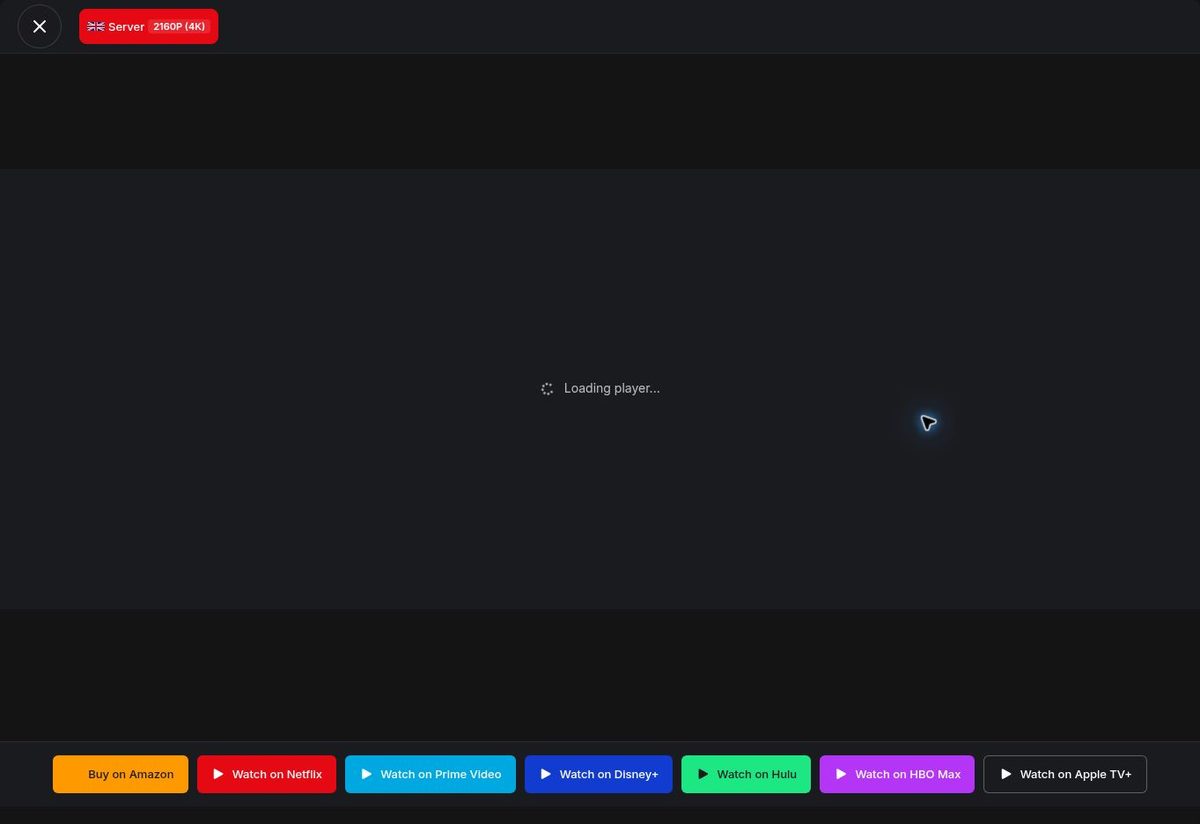
Check every source the way a viewer would meet it. A site working to reduce video buffering checks sources first when the ladder is sound. Confirm every level in the playlist exists, segments play in order, and every listed server delivers – a switcher only helps when every server works. Keep sources small and proven, and remove any that cannot be verified. That check alone can reduce video buffering for titles stalling on one source.
5. When the player or the page gets in the way
Player problems cause buffering too. A player that cannot switch levels or servers, or loses its place after a switch, stalls even when the stream is sound. Subtitles with the wrong timing, a seek bar that lands on the wrong scene, and a resume point that restarts the film all cause rebuffering.
Test the player on a phone and a larger screen. Confirm play, pause, seeking, volume, subtitles, and resume survive a quality switch, and that any quality choice reflects what the setup supports. A switch that breaks subtitles or loses the viewer’s place undoes the benefit of smooth playback. On a site that wants to reduce video buffering, the player check belongs in every release routine, not only at launch.

6. Test the way viewers actually watch
Testing proves whether a site can reduce video buffering before launch, not after complaints. Testing must cover the conditions viewers really meet. Start on a fast connection and confirm playback reaches a sharp level without a long wait. Then throttle the connection and confirm the player drops down before stalling, rather than freezing at the sharp level. Then restore speed and confirm it climbs back steadily, without flickering between levels.
Repeat those checks on a phone and a larger screen, with real titles: a setup that works for a short clip may still fail halfway through a long film.
Record each test the same way: device, connection, title, quality reached, and whether playback paused. When a title that once paused now plays through on the same throttled connection, the log is the proof; when it still pauses, the log points to the next check. Testing this way reveals real weak points – a missing level, a slow source, a subtitle mismatch – before viewers find them. Each test that finds a fault is a chance to reduce video buffering before viewers meet it.

7. Buffering-fix checklist
The table below turns the work to reduce video buffering into a checklist of points already explained here. Use it for launch and later reviews, skipping a row only where it genuinely does not apply.
| Part | Done when |
|---|---|
| Adaptive stream | Full-length films play as an adaptive stream, not a single file |
| Levels distinct | The same video exists at a few distinct, useful quality levels |
| Sources verified | Every listed server can deliver the segments it promises |
| Playlist correct | Every playlist points to segments that actually exist |
| Player controls intact | Subtitles, seeking, and resume survive every switch |
| Slow connection tested | Playback drops to a lighter level before it stalls |
| Devices tested | Playback tested on phones and larger screens |
| Rights current | Only titles the site has rights to are offered for playback |
Work through the table in order: ladder, sources, player, then the viewer’s connection.
8. Buffering fixes on a WordPress site with MovieEngine
For a WordPress movie site, buffering fixes sit inside a larger build: catalog, title pages, search, watchlist, and playback must work together. Movie Engine (Free 1.0.8 and Pro 1.0.8, by ThemePul) provides a native HLS and MP4 player in Free, with a multi-server switcher, WebVTT subtitles, resume playback, and a quality selector where supported. For a team planning to reduce video buffering on WordPress, that Free coverage is the starting point.
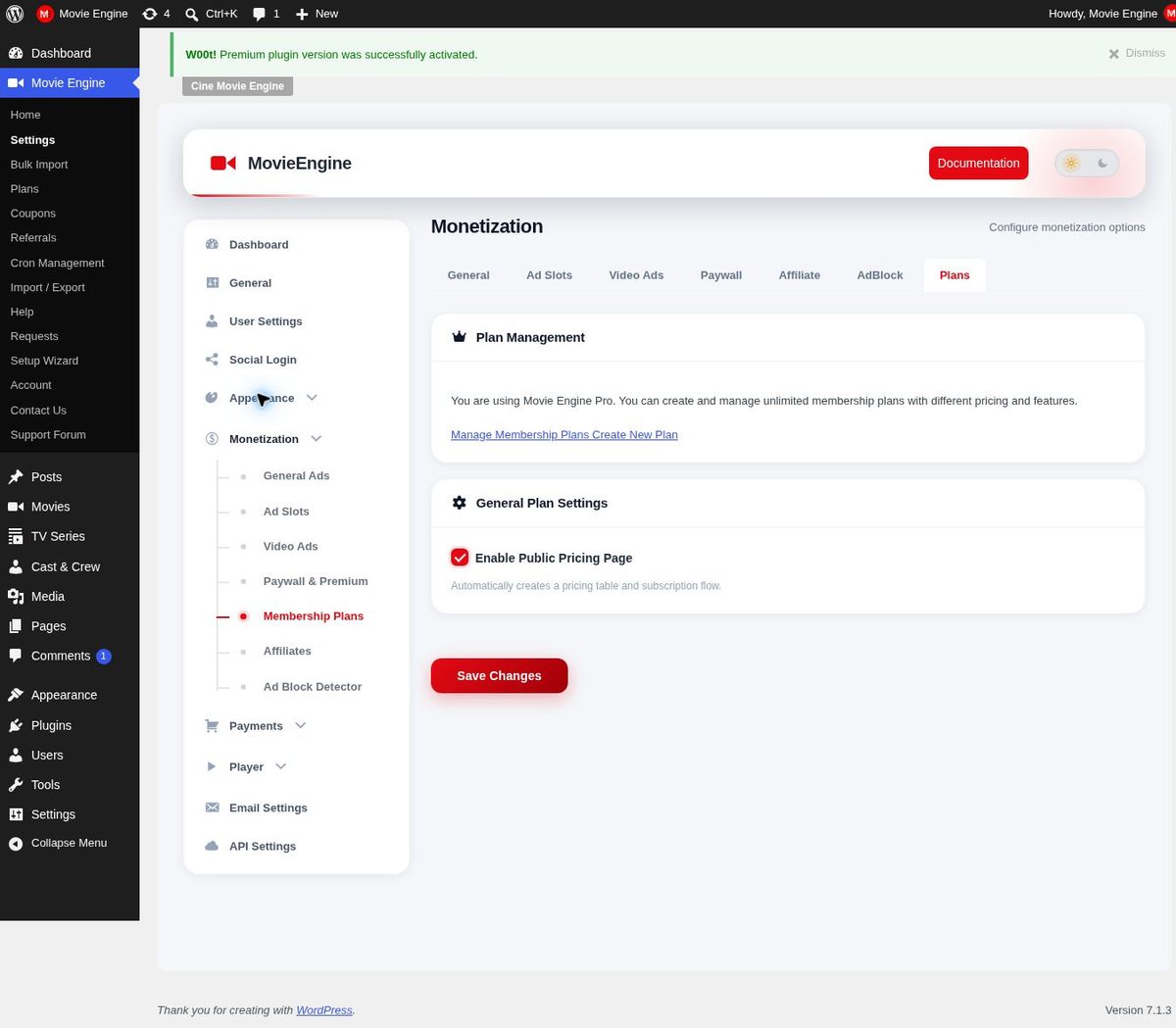
Pro adds separate formats and tools – MPEG-DASH, Shaka Player, and ArtPlayer, plus dynamic watermarking – and those are Pro features, not Free ones. Do not plan buffering fixes around DASH playback or watermarking unless Pro is part of the build. Paid access, where a site offers it, is also a Pro area, with subscriptions and pay-per-view. Read the documentation and the installation guide before you commit, and try the live demo to see the player, subtitles, and resume in action.
9. Keep the fix simple, then keep it maintained
A buffering fix that only works at launch is not a fix. Quality levels must be prepared for every new title, sources rechecked when they change, and players retested when they update. Add a second source only when the first is proven, and paid access only when the catalog and audience justify it. The monetization overview in the documentation explains the available models, and current pricing for the plugin itself is separate from any prices you set for your own viewers.
Keep the rules visible where playback happens: which titles are free, included, or extra should be clear on the title page, not only at checkout. To reduce video buffering over time, start with one model, test it fully, and add a second only when the first works.
Frequently asked questions
Why does my video buffer even on a fast connection?
A fast connection does not help if the source is slow, the playlist points to missing segments, or only one sharp level is offered and the player cannot switch. To reduce video buffering in that case, check the ladder, the playlist, and every listed source before assuming the viewer’s connection is at fault.
Does a higher quality level always mean more buffering?
Not always, but a sharper level means larger segments that take longer to arrive, so on a weak connection it stalls sooner. An adaptive player avoids that trap by dropping to a lighter level before playback freezes. That is why a ladder is the simplest way to reduce video buffering on mixed connections.
Can a WordPress plugin fix buffering on its own?
Movie Engine provides the catalog, title pages, an HLS and MP4 player with a switcher and subtitles, watchlist, Continue Watching, and a dashboard, while Pro adds DASH players, watermarking, and paid access. The plugin is the platform; preparing levels, verifying sources, and testing remain the site owner’s work, and no setup can promise buffering will never happen.
Should I add more servers to stop buffering?
Only if each new server is verified. An unverified server can make playback worse, because the player may wait on a source that cannot deliver. Keep the list small, test every entry, and remove any source that fails.
Conclusion
A smooth site is a sequence: an adaptive stream, a short ladder of distinct levels, verified sources, a correct playlist, a player whose controls survive every switch, and testing on slow, fast, and changing connections. Follow that order, and most pauses disappear before viewers ever meet them.
If your plan is to reduce video buffering on WordPress, start with an adaptive stream, publish only titles you have rights to, build a browsable catalog, and test playback the way viewers actually watch. Then read the documentation, try the live demo, and check current pricing before you commit.
Related Posts


Comments (0)