
A viewer on a fast home connection and a viewer on a weak mobile signal…
Best Video Format for Streaming
Choosing how to deliver video means facing a confusing shelf of names — MP4, HLS, DASH — each described as the obvious answer. Choosing the best video format for streaming is not about picking the newest name. It is about matching delivery to how viewers watch: on phones and televisions, on fast and slow connections, for clips and long films alike.
This guide explains container versus delivery, what MP4, HLS, and DASH each do well, where each falls short, and what the best video format for streaming looks like for a small WordPress movie site.
Quick answer
The best streaming video format for most small movie sites is an adaptive segmented stream — HLS in the Free MovieEngine player — because it adjusts quality to the connection instead of forcing every viewer to use one file. Keep MP4 for short clips, and consider DASH only when the site already uses Pro and needs its advanced players.
- Adaptive first: a segmented stream that changes quality with the connection.
- Simple second: MP4 for short clips and single-file playback.
- Advanced third: DASH only when Pro players are part of the plan.
- Testing fourth: check every choice on the audience’s devices and connections.
That is the short version of the best video format for streaming decision: start adaptive, keep a simple option, and add complexity only when the site can maintain it.
1. Container or delivery method: the distinction that clears up the choice
Much confusion comes from comparing unlike things. A container is a file wrapper holding video, audio, and subtitles; MP4 is the best-known example. A delivery method, such as HLS or DASH, splits video into segments described by a playlist or manifest the player reads.
That distinction matters because viewers watch playback, not a wrapper. A single MP4 file plays progressively, from start to finish, at one quality. A segmented stream lets the player fetch pieces in order and switch quality levels as the connection changes. Once that difference is clear, the search for the best video format for streaming becomes a playback question: should this title play as one fixed file, or as an adaptive stream? For full-length films, the stream usually wins.
2. MP4: simple, widely playable, and limited for long films
MP4 earns its place through simplicity: a single file browsers and devices generally understand, easy to prepare and link, playing without a playlist, manifest, or special player setup. For a short trailer or preview clip, that simplicity is an advantage. For short pieces, simplicity alone can make MP4 the best video format for streaming choice.
Its limits appear with length: one progressive file gives every viewer the same quality, whatever their connection can carry, and slow connections wait longer and risk stalling. Judged for full films, MP4 is not the best video format for streaming, but it remains a useful format for everything around them: short clips, previews, and titles where a single file is genuinely enough.
3. HLS: the adaptive default for most streaming sites
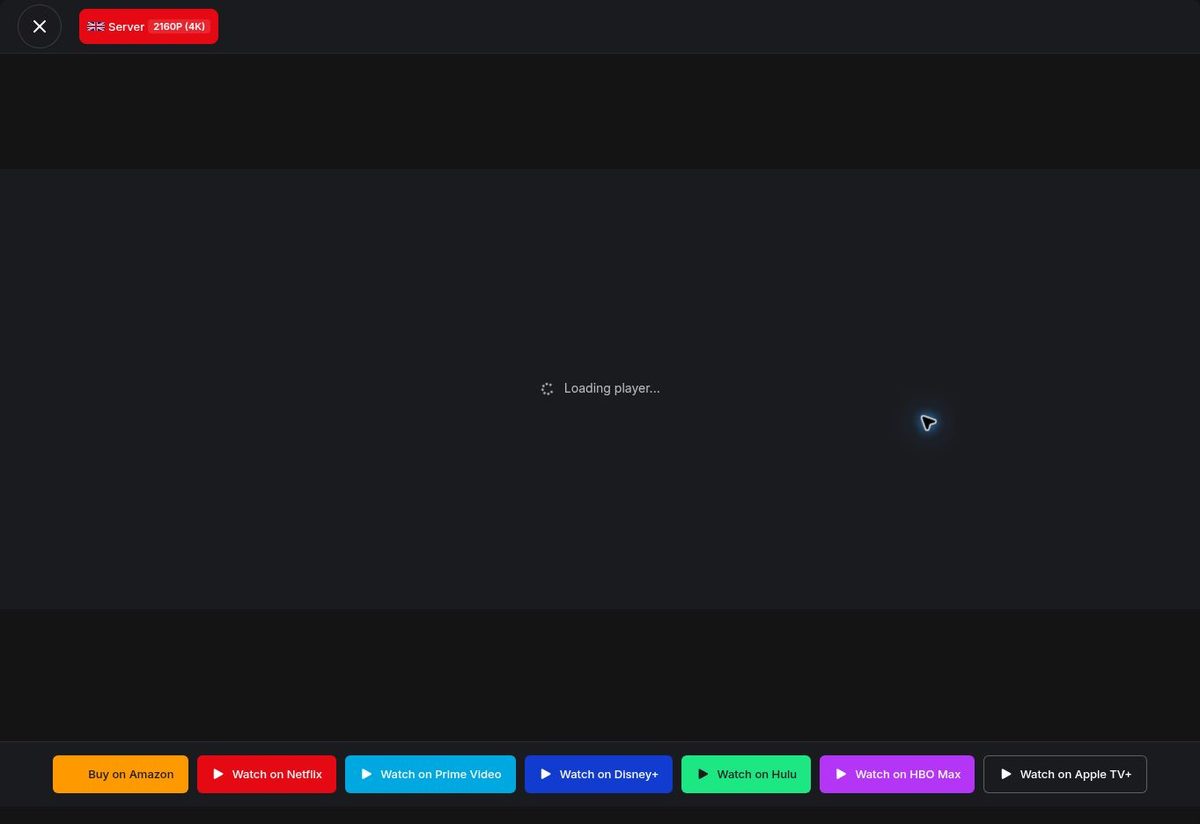
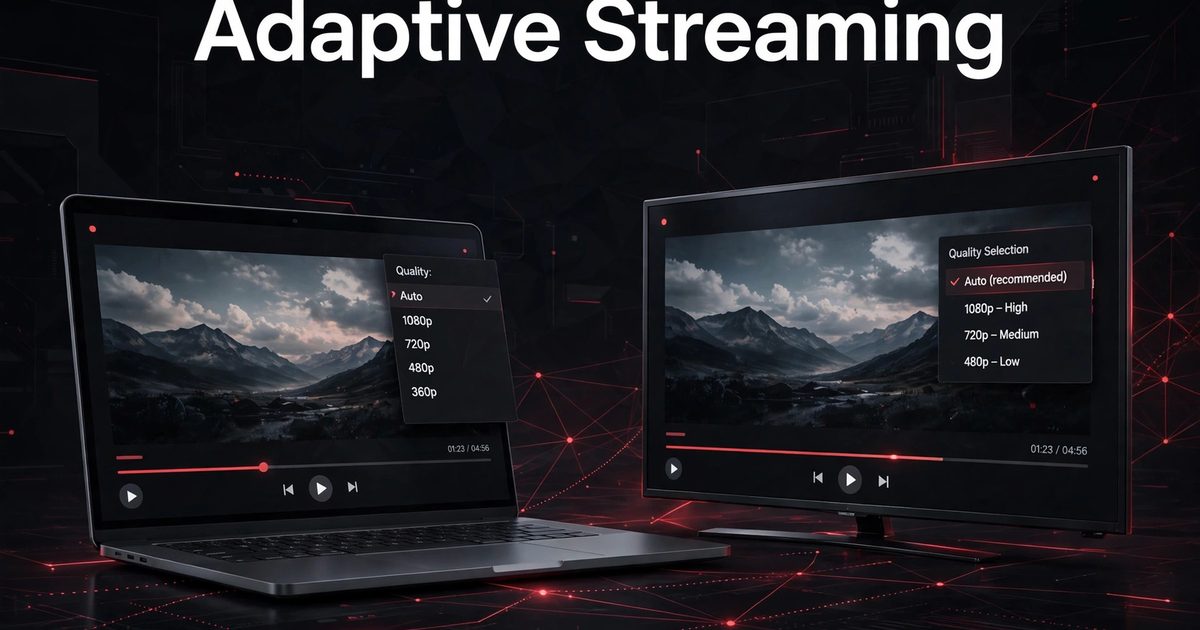
HLS, short for HTTP Live Streaming, is the leading candidate for the best video format for streaming, delivering video as short segments described by a playlist, usually with an .m3u8 extension. The player reads the playlist, fetches segments in order, and switches quality levels as the connection changes. That adaptive behaviour is why HLS is the default for many sites: one title serves weak and strong connections alike.
Playback starts after only the first few segments arrive. A brief dip is covered by segments already fetched ahead, and a longer slowdown drops to a lighter level instead of freezing. Subtitles travel as separate tracks, and resume returns viewers to the segment they left. For a small site weighing the best video format for streaming, HLS is the strongest default: adaptive, broadly supported, and well matched to how people watch films.
4. DASH: powerful, open, and more to maintain
DASH, short for Dynamic Adaptive Streaming over HTTP, is another segmented, adaptive delivery method, built as an open standard. Like HLS, it splits video into segments and lets the player switch quality levels. Its advanced players, Shaka Player and ArtPlayer in Pro, bring extra control larger sites may want.
That power means more to maintain: another format to prepare, player to test, and set of sources to verify. It does not change the best video format for streaming default, which stays HLS. For most small movie sites, adding DASH on top of a working HLS setup is complexity without a viewer-visible benefit. Choose DASH when the site already runs Pro and its players are part of the plan; otherwise, HLS already answers the format question.
5. Compatibility in general terms: test, do not assume
Compatibility advice is often presented as a fixed table, but tables go out of date. The safer approach is general: adaptive playback and MP4 playback are both broadly supported on modern browsers and devices, and every claim about a specific device should be checked on that device before launch.
Test as a viewer would: open a title on a phone and a larger screen, on a fast and a throttled connection, and confirm playback starts, switches quality instead of stalling, shows subtitles when selected, and resumes at the right place. Repeat that check for each format offered. When judging the best video format for streaming for your own site, one afternoon of honest testing beats any compatibility table, because it answers the only question that matters: does this format play well for this site’s viewers, on their devices, today?
6. Choosing for a small WordPress movie site
A small site needs one default, one fallback, and a clear rule for when to add more. Start with HLS for films, keep MP4 for short clips, and add DASH only when Pro is part of the build and its players are needed.
That order keeps maintenance realistic: each format must be prepared for every new title, checked when sources change, and retested when players update. A team that maintains two formats well serves viewers better than one that maintains four badly. The best video format for streaming on a small site is therefore the one the team can prepare correctly, verify completely, and test regularly — HLS first, MP4 alongside it, DASH later if ever. Only titles the site has rights to should be offered, and an expired title should be removed or renewed in every format at once.
7. Format-choice checklist
The table below turns the best video format for streaming into a checklist of points already explained here. Use it for launch and later reviews, skipping a row only where it does not apply, and treat it as the working version of the best video format for streaming decision.
| Part | Done when |
| Default adaptive | Full-length films play as an adaptive stream |
| Simple fallback | Short clips and previews have a single-file option |
| Levels distinct | Each quality level is distinct |
| Playlist correct | Every playlist points to segments that exist |
| Sources verified | Every listed server delivers the segments it promises |
| Subtitles checked | Subtitle tracks match the video |
| Devices tested | Playback tested on phones and larger screens |
| Rights current | Only titles the site has rights to are offered for playback |
8. Formats on a WordPress site with MovieEngine
For a WordPress movie site, the format choice sits inside a larger build: catalog, title pages, search, watchlist, and playback must work together. Movie Engine (Free 1.0.8 and Pro 1.0.8, by ThemePul) provides a native HLS and MP4 player in Free, with a multi-server switcher, WebVTT subtitles, resume, and a quality selector where supported. That Free player already covers the default and fallback: HLS for films, MP4 for simple playback. That Free coverage already answers the best video format for streaming question for most small sites.
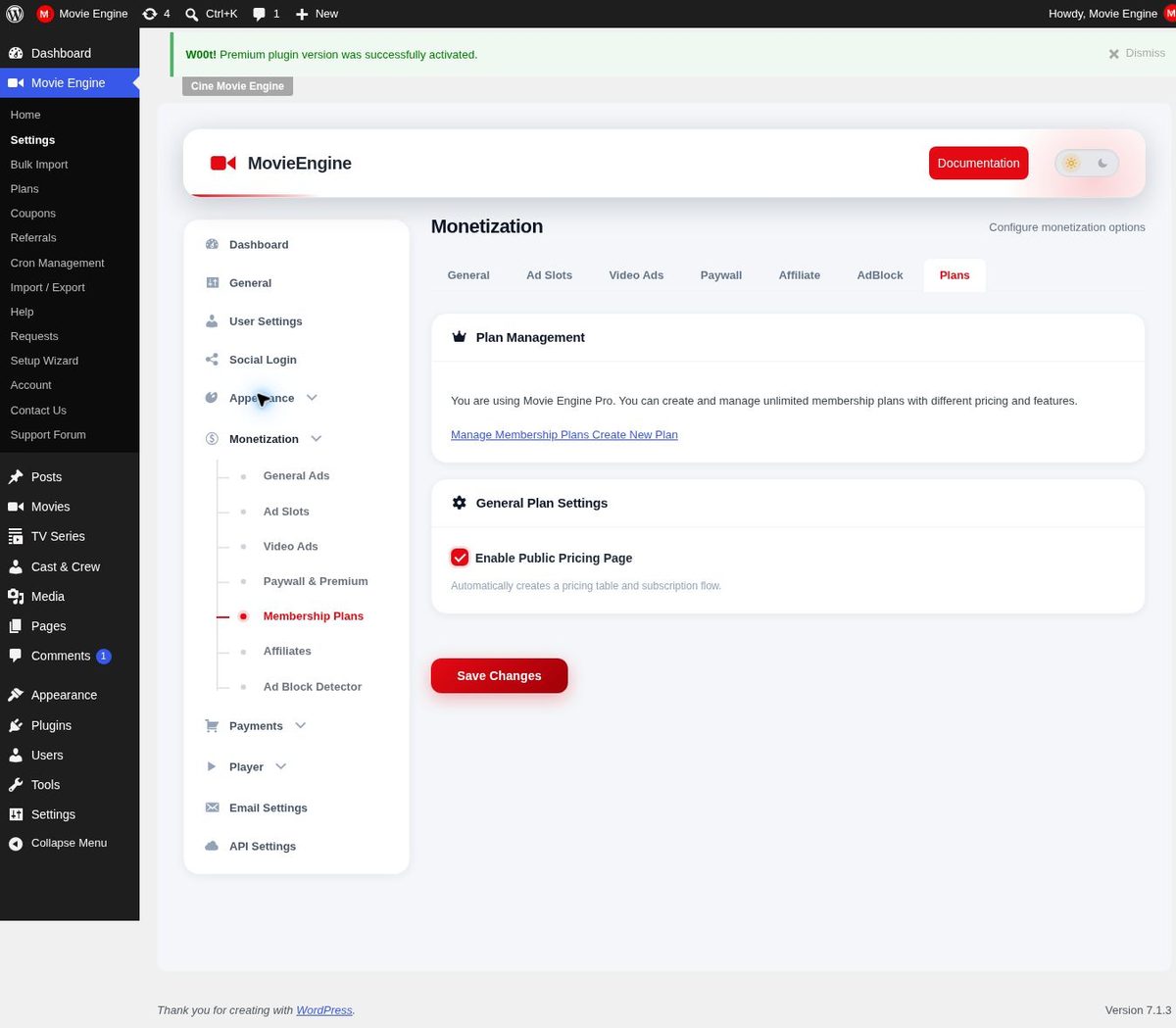
Pro adds MPEG-DASH, Shaka Player, ArtPlayer, and dynamic watermarking — Pro features, not Free ones. Do not plan around DASH or watermarking unless Pro is part of the build. Paid access is also a Pro area, with subscriptions and pay-per-view. Read the documentation and the installation guide, and try the live demo to see the player in action.
9. Start simple, add formats only with a reason
Grow the plan in the order viewers feel it. Start with HLS for films and MP4 for short pieces, test both on real devices and connections, and fix every broken playlist, missing level, and mistimed subtitle track before adding anything else. Add DASH only when a real need appears, and paid access only when the catalog and audience justify it. The monetization overview explains the available models, and current pricing for the plugin itself is separate from any prices you set for your own viewers.
Keep the rules visible where playback happens: which titles are free, included, or extra should be clear on the title page. When the plan is the best video format for streaming for a small site, start with one model, test it fully, and add a second only when the first works.
Frequently asked questions
Is MP4 or HLS better for a movie site?
For full-length films, HLS is usually better: its adaptive segments adjust quality to the connection instead of forcing one file on every viewer — which is why it is the best video format for streaming default for most small sites. MP4 is better for short clips, where a single file is easier.
Do I need DASH as well as HLS?
Not at launch. A well-prepared HLS stream already serves every connection from one title. Add DASH when Pro is part of the build and its players are genuinely needed.
What is the difference between a container and a delivery method?
A container, such as MP4, is a file wrapper holding video, audio, and subtitles together. A delivery method, such as HLS or DASH, sends video in segments with a playlist or manifest the player reads.
Can a WordPress plugin handle these formats?
Using Movie Engine, Free provides the catalog, title pages, an HLS and MP4 player with a switcher and subtitles, watchlist, Continue Watching, and a dashboard, while Pro adds DASH players, watermarking, and paid access. Preparing formats, checking sources, and testing on real devices remain the site owner’s work.
Conclusion
A good format decision is a sequence: understand container versus delivery, use an adaptive stream for films, keep a simple file for short pieces, add advanced formats only with a reason, test on real devices, and keep rights current.
If your plan involves the best video format for streaming on WordPress, start with HLS, publish only titles you have rights to, build a browsable catalog, and test playback on slow and fast connections. Then read the documentation, try the live demo, and check current pricing.
Related Posts


Comments (0)