
A movie database is more than a place to store titles. It is the structure…

CDN for Streaming Websites
A viewer far from a site’s main server often waits longer for the first frame, even when the video itself is well prepared. Distance matters because every segment must travel from storage to viewer, and a long journey leaves more room for delay. A CDN for streaming websites shortens that journey by placing copies closer to viewers, so playback starts sooner and keeps going more steadily.
This guide explains what a delivery network does in plain terms, how edge delivery and caching work, when a small site genuinely needs one, and what to check before choosing. No provider is named and no speed is promised.
Quick answer
A CDN for streaming websites is a network of servers placed in many locations that delivers copies of a site’s files from the location nearest each viewer, instead of sending every request back to one main server. The main server, called the origin, still holds the original files, while the network stores copies at edge locations and serves viewers from there. That helps most when viewers spread across regions, a title becomes popular quickly, or the main server would otherwise handle every request alone.
- Edge first: serve viewers from a nearby location, not from one distant server.
- Cache second: store copies of files that can be reused safely.
- Origin third: keep the original files in one place the network can refresh from.
- Testing fourth: check playback from different places before judging the result.
Follow that order, and a CDN for streaming websites becomes a delivery decision, not a purchase made on hope.
1. What a delivery network actually does
A CDN for streaming websites does not create video, store a catalog, or replace a player. It carries files. When a viewer requests a title, the request goes to a nearby edge location first. If it already holds a usable copy, it serves it directly; if not, it fetches the file from the origin, serves it, and keeps a copy nearby.
For a movie site, the files that benefit most are the ones many viewers request: segments of popular titles, posters, and other shared assets. Personal pages, such as a dashboard or watchlist, must stay fresh, because a copy made for one viewer may be wrong for another. A CDN for streaming websites works best when the site owner knows which files are safe to copy and which must always come fresh from the origin.
2. Origin and edge: two roles, kept separate
The origin is the main server where the site and its original files live. When a file changes, the origin holds the new version. The edge is the set of locations that serve copies to nearby viewers. Keeping those roles separate matters, because confusion leads to stale files being served long after an update.
Think of the origin as a library and the edge as reading rooms holding copies of popular books. A new edition reaches the library first, and the reading rooms refresh their copies on a schedule. When a file changes, the edge copy must be refreshed before viewers see the new version. A site using a CDN for streaming websites that understands this separation can plan updates sensibly: change the origin, refresh the edge, and then check that viewers in different places see the same result.
3. Caching: useful copies, with clear rules
Caching is the practice of keeping a copy so the next request does not need to travel all the way back to the origin. Done well, a CDN for streaming websites reduces load on the main server and shortens the wait for viewers. Done carelessly, it serves old files: a removed title that still appears, a poster that no longer matches, or a segment that has been replaced. The difference is not the technology but the rules: how long a copy may be kept, what counts as a change, and how a stale copy is cleared.
A CDN for streaming websites needs caching rules written down before launch, not discovered during a problem. Decide which files may be cached, for how long, and how an update is pushed through. Finished film segments can be kept longer, while title pages and lists need shorter keeping times or a refresh on update. Test the rules with a real change and check from more than one place whether the new version appears.
4. When a small site genuinely needs one
Not every small site needs a delivery network on day one. A site with viewers in one region and a main server that already serves playback smoothly may gain little from adding another layer. Adding a CDN for streaming websites to a site that already works well adds work: another set of rules to maintain, another place where a stale copy can hide, and another thing to check when playback fails.
A CDN for streaming websites earns its place when the signs point that way: viewers in several regions report slow starts, a popular title strains the main server, or traffic rises sharply after a new release. A network placed closer to viewers addresses those delivery problems directly. Fix the basics first — a working adaptive stream, verified sources, and a switching player — because a network cannot rescue a stream that was never prepared properly; it makes a working setup reach further.
5. What to check before choosing
Choosing a delivery network starts with questions, not with a product name. First, which files will it serve, and which must stay fresh from the origin? Second, how are updates pushed through, and how long does a stale copy linger? Third, how does the site owner check what viewers in different places actually receive? Fourth, what happens when the network itself has a problem — does playback fall back to the origin, or does it fail outright? A CDN for streaming websites chosen without answers to those questions is a gamble.
Check the answers with a small, honest test. Put a test title behind the network, play it from more than one place, and compare the result with playback straight from the origin. Confirm segments arrive in order, subtitles match, seeking lands correctly, and updates reach viewers after a refresh. A CDN for streaming websites should also fit existing work, with delivery as one more checked step rather than a separate mystery.
6. Delivery checklist
The table below turns the points above into a checklist, using only points already explained here. Use it for launch and later reviews, skipping a row only where it genuinely does not apply. A CDN for streaming websites used against this checklist stays a tool, not a hope.
| Part | Done when |
|---|---|
| Roles clear | Origin holds originals; edge serves nearby copies |
| Cache rules written | Cacheable files and keeping times are decided |
| Updates refresh | A changed file reaches viewers after a refresh |
| Personal pages fresh | Signed-in pages are not served as shared copies |
| Sources verified | Every listed server can deliver what it promises |
| Places tested | Playback checked from more than one location |
| Fallback known | Behaviour when the network fails is understood |
| Rights current | Only titles the site has rights to are offered for playback |
7. Delivery on a WordPress site with MovieEngine
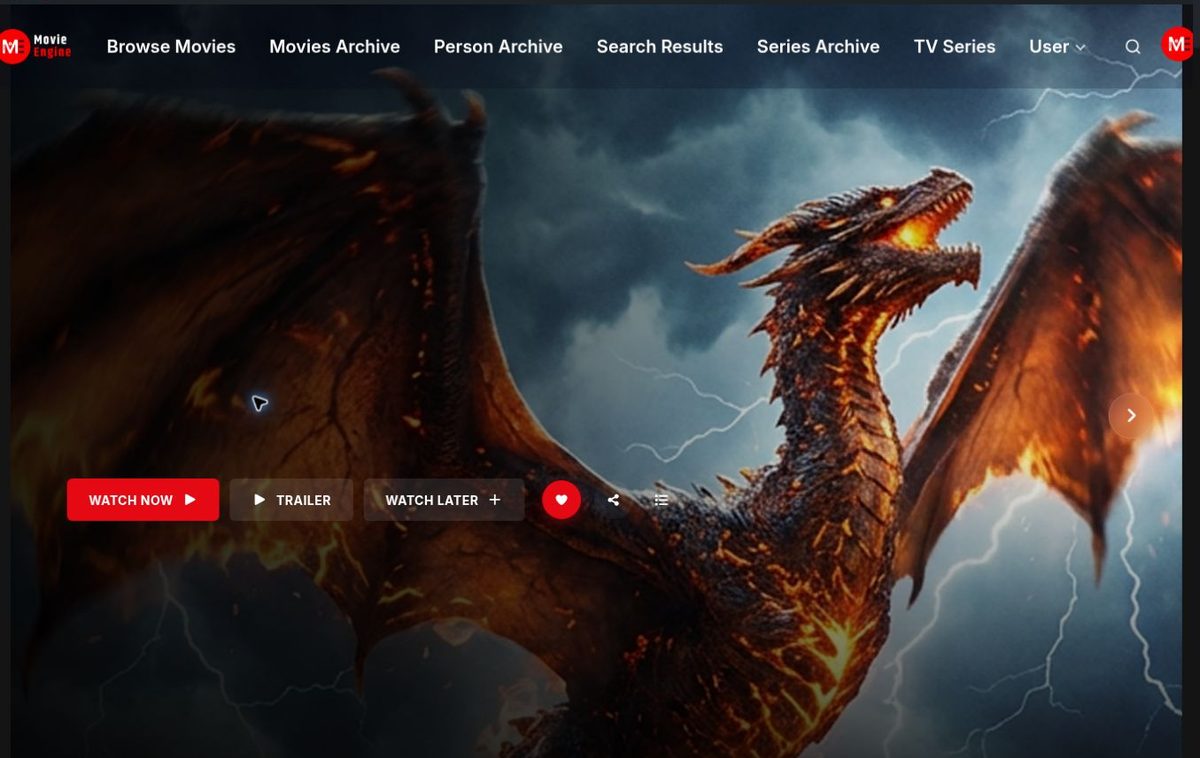
For a WordPress movie site, a CDN for streaming websites sits inside a larger build: catalog, title pages, search, watchlist, and playback must work together. Movie Engine (Free 1.0.8 and Pro 1.0.8, by ThemePul) provides a native HLS and MP4 player in Free, with a multi-server switcher, WebVTT subtitles, resume playback, and a quality selector where supported. Those features decide how segments are requested; the network decides how quickly they arrive.
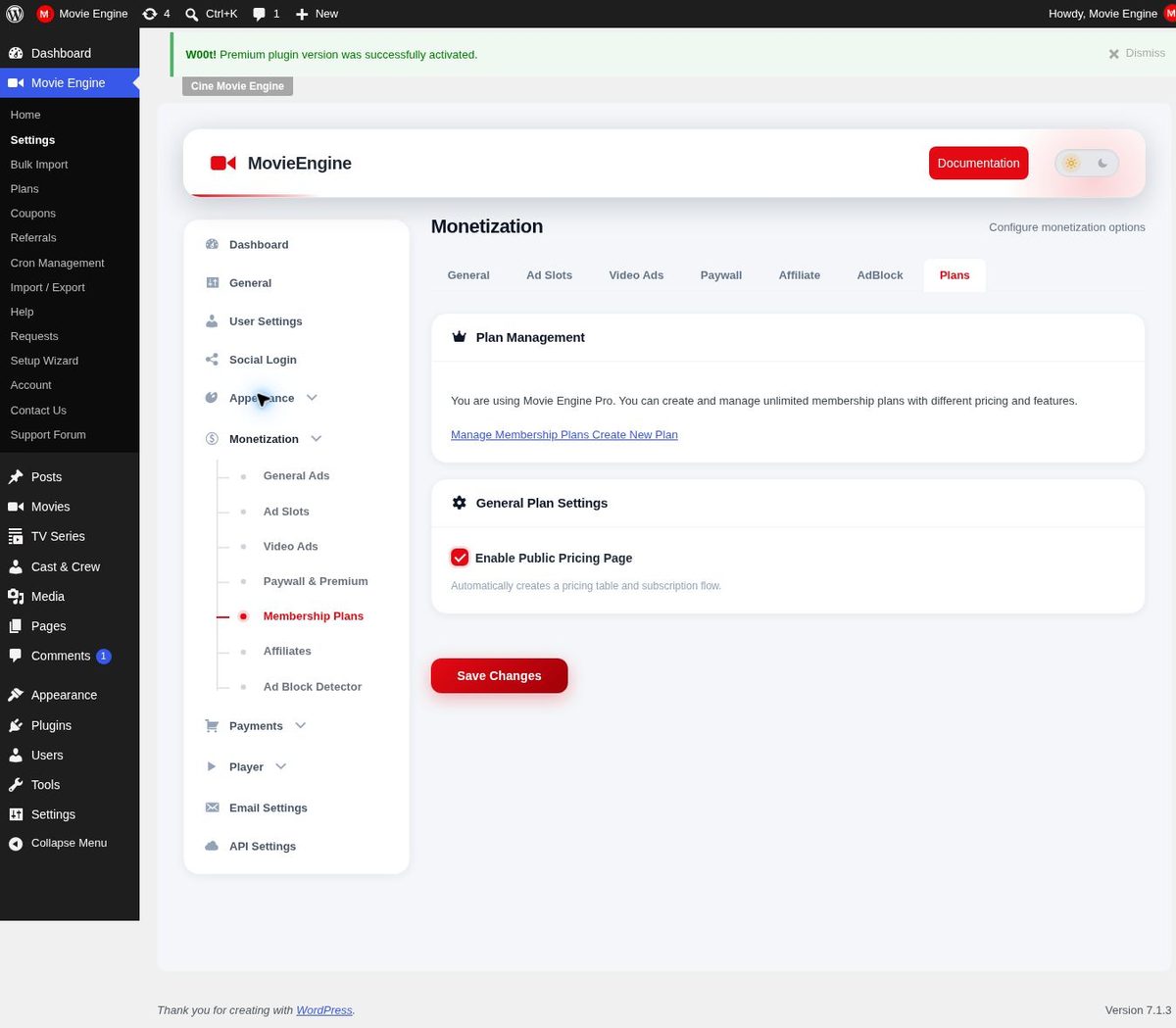
Pro adds separate formats and tools — MPEG-DASH, Shaka Player, and ArtPlayer, plus dynamic watermarking — and those are Pro features, not Free ones. Do not plan delivery around DASH or watermarking unless Pro is part of the build. Paid access, where a site offers it, is also a Pro area, with subscriptions and pay-per-view. Read the documentation and the installation guide before you commit, and try the live demo to see the player, subtitles, and resume in action.

8. Keep delivery simple, then keep it maintained
A delivery setup that only works at launch is not a setup. Cache rules must be revisited when the catalog grows, edge copies rechecked when titles change, and playback retested when players update. Add a second delivery layer only when the first is proven, and paid access only when the catalog and audience justify it. The monetization overview in the documentation explains the available models, and current pricing for the plugin itself is separate from any prices you set for your own viewers.
Keep the rules visible where playback happens: which titles are free, included, or extra should be clear on the title page. A CDN for streaming websites maintained this way — rules written, updates refreshed, places tested — keeps serving viewers steadily as the site grows, without becoming a separate job of its own.
Frequently asked questions
Does a delivery network replace my main server?
No. The origin still holds the original files and the site itself. A CDN for streaming websites only serves copies from nearby locations; without a working origin, there is nothing to copy.
Will a delivery network stop buffering completely?
No. It shortens the journey for files and reduces load on the main server, but buffering can still come from a weak viewer connection, a broken source, or a badly prepared stream. No delivery setup can promise playback will never pause.
Do small sites need a delivery network from day one?
Not necessarily. A small site with viewers in one region and a main server that already serves playback smoothly may gain little at first. Add a CDN for streaming websites when viewers spread across regions, popular titles strain the origin, or traffic rises sharply.
Can a WordPress plugin handle delivery on its own?
For a site build using Movie Engine, Free provides the catalog, title pages, an HLS and MP4 player with a switcher and subtitles, watchlist, Continue Watching, and a dashboard, while Pro adds DASH players, watermarking, and paid access. The plugin is the platform; delivery rules, cache checks, and testing from different places remain the site owner’s work.
Conclusion
A good delivery setup is a sequence: clear origin, nearby edge copies, written cache rules, refreshed updates, fresh personal pages, and playback tested from more than one place.
If your plan involves a CDN for streaming websites on WordPress, start with a working adaptive stream, publish only titles you have rights to, build a browsable catalog, and test playback from different places. Then read the documentation, try the live demo, and check current pricing before you commit.
Related Posts

Comments (0)