
Choosing how to deliver video means facing a confusing shelf of names — MP4, HLS,…
Adaptive Bitrate Streaming Explained
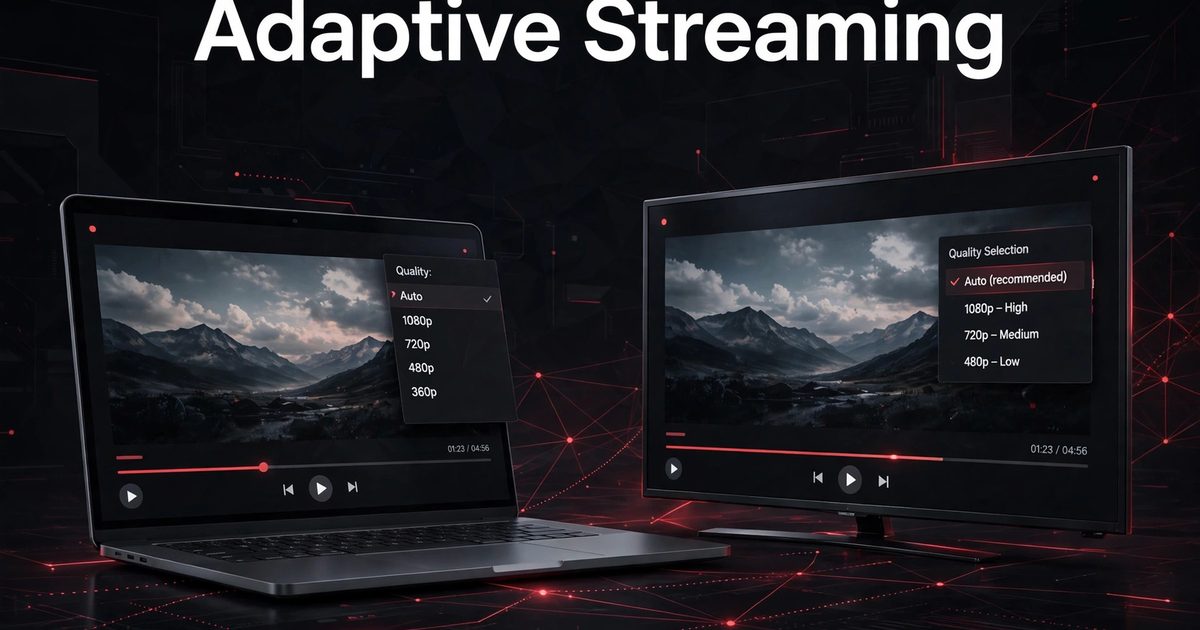
A viewer on a fast home connection and a viewer on a weak mobile signal should both be able to watch the same film, yet one connection can carry more detail than the other. Adaptive bitrate streaming is the method that bridges that gap: instead of serving every viewer the same single file, the site prepares the same video at several quality levels, and the player picks the level that fits the connection at each moment.
This guide explains how a ladder of quality levels is built, how a player measures a connection, why switching feels smooth when it works, and how to test the result on slow and fast connections.
Quick answer
Adaptive bitrate ladder streaming is a method of delivering video in which the same title is prepared at several quality levels, split into short segments, and played by a player that measures how quickly segments arrive and switches levels as conditions change. When the connection is strong, the player moves to a sharper level; when it weakens, it drops to a lighter level before playback stalls.
- Ladder first: prepare the same video at several quality levels.
- Measurement second: let the player judge the connection from segment arrival times.
- Switching third: change levels quietly, without restarting playback.
- Testing fourth: check the result on slow, fast, and changing connections.
That is why adaptive bitrate streaming feels invisible when it works well: the viewer watches, while the player does the adjusting in the background.
1. The bitrate ladder: one video, several levels
An adaptive bitrate streaming ladder is a set of versions of the same video, each prepared at a different level of detail and file size. The lightest version uses the least data and plays on the weakest connections, while the sharpest version uses the most data and suits large screens on strong connections. Every version covers the same film, from the same starting point, so switching between them does not restart the story.
An adaptive bitrate streaming ladder works only when its levels are different and evenly useful. Two levels that are nearly identical give the player nothing to switch between, while a ladder with only a very light and a very heavy level forces the player to jump too far in one step. A small site does better with a few sensible levels that cover weak, ordinary, and strong connections than with a long list nobody maintains.
2. How the player measures the connection
In adaptive bitrate streaming, the player measures the connection by watching how quickly each segment arrives. A segment that downloads fast suggests room for a sharper level; a segment that arrives slowly warns that the current level may soon stall. The player repeats that judgement segment by segment, so its picture of the connection stays current rather than relying on one guess.
That measurement is what makes adaptive bitrate streaming different from simply offering a quality menu. A manual quality choice stays fixed until the viewer changes it, even when the connection changes underneath it. An adaptive player, by contrast, keeps adjusting, which matters most on mobile networks, where signal strength can change during a single scene.
3. Switching up, switching down
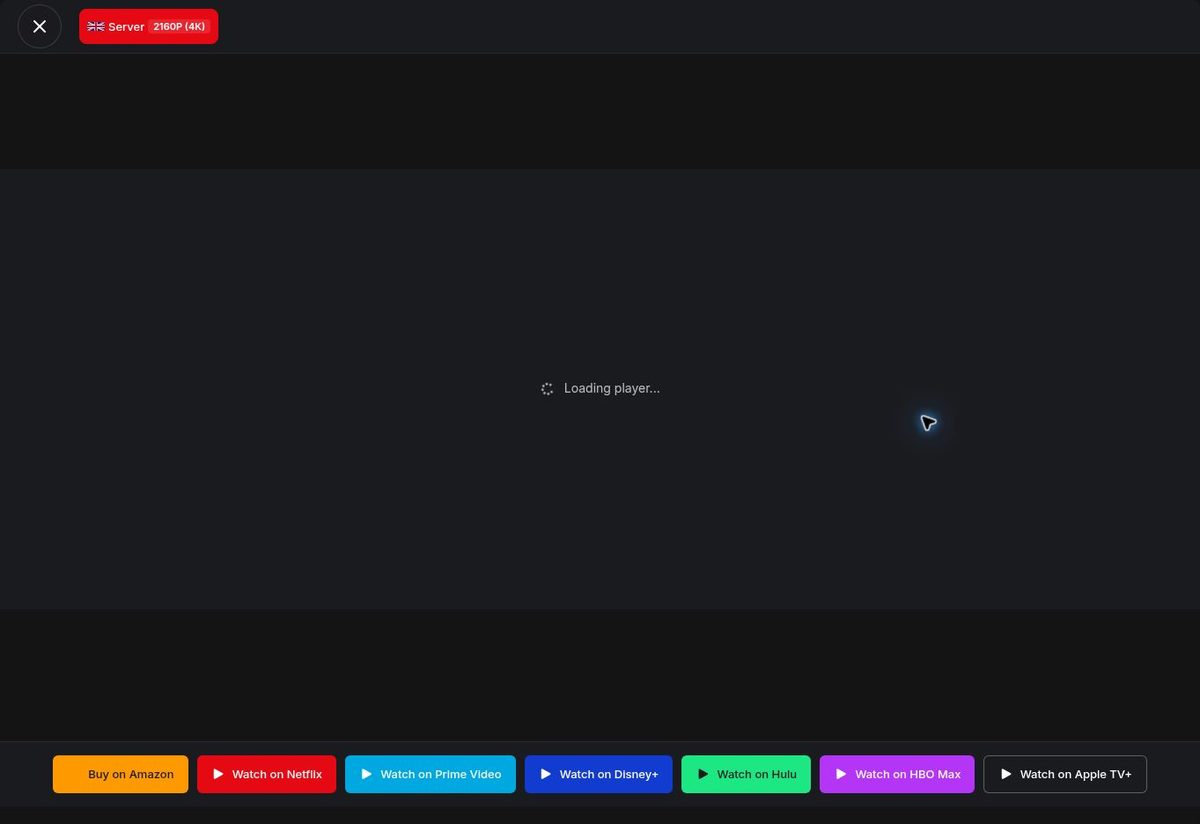
Switching down is the most important behaviour in adaptive bitrate streaming. When segments slow down, the player should drop to a lighter level early, accepting a softer picture for a short while, rather than holding a sharp level until playback freezes. Viewers forgive a brief softening; they abandon a film that keeps stopping.
Switching up in adaptive bitrate streaming is slower by design. After dropping down, a player waits for several segments to arrive quickly before returning to a sharper level, because a single fast segment may be a fluke. That caution prevents the picture from flickering between sharp and soft every few seconds, which is more distracting than staying at a steady middle level for a while.
4. The buffer: the quiet safety net
The buffer is the part of adaptive bitrate streaming viewers never see, and the reason a brief network dip does not always stop playback. As the player downloads segments ahead of the viewer, it holds a small reserve of upcoming video. When the connection hesitates for a second or two, playback draws on that reserve while the player fetches the next segments.
A buffer cannot rescue a connection that stays slow, but it buys the player time to switch down gracefully. Think of the buffer and ladder as partners: the ladder gives the player somewhere lighter to go, and the buffer gives it time to get there.
5. Quality against bandwidth: the trade-off
Every choice in adaptive bitrate streaming is a trade-off between picture detail and the data a connection must carry. A sharper level shows more detail, but each segment is larger and takes longer to arrive. A lighter level arrives quickly and keeps playing, but the picture is softer, especially on a large screen. No single level is right for every viewer, which is why the ladder exists.
That trade-off also explains why adaptive bitrate streaming cannot fix a genuinely broken source. If every level in the ladder is prepared badly, or if the server cannot deliver segments at all, switching only moves the problem between levels. The ladder, the segments, and the server must all be sound; adaptation makes a working setup smoother, but it cannot rescue one that was never prepared properly.
6. What viewers notice
Most viewers never learn the term adaptive bitrate streaming, and they do not need to. What they notice is whether playback starts quickly, whether it keeps playing without freezing, and whether the picture stays steady rather than jumping between sharp and soft. A good adaptive setup passes all three tests, and the viewer remembers the film, not the technology.
Viewers also notice honesty in the controls. Where a quality choice is offered, it should reflect what the setup supports, and subtitles, volume, seeking, and resume should keep working across switches. A switch that breaks subtitles or loses the viewer’s place undoes the benefit of smooth playback.
7. Testing on slow, fast, and changing connections
Testing adaptive bitrate streaming means testing more than one connection. Start on a fast connection and confirm the player reaches a sharp level without a long wait. Then throttle the connection and confirm it drops down before stalling, rather than freezing at the sharp level. Then restore speed and confirm it climbs back up steadily, without flickering.
An adaptive bitrate streaming setup passes when the same checks hold on a phone and on a larger screen, and when seeking and resuming still land on the right scene after a switch. Test with real titles, not only a short sample: a ladder that works for a two-minute clip may fail halfway through a long film.

8. Adaptive playback checklist
The table below turns adaptive bitrate streaming into a checklist, using points already explained here. Use it for launch and later reviews, skipping a row only where it does not apply.
| Part | Done when |
|---|---|
| Ladder sensible | The same video exists at a few distinct, useful quality levels |
| Measurement live | The player judges the connection from segment arrival times |
| Switching down early | Playback drops to a lighter level before it stalls |
| Switching up steady | The player climbs back up only after several fast segments |
| Buffer present | A small reserve of upcoming video covers brief dips |
| Controls intact | Subtitles, seeking, and resume survive every switch |
| Sources verified | Every listed server can deliver the segments it promises |
| Rights current | Only titles the site has rights to are offered for playback |
9. Adaptive playback on a WordPress site with MovieEngine
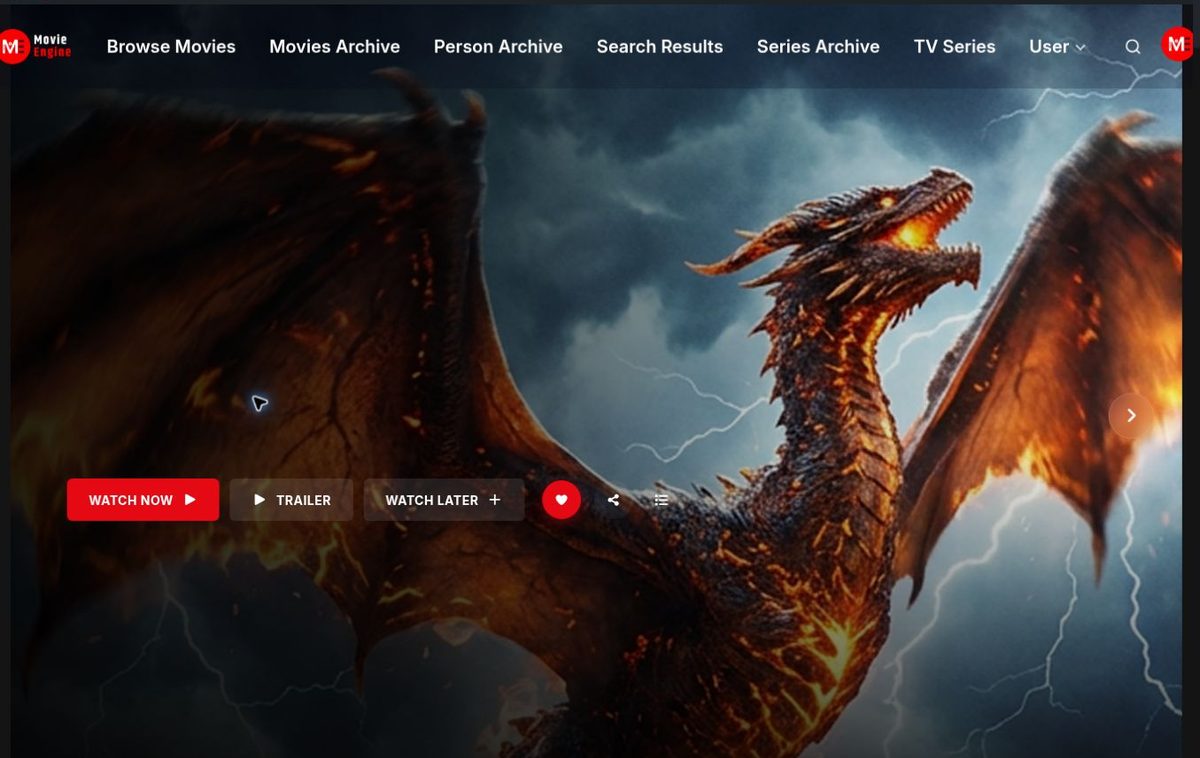
For a WordPress movie site, adaptive bitrate streaming is one choice inside a larger build: catalog, title pages, search, watchlist, and playback must work together. Movie Engine (Free 1.0.8 and Pro 1.0.8, by ThemePul) provides a native HLS and MP4 player in Free, with a multi-server switcher, WebVTT subtitles, resume playback, and a quality selector where supported.
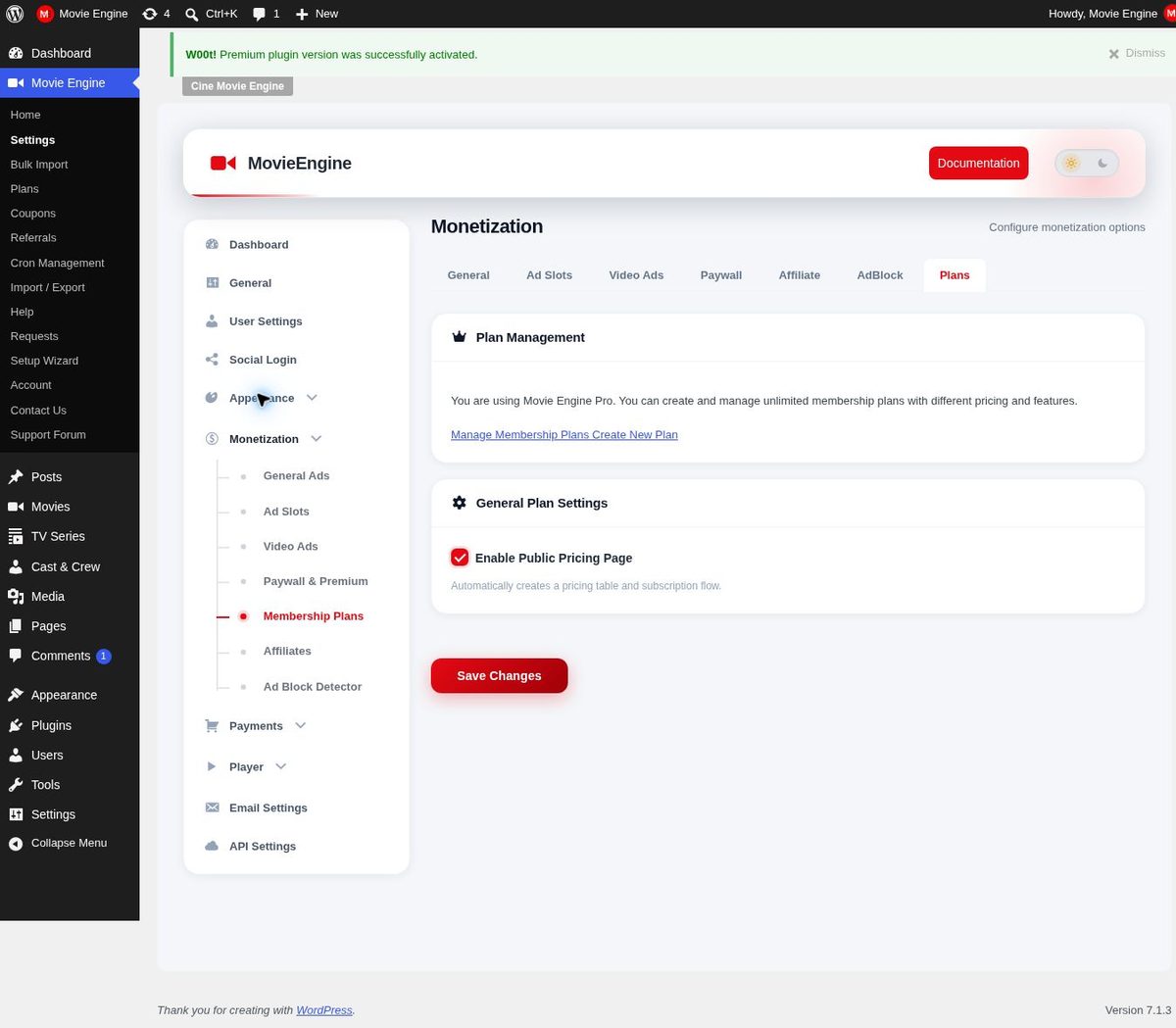
Pro adds separate formats and tools — MPEG-DASH, Shaka Player, and ArtPlayer, plus dynamic watermarking — and those are Pro features, not Free ones. Do not plan a site around DASH playback or watermarking unless Pro is part of the build. Paid access, where a site offers it, is also a Pro area, with subscriptions and pay-per-view. The monetization overview in the documentation explains the available models, and current pricing for the plugin itself is separate from any prices you set for your own viewers. Read the documentation and the installation guide before you commit, and try the live demo to see the player, subtitles, and resume in action.
Frequently asked questions
Why does the picture sometimes get softer during playback?
The picture softens because the player has dropped to a lighter level to keep playback going on a weaker connection. That change is normal behaviour for an adaptive player, not a fault, provided playback continues and the picture steadies rather than flickering.
Should viewers pick a quality level themselves?
Not necessarily. A manual choice stays fixed even when the connection changes, while an adaptive player keeps adjusting. A manual option is useful for viewers who want control, but the default should be adaptive, so playback survives a changing connection without the viewer intervening.
How many quality levels does a small site need?
A small site needs only a few sensible levels that cover weak, ordinary, and strong connections. More levels help only if each one is genuinely distinct and maintained; a long ladder with unprepared or nearly identical levels gives the player nothing useful to switch between.
Can a WordPress plugin handle adaptive playback?
For a site build using Movie Engine, Free provides the catalog, title pages, an HLS and MP4 player with a multi-server switcher and subtitles, watchlist, Continue Watching, and a user dashboard, while Pro adds DASH players, watermarking, and paid access. The plugin is the platform; preparing the ladder, checking sources, and testing on real connections are still the site owner’s work.
Conclusion
A good adaptive setup is a sequence, not a single setting: a sensible ladder, a player that measures honestly, switching that drops early and climbs steadily, a buffer that covers brief dips, controls that survive every switch, and sources that are verified. Follow that order, test as a viewer, and playback stops being a gamble.
If your plan involves adaptive bitrate streaming on WordPress, start with a few well-prepared levels, publish only titles you have rights to, build a browsable catalog, and test playback on slow, fast, and changing connections alike. Then read the documentation, try the live demo, and check current pricing before you commit.
Related Posts



Comments (0)